
Integrating with Wealthbox lets you import your contacts into MyRepChat, and lets MyRepChat log SMS messages as notes on your customers' profiles in Wealthbox.
See How Do I Import Contacts From My CRM? for general CRM integration features and behavior that apply across providers.
How Do I Set Up the Integration?
- From the Dashboard, go to Settings > Integrations > Connect to CRM.
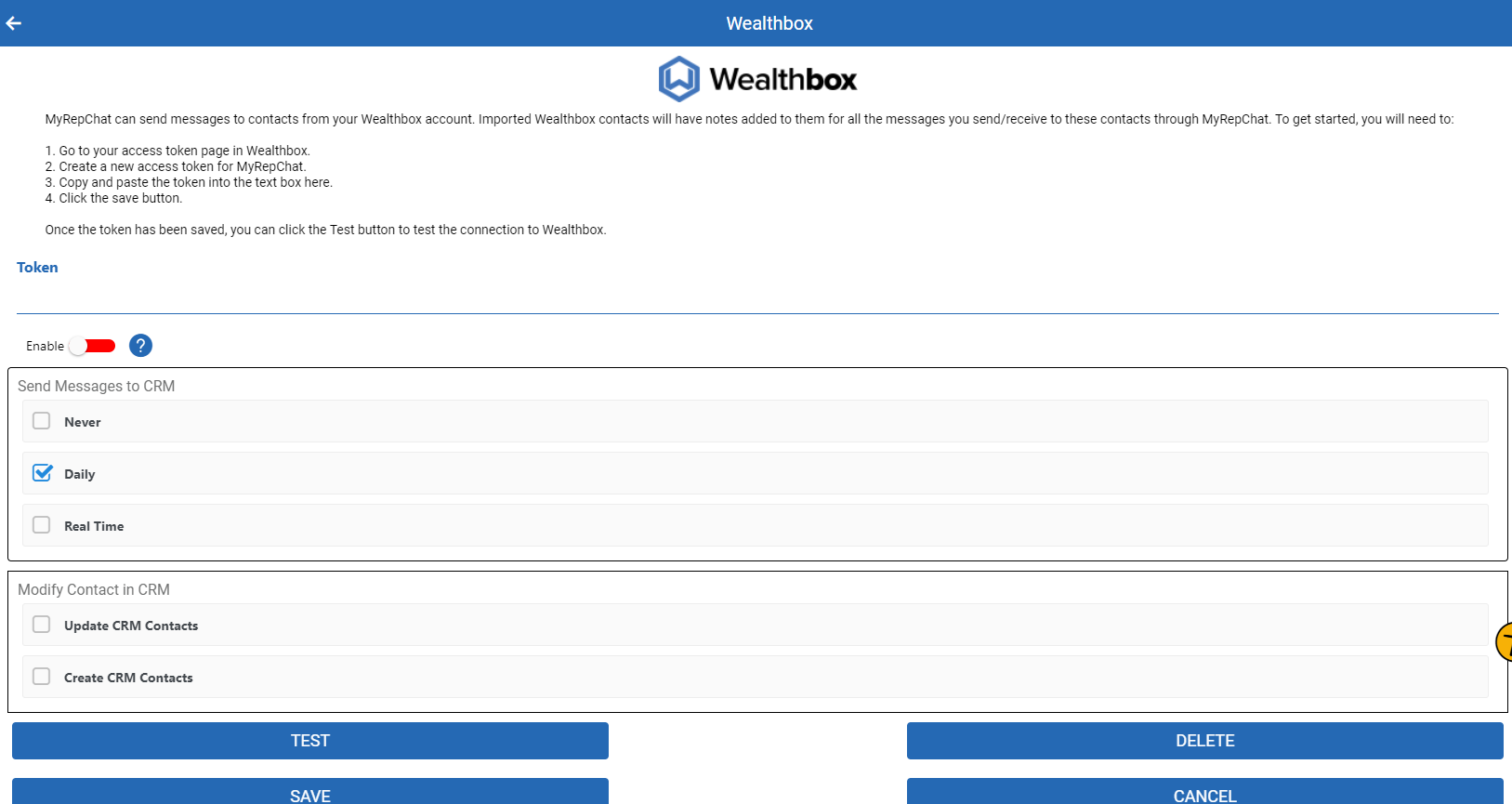
- Scroll down and click the Wealthbox logo — a secondary section with setup instructions will appear.
What Do I Do If the Integration Isn't Working?
The setup process above automatically generates your integration token. If the integration isn't working, check your Wealthbox token in your user profile settings:
- Click your User Profile in the top right corner.
- Go to Settings > API Access.
What Is Wealthbox's Search Behavior?
Each CRM has different search behavior and limitations. For Wealthbox specifically:
- Phone searches check all phone fields and ignore punctuation.
- Phone searches use a "contains" match, so searching just the last 4 digits will still find a match.
- Name searches check either the first or last name field.
- Don't search using both a first and last name together (e.g., "Tom Jones"). Since neither field contains the full name, this returns no results — search one name at a time instead.
- Group search uses Wealthbox's Tag feature and requires an exact, case-sensitive match on the tag name. A group is only created in MyRepChat if it has at least one member.