
Integrating with Salesforce lets you import your contacts into MyRepChat, and lets MyRepChat add notes to your contacts' profiles in Salesforce.
See How Do I Import Contacts From My CRM? for general CRM integration features and behavior that apply across providers.
How Do I Set Up the Integration?
- From the Dashboard, go to Settings > Integrations > Connect to CRM.
- Scroll down and click the Salesforce box. A secondary section will appear.
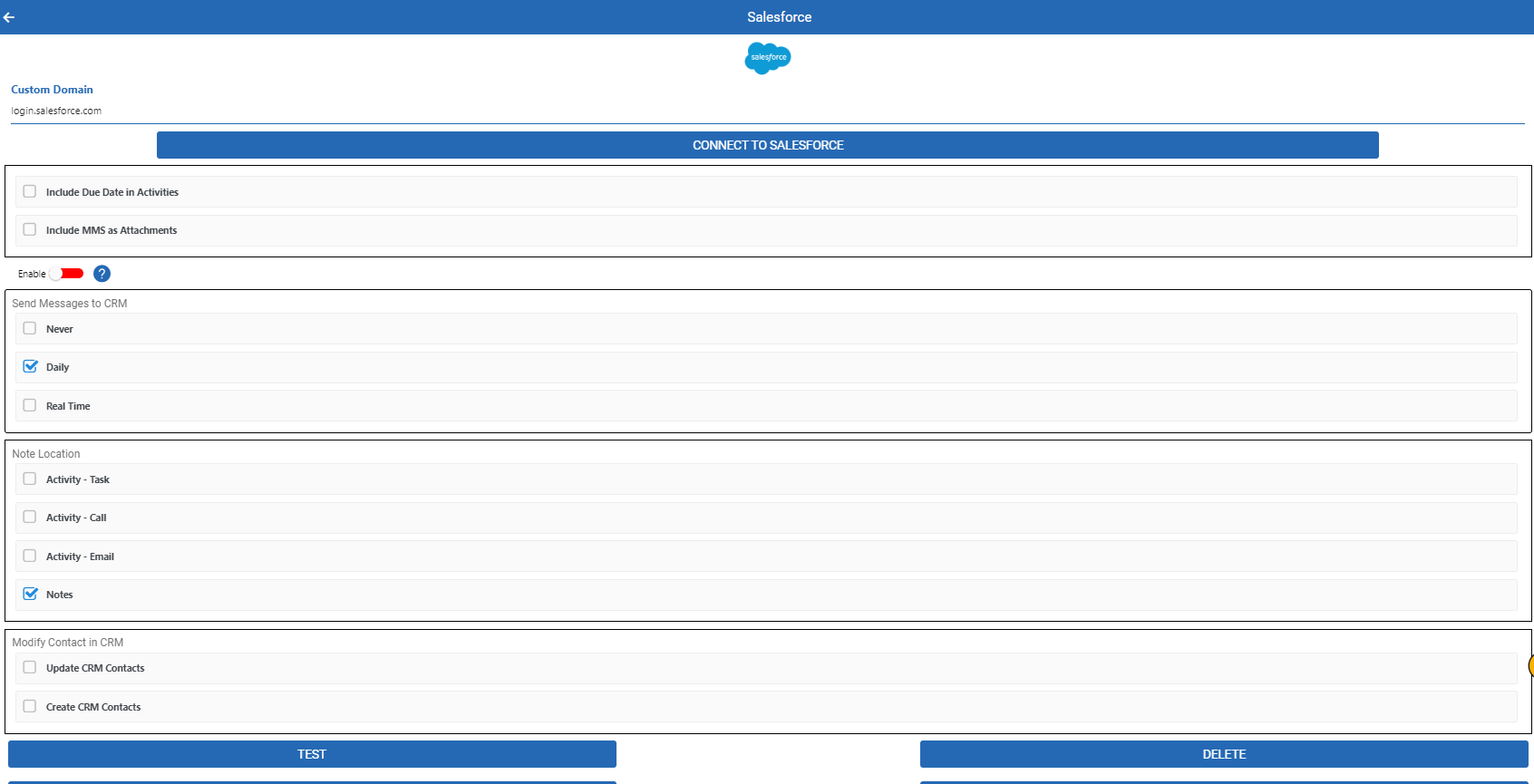
- Click Connect — you'll be redirected to the Salesforce login page.
- Log in and accept MyRepChat's access to your Salesforce data. We request "offline" access so we can send notes to Salesforce. You'll be redirected back to MyRepChat.
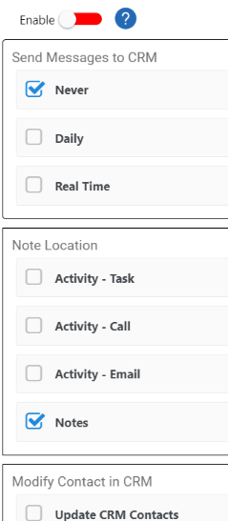
- To save texts as contact notes in Salesforce, select the appropriate checkbox under Send messages to CRM.
- Click Save.
Don't know your security token? Go to your Salesforce Settings and select Reset My Security Token to generate a new one.
What If I Log In to Salesforce Through a Portal (SAML)?
If you use a portal login (SAML) instead of a username and password, contact your Group Administrator — they'll need to configure a custom Host pointing to your portal's login.
What Is Salesforce's Search Behavior?
Each CRM has different search behavior and limitations. For Salesforce specifically:
- Phone searches check the Mobile Phone, Phone, Assistant Phone, Home Phone, Fax, and Other Phone fields.
- Phone searches use a "contains" match, so searching just the last 4 digits of a number will still find it.
- Since Salesforce stores phone numbers exactly as entered (with no normalized search option), MyRepChat tries several formats automatically:
- For a full 10-digit search:
xxxyyyzzzz(no punctuation — the preferred format, matching how Salesforce displays it),xxx-yyy-zzzz, or(xxx)yyy-zzzz. - For a partial search:
xxxyyyy,xxx-yyyy, orxxx.yyyy. - Whatever format you type is also tried as-is — so if a number was saved in an unusual format, searching using that exact format will still find it.
- For a full 10-digit search:
- Name searches with no space check whether your entry appears anywhere in the first or last name fields.
- Name searches with a space check the first name before the space and the last name after it.
- Search covers both Contacts and Leads (if Leads are enabled).
- MyRepChat's group search checks Salesforce Campaigns rather than Chatter Groups, since MyRepChat groups function more like distribution lists than group chats — and campaigns are the closer match conceptually, even though Salesforce offers several other grouping options.