
Integrating with Salentica lets you import your contacts into MyRepChat, and lets MyRepChat add notes to your contacts' profiles in Salentica.
See How Do I Import Contacts From My CRM? for general CRM integration features and behavior that apply across providers.
How Do I Set Up the Integration?
- From the Dashboard, go to Settings > Integrations > Connect to CRM.
- Scroll down and click the Salentica box. A secondary section will appear.
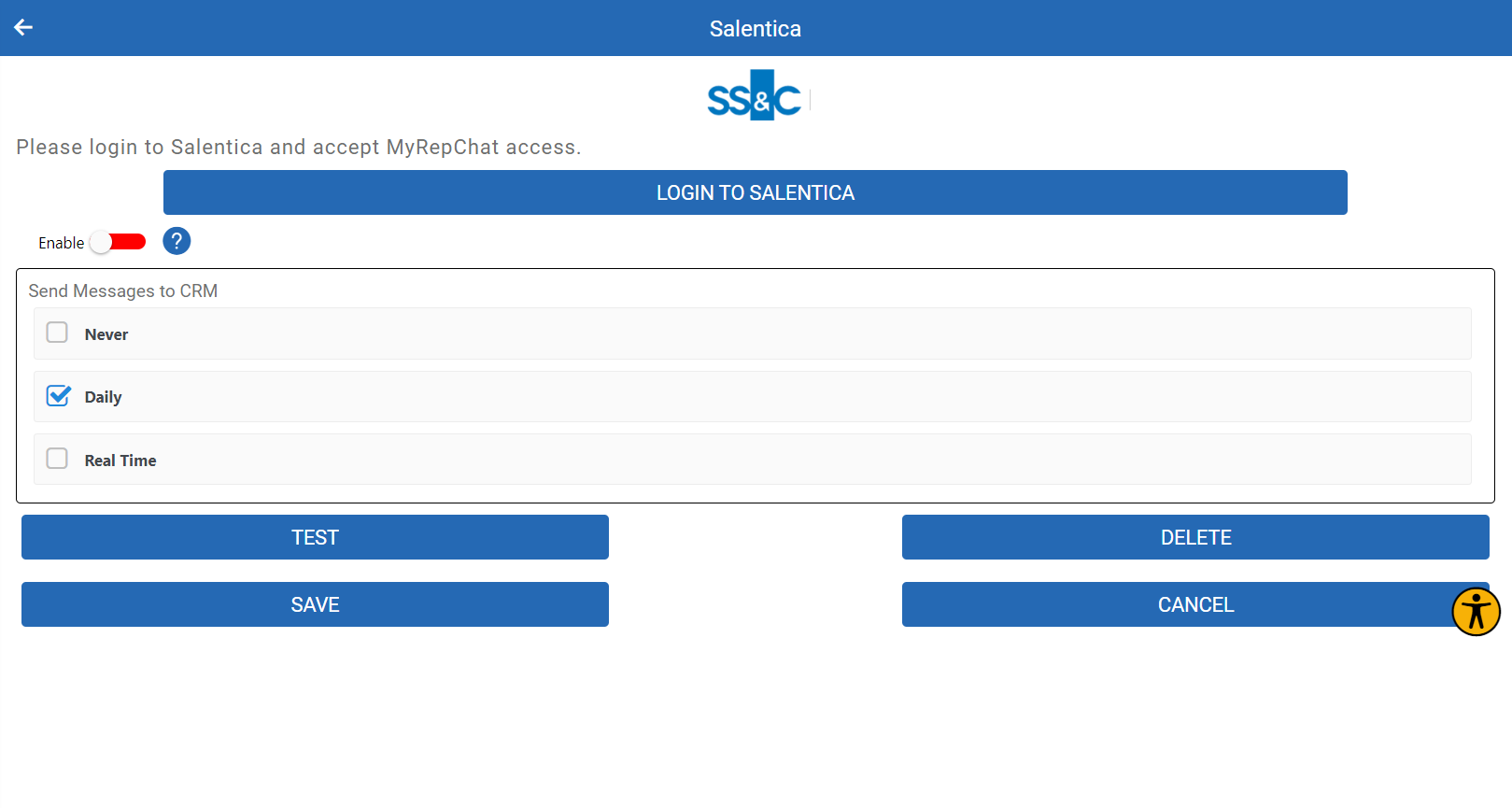
- Click Login to Salentica — you'll be redirected to the Salentica login page.
- Log in and accept MyRepChat's access to your Salentica data. You'll be redirected back to MyRepChat.
- Select the appropriate checkbox under Send messages to CRM.
- Click Save.
What Is Salentica's Search Behavior?
Each CRM has different search behavior. For Salentica specifically:
- Phone searches check the contact's Mobile Phone field.
- Phone searches use a "contains" match, so searching just the last 4 digits of a number will still find it.
- Any punctuation entered in a search is ignored.
- Name searches with no space check whether your entry appears anywhere in the first or last name fields.
- Name searches with a space check the first name before the space and the last name after it.