
Integrating with Practifi lets you import your contacts into MyRepChat, and lets MyRepChat add notes to your contacts' profiles in Practifi.
See How Do I Import Contacts From My CRM? for general CRM integration features and behavior that apply across providers.
How Do I Set Up the Integration?
- From the Dashboard, go to Settings > Integrations > Connect to CRM.
- Scroll down and click the Practifi box. A secondary section will appear.
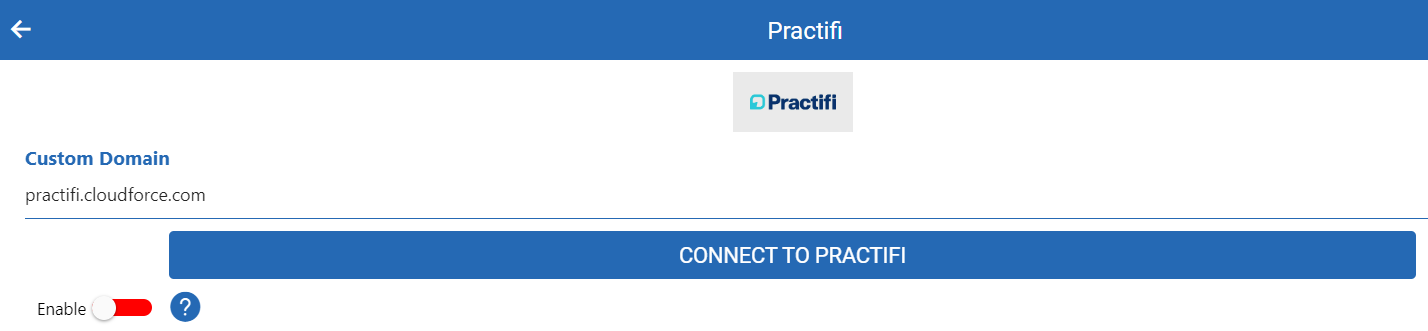
- Make sure the Enable toggle is set to green.
- Click Connect to Practifi — you'll be redirected to the Practifi login page.
- Log in and accept MyRepChat's access to your Practifi data. We request "offline" access so we can send notes to Practifi. You'll be redirected back to MyRepChat.
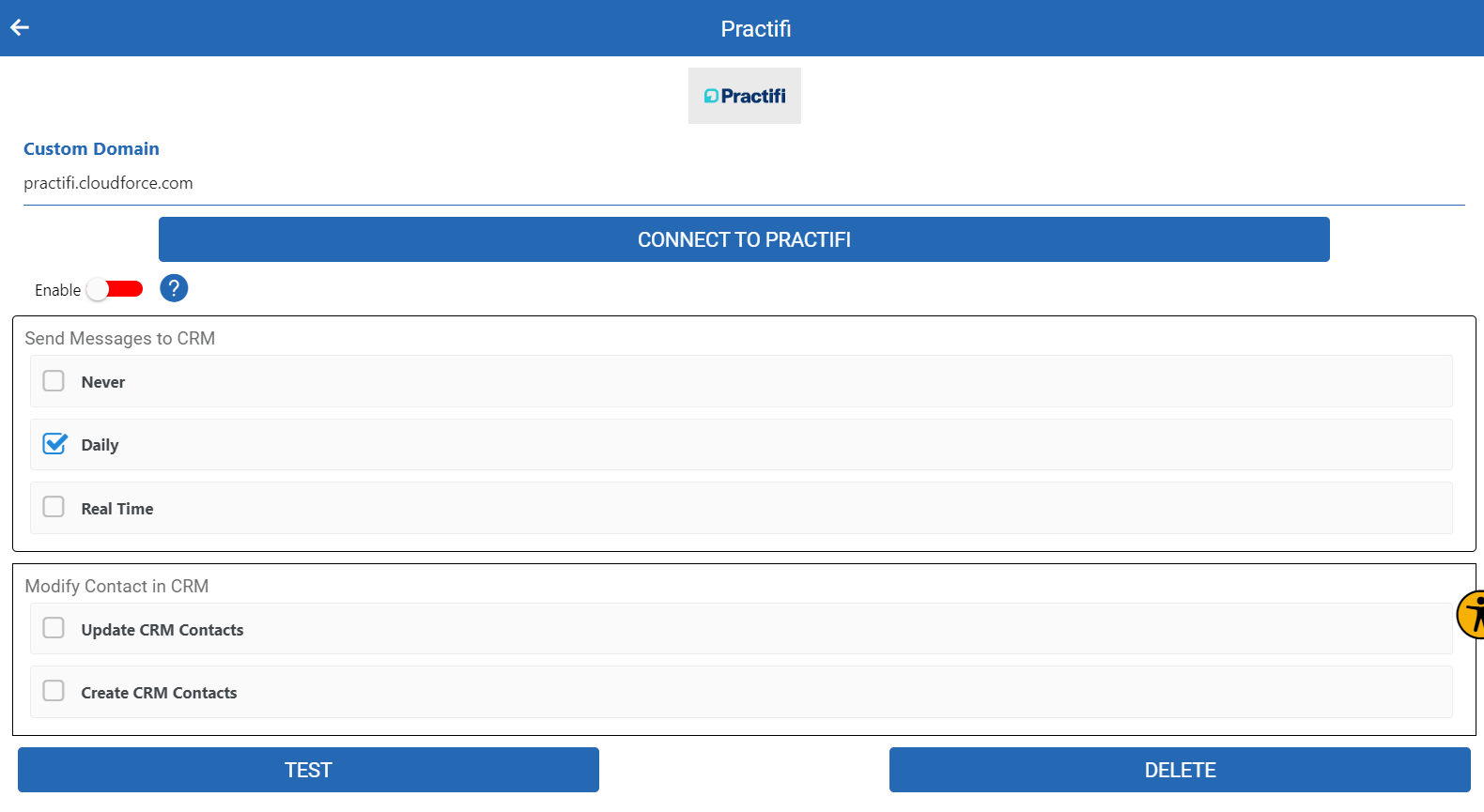
- Select the appropriate checkbox under Send messages to CRM.
- Click Save.
How Are Messages Logged in Practifi?
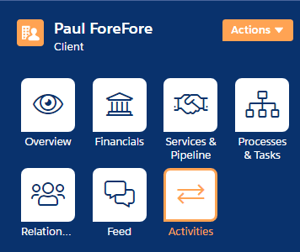
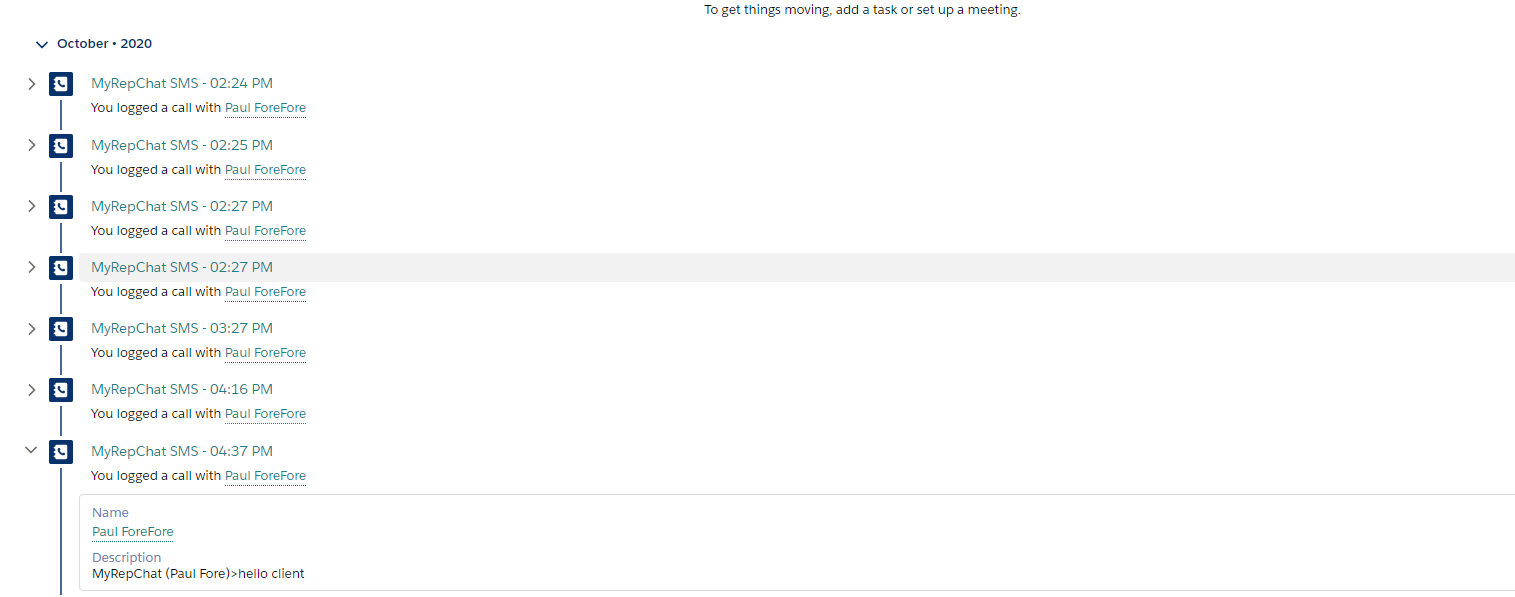
Messages are logged under the contact record's Activities and saved as Calls.

What Is Practifi's Search Behavior?
Each CRM has different search behavior and limitations. For Practifi specifically:
- Phone searches check the Mobile, Home Phone, and Other Phone fields.
- Phone searches use a "contains" match, so searching just the last 4 digits will still find a match.
- Since Practifi stores phone numbers exactly as entered, MyRepChat tries several formats automatically:
- For a full 10-digit search:
xxxyyyzzzz(no punctuation — the preferred format, matching how Practifi displays it),xxx-yyy-zzzz, or(xxx)yyy-zzzz. - For a partial search:
xxxyyyy,xxx-yyyy, orxxx.yyyy. - Whatever format you type is also tried as-is — so if a number was saved in an unusual format, searching using that exact format will still find it.
- For a full 10-digit search:
- Name searches with no space check whether your entry appears anywhere in the first or last name fields.
- Name searches with a space check the first name before the space and the last name after it.
- MyRepChat searches only Contact and Account records — Households and Organizations can't be imported.