
Integrating with Office 365 lets you import your contacts into MyRepChat.
See How Do I Import Contacts From My CRM? for general CRM integration features and behavior that apply across providers.
How Do I Set Up the Integration?
- From the Dashboard, go to Settings > Integrations > Connect to CRM.
- Scroll down and click Office 365.
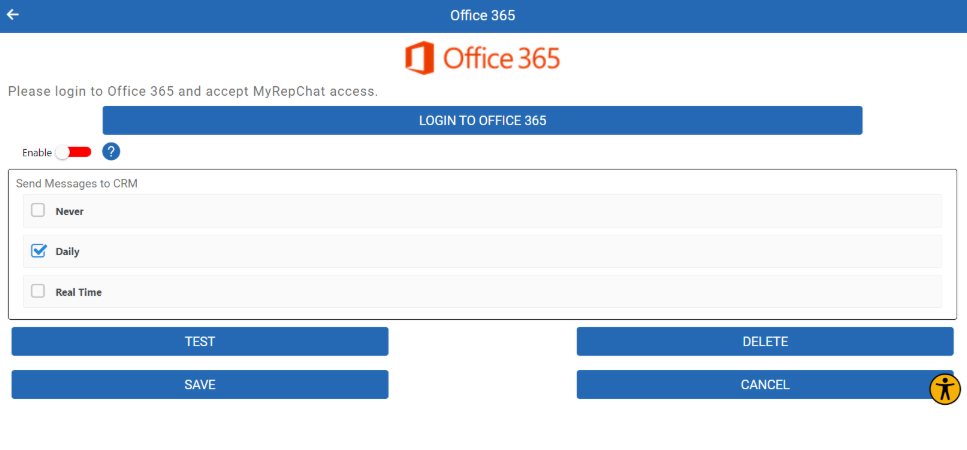
- Click Login — you'll be redirected to the Office 365 login page.
- Log in and allow access to your MyRepChat account. You'll be redirected back to MyRepChat.
- Once integrated, go to Contacts to search for and import your contacts.
What Is Office 365's Search Behavior?
Each CRM has different search behavior and limitations. For Office 365 specifically:
- Office 365 doesn't support searching by phone number, other than Mobile Number.
- Name searches check either the first or last name field.
- Don't search using both a first and last name together (e.g., "Tom Jones"). Since neither field contains the full name, this returns no results — search one name at a time instead.
- Group search isn't currently supported. Let us know if this is something you'd like added.