
Integrating with Microsoft Dynamics helps ensure MyRepChat always has accurate client information, and stores your conversations directly in each contact's CRM record. Integration settings let you control exactly how data transfers between MyRepChat and Dynamics.
See How Do I Import Contacts From My CRM? for general CRM integration features and behavior that apply across providers.
How Do I Set Up the Integration?
- From the Dashboard, go to Settings > Integrations > Connect to CRM.
- Scroll down and click the Microsoft Dynamics logo.
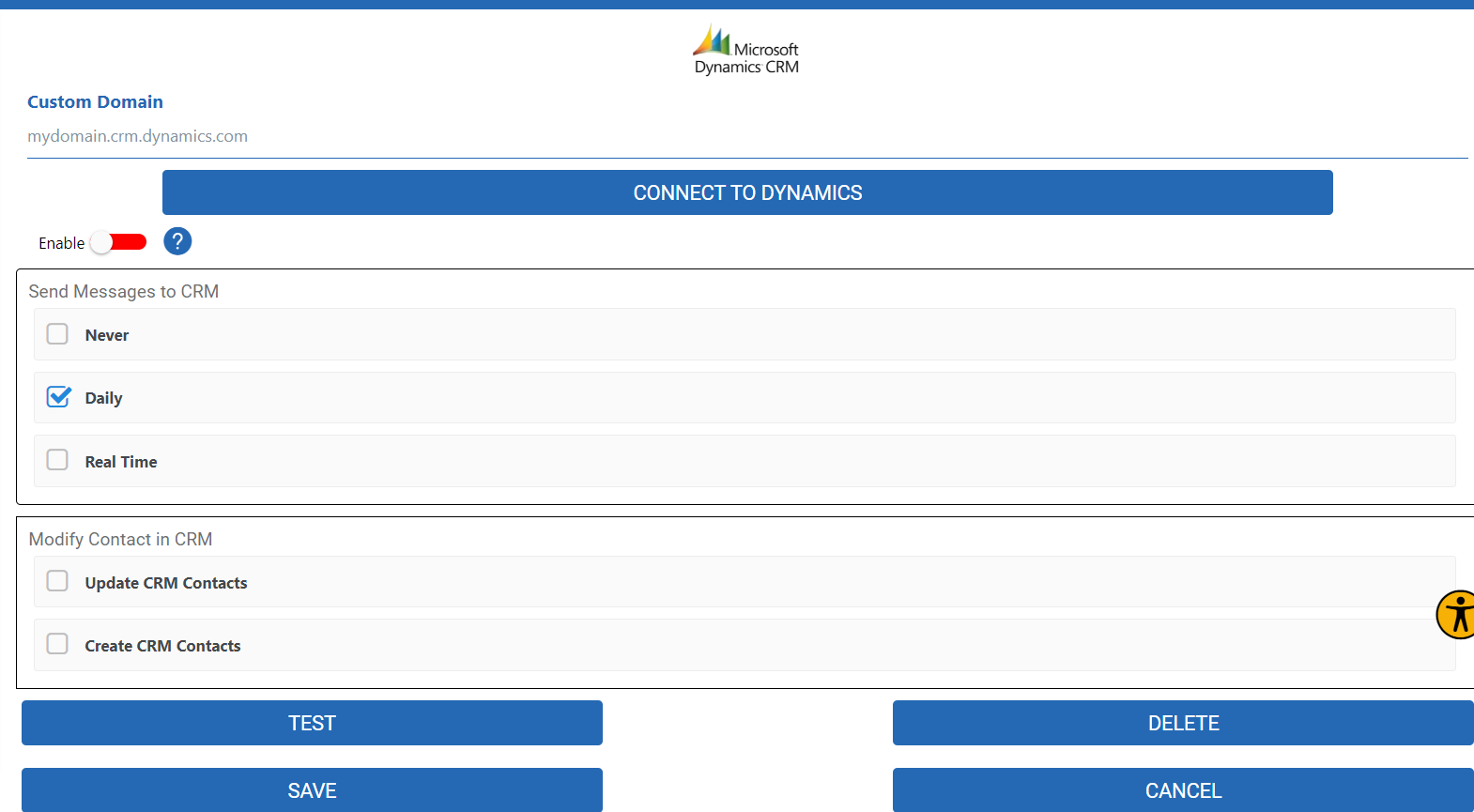
- Enter your Dynamics domain name, then click Connect to Dynamics. You'll be redirected to the Dynamics login page.
- Log in and allow access to your account. You'll be redirected back to MyRepChat.
- Move the Enable toggle to green.
- Under Send messages to CRM, select the appropriate checkbox.
- Click Save.
What Is Dynamics' Search Behavior?
Each CRM has different search behavior and limitations. For Dynamics specifically:
- Name searches with no space check either the first or last name field. For example, searching "Jo" would return both "Joe Smith" and "Tom Jones."
- Name searches with a space check the first name before the space and the last name after it. For example, searching "To Jo" would return "Tom Jones."
- Phone number searches check all phone fields using a "contains" match, so you can search using just the last 4 digits — no dashes required.
- Group search isn't currently supported. Let us know if this is something you'd like added.