
Integrating with HubSpot lets you import your contacts into MyRepChat, and lets MyRepChat log SMS/text messages as notes on your customers' HubSpot profiles.
See How Do I Import Contacts From My CRM? for general CRM integration features and behavior that apply across providers.
How Do I Set Up the Integration?
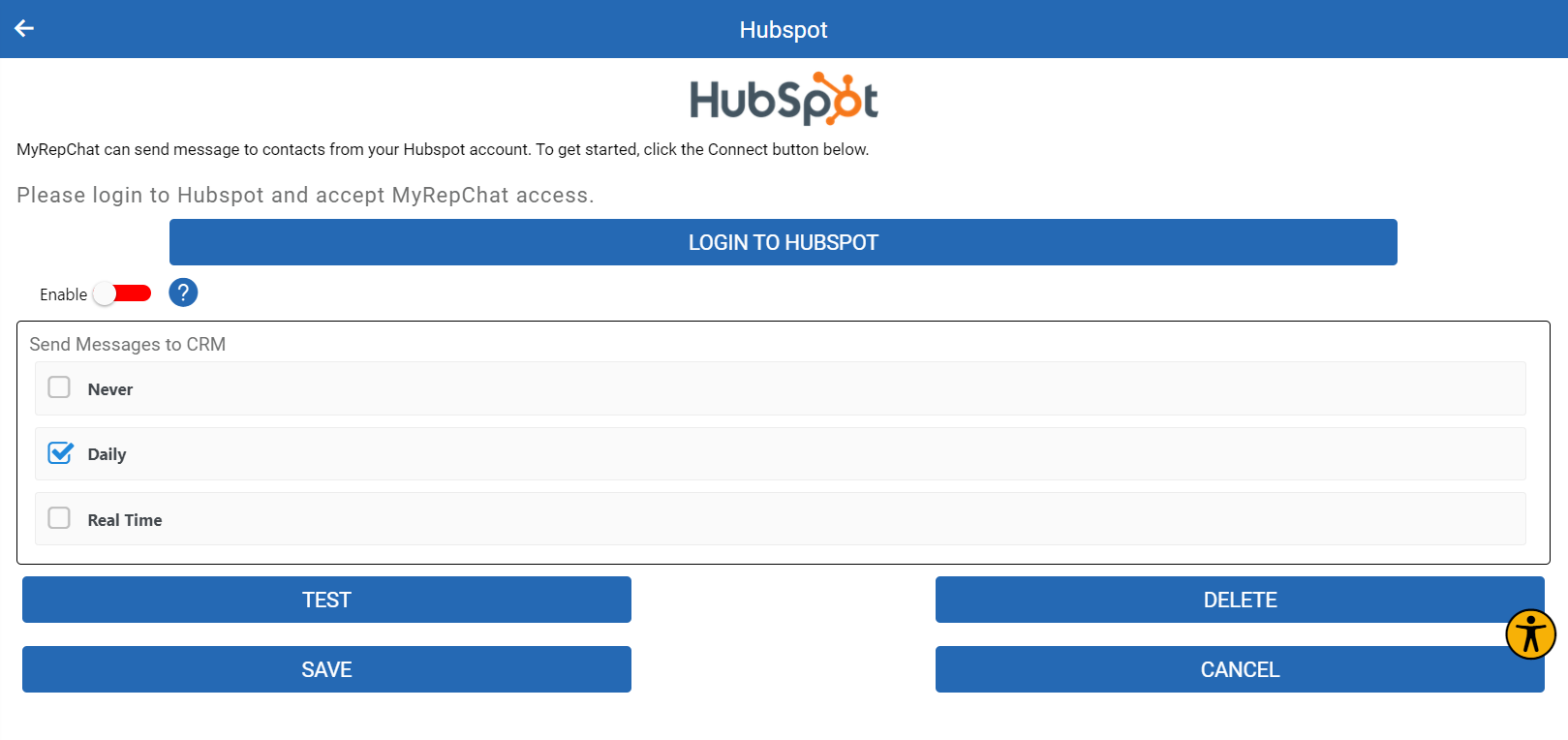
- From the Dashboard, go to Settings > Integrations > Connect to CRM.
- Scroll down and click the HubSpot box.
- You'll be redirected to HubSpot and prompted to log in. Accept the integration with MyRepChat, and you'll be redirected back.
- Click Test to confirm the integration was successful. You can now search and import contacts, and add notes.
What Is HubSpot's Search Behavior?
Each CRM has different search behavior and limitations. For HubSpot specifically:
- HubSpot uses a "Google-style" search that checks multiple fields in one request — first name, last name, email, phone number, and company name.
- Search by group isn't currently supported. Let us know if this is something you'd like added.