
Integrating with Capsule lets you import your contacts into MyRepChat.
See How Do I Import Contacts From My CRM? for general CRM integration features and behavior that apply across providers.
How Do I Set Up the Integration?
- From the Dashboard, go to Settings > Integrations > Connect to CRM.
- Scroll down and click the Capsule box.
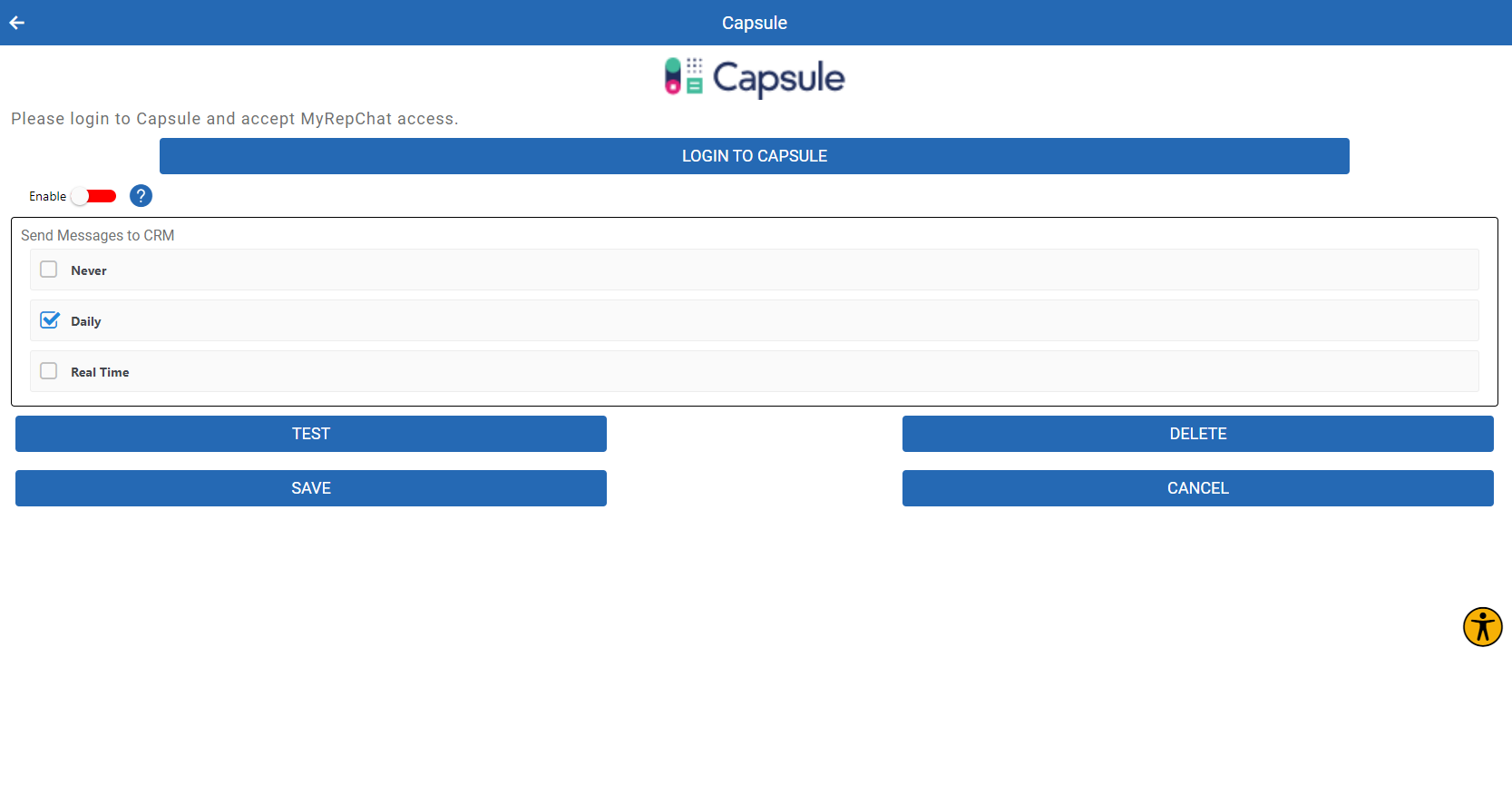
- You'll be redirected to Capsule and asked to log in, allowing MyRepChat to access your contacts.
- Once logged in, you'll return to MyRepChat with a dialog box listing your importable contacts. Select the ones you'd like to bring into MyRepChat.
What Is Capsule's Search Behavior?
Each CRM has different search behavior and limitations. For Capsule specifically:
- Capsule uses a "Google-style" search that checks multiple fields in one request. Capsule doesn't publicly document every field it searches, but based on testing, it checks at least first name, last name, email, and phone number — all using "contains" matches, so partial names and phone numbers will still return results.