A few tips to help keep your account logged in during the day:
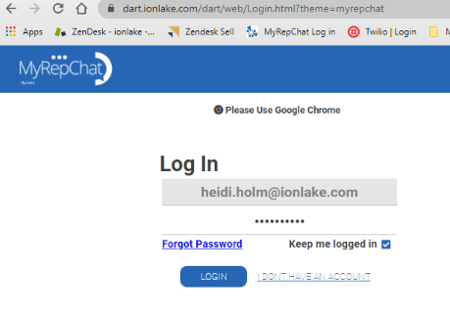
- In Chrome, check the box for Keep me logged in when logging into MyRepChat.
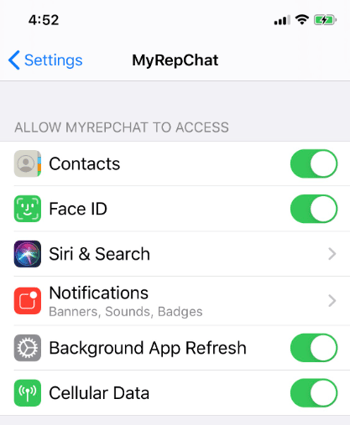
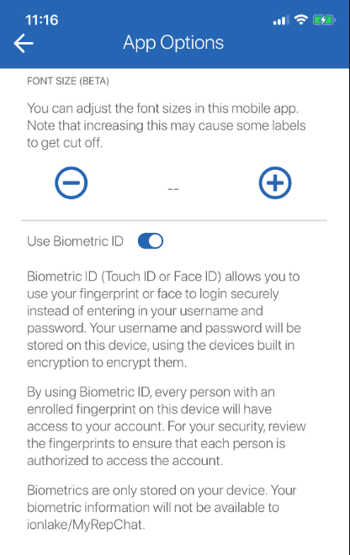
- Turn on biometric login. You can find this in the MyRepChat mobile app under Settings > App Options, or in your phone's own Settings app — find MyRepChat in your app list and confirm Face ID or Fingerprint is toggled on.