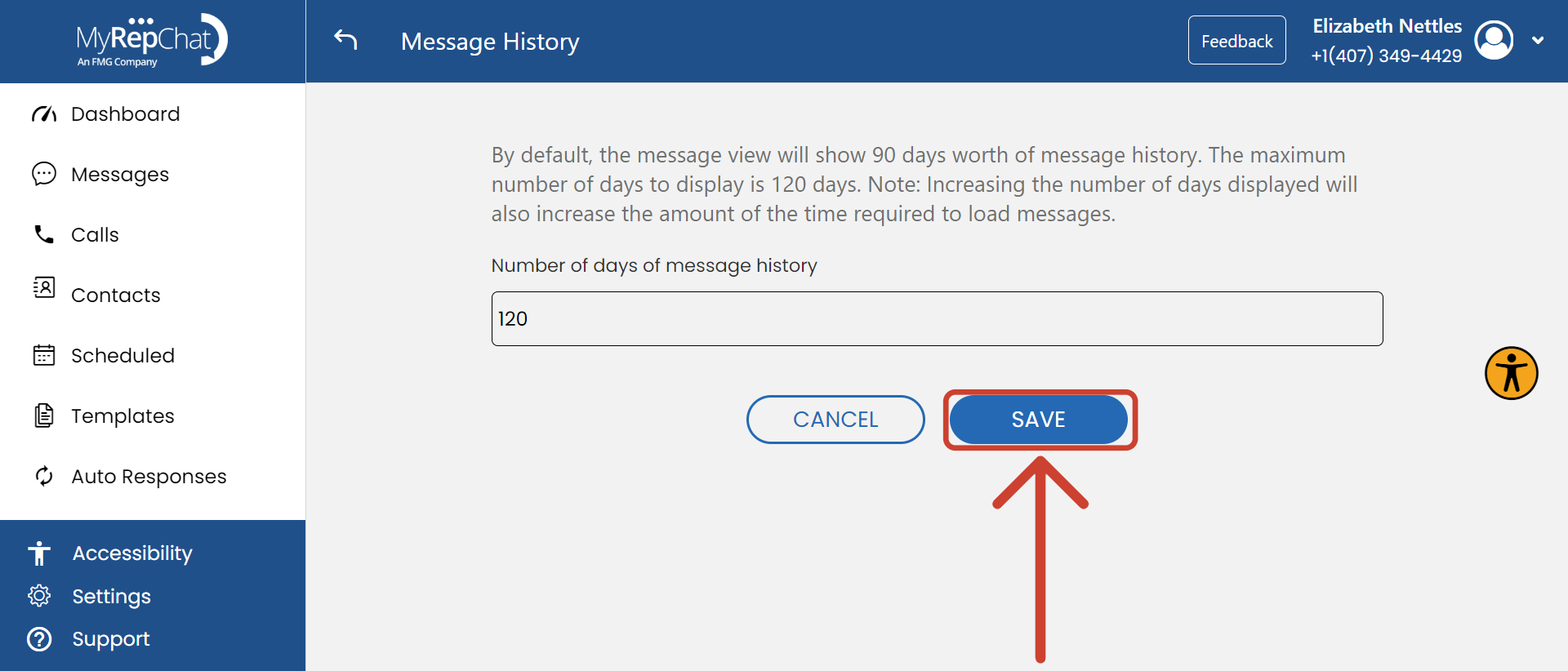
What Is Message History?
Message history refers to how long your messages are kept in MyRepChat before being permanently deleted.
Note:
- Some broker-dealers or groups configure this setting at the group level, which may prevent you from changing it yourself.
- The default retention period is 90 days. The maximum allowed is 120 days.
How Do I Change My Message History Duration?
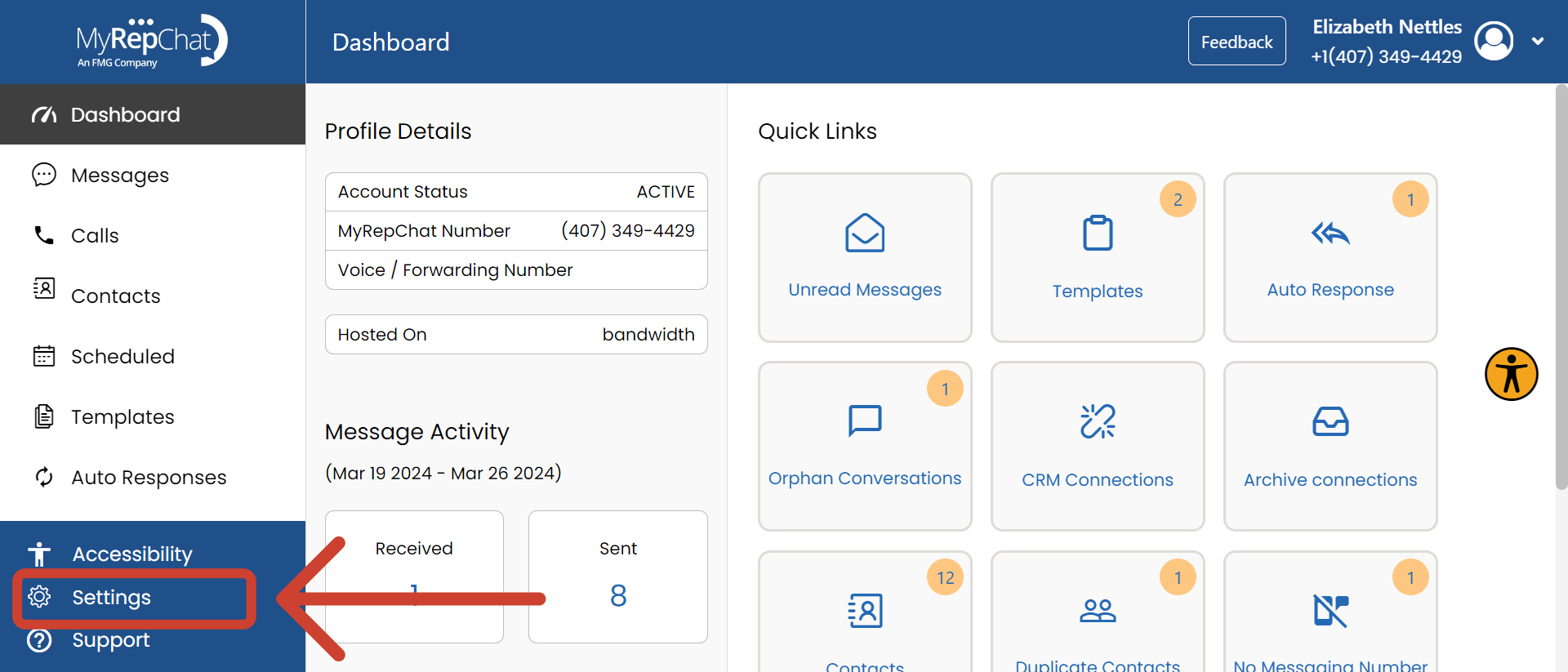
- In the menu on the left side of your Dashboard, click Settings.
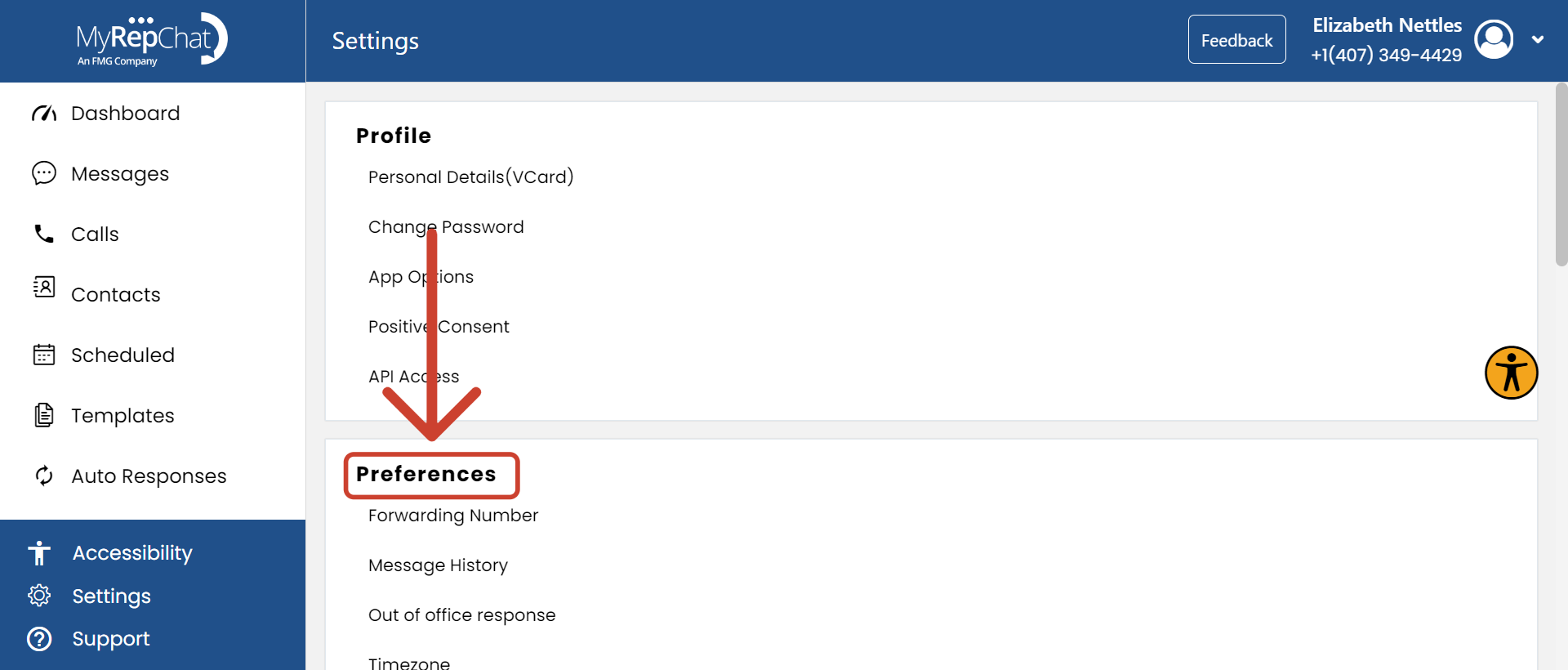
- Find the Preferences section.
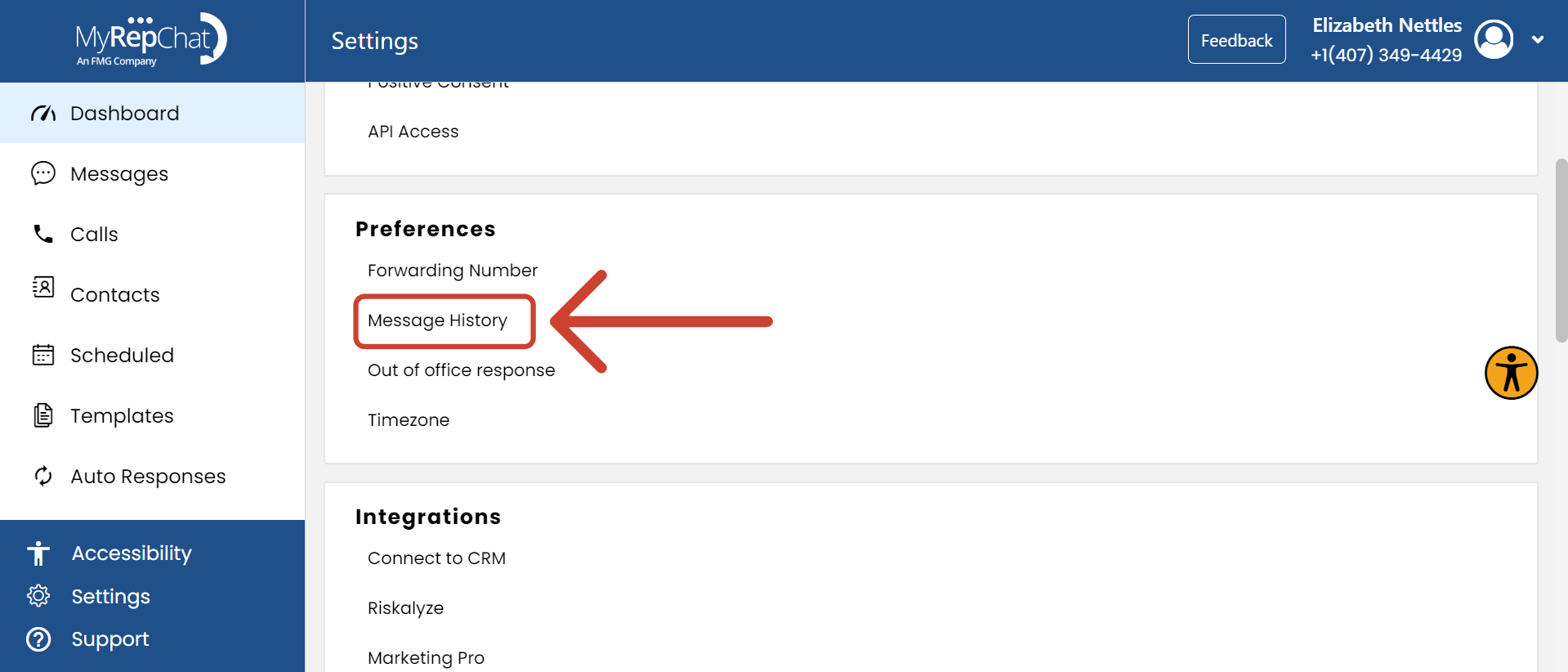
- Click Message History.
- Enter your desired number of days.
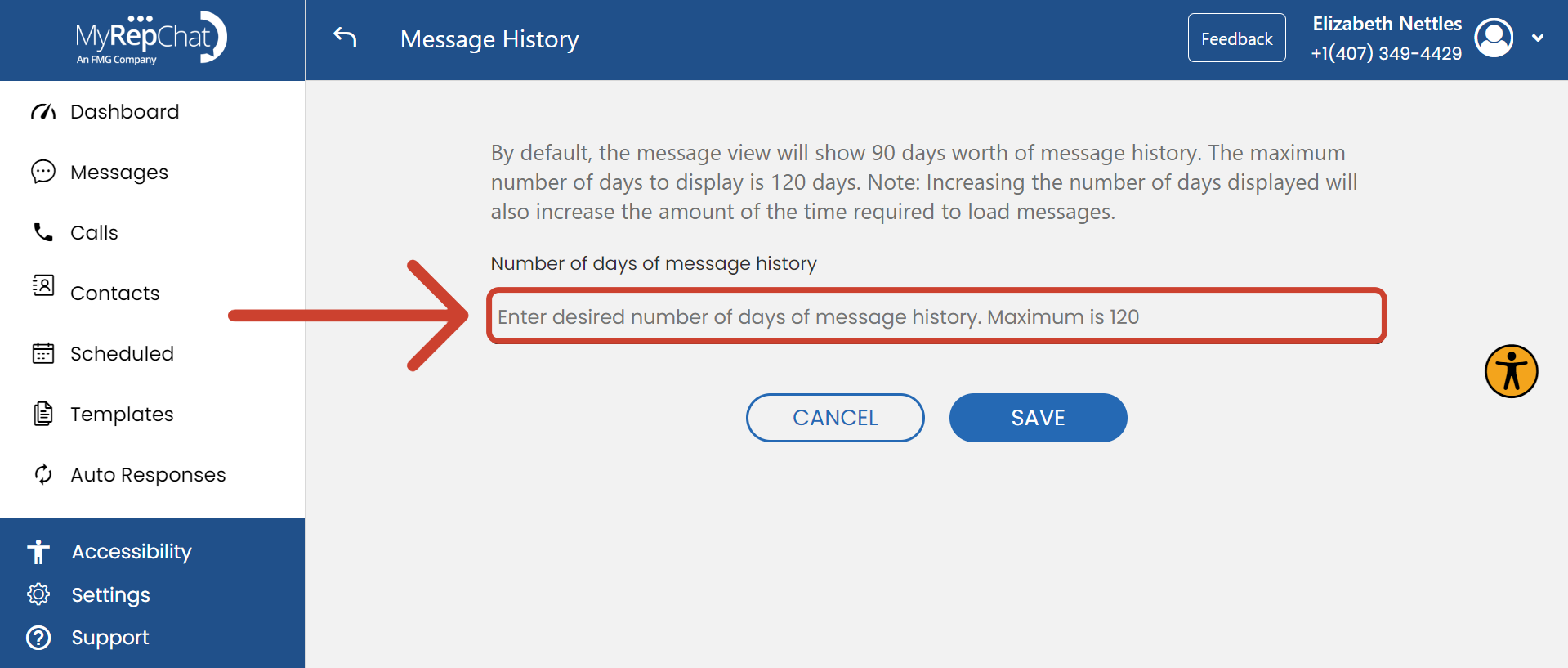
- Click Save.