"Missing Messaging Number" means a contact came into MyRepChat without enough information to determine which number to send messages to — or the number's format wasn't readable by MyRepChat.
How Do I Fix a Missing Messaging Number?
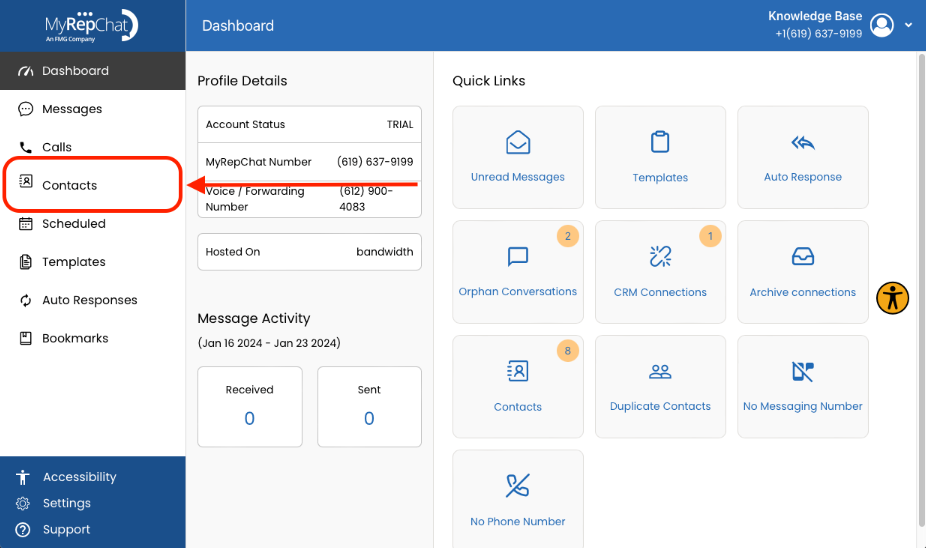
- Click Contacts in the menu on the left side of your Dashboard.
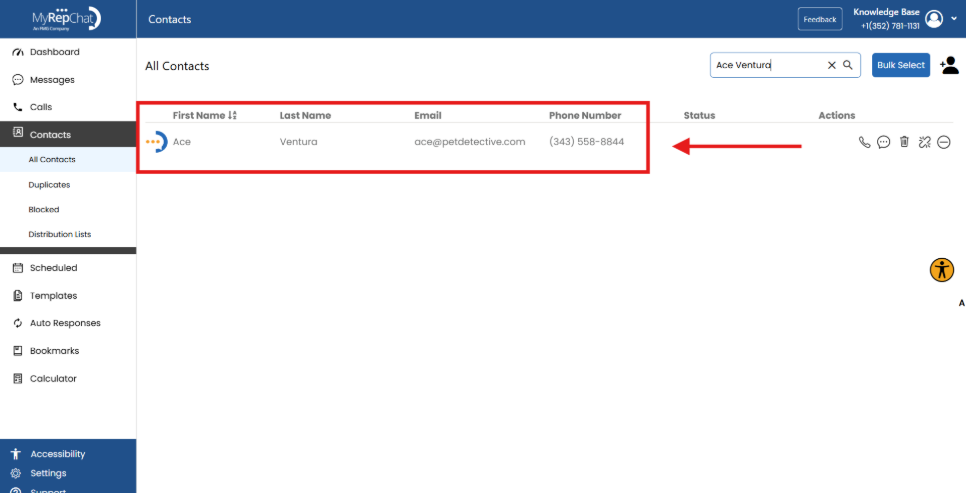
- Use Filter by Name on the right side of the Contacts page to find the contact.
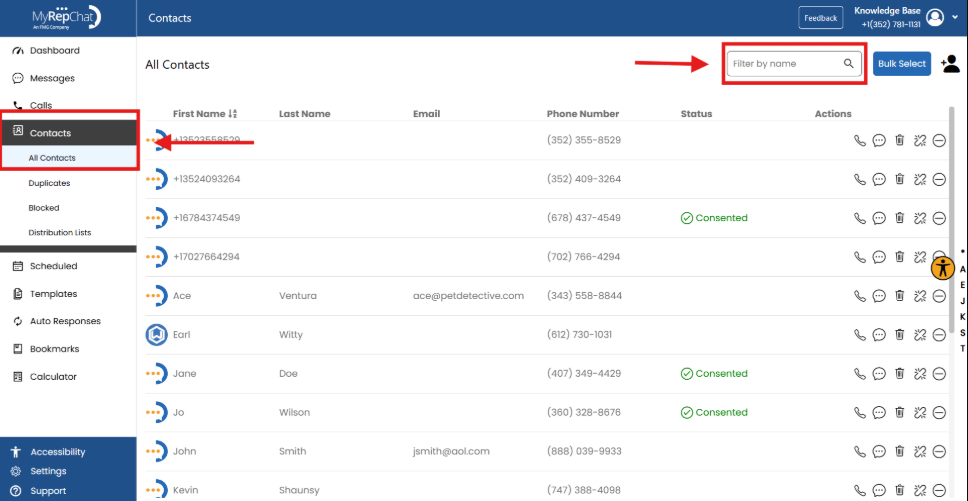
- Click anywhere on the contact's details to open the Contact Edit screen.
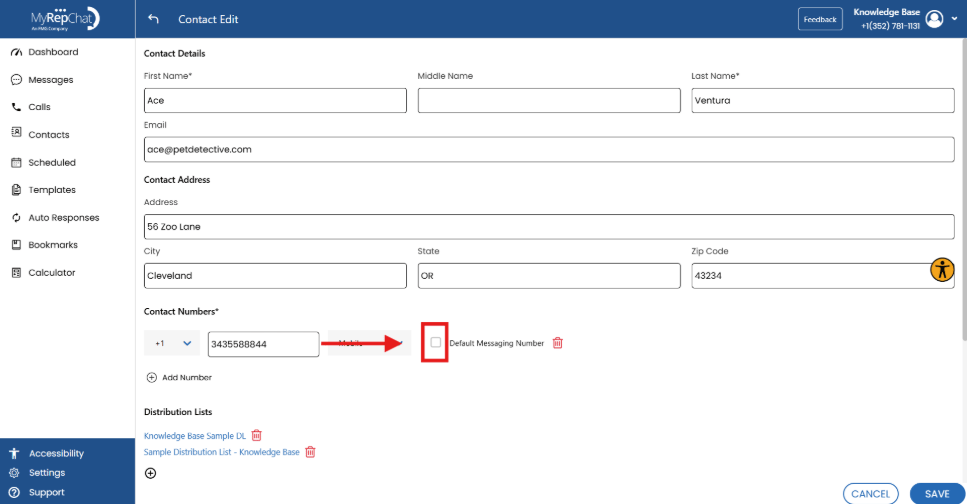
- Check the empty checkbox next to Default Messaging Number, then click Save.