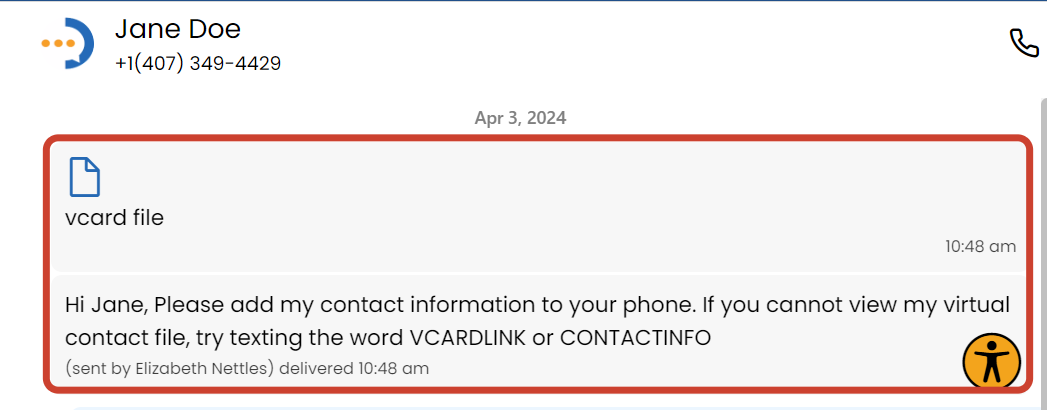
A vCard is a virtual business card that makes your contact information easily accessible to you and your contacts.
How Do I Send My vCard?
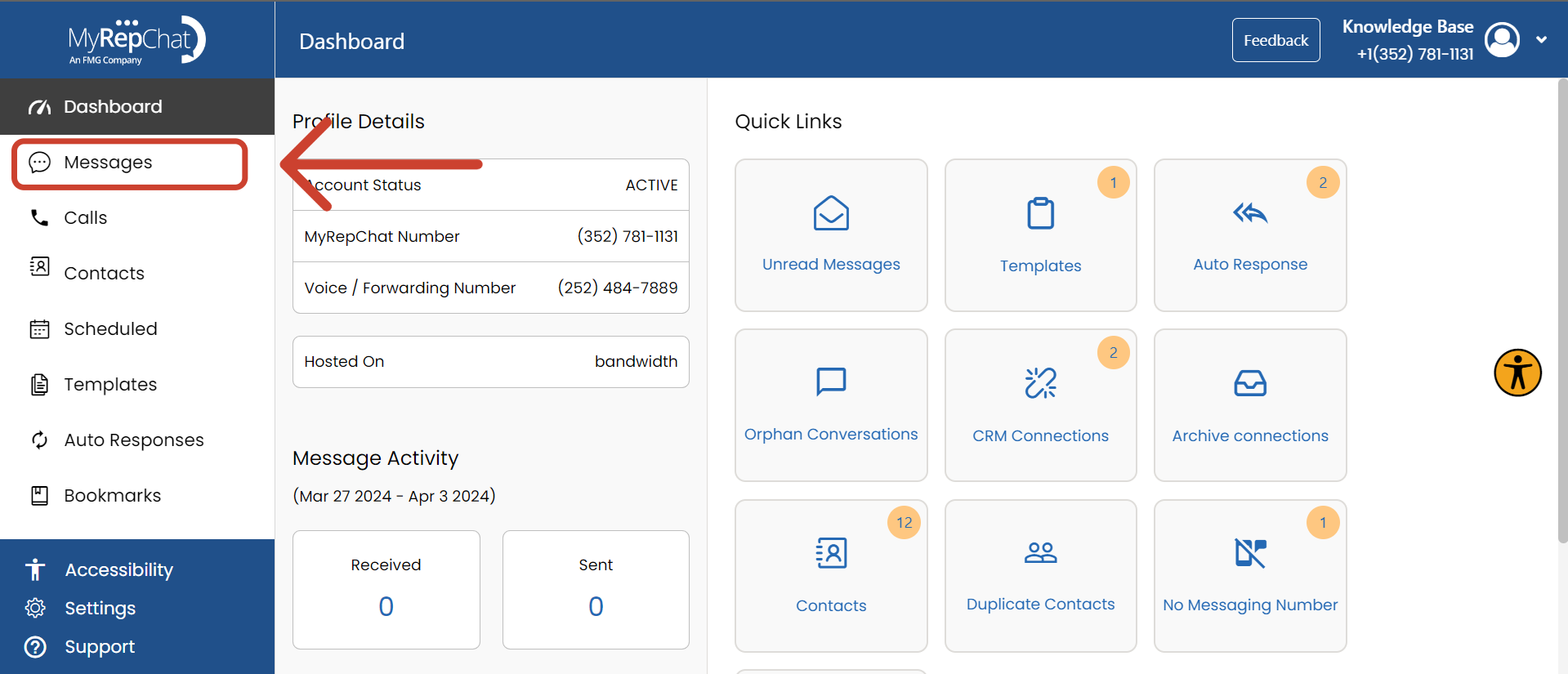
- In the menu on the left side of your Dashboard, click Messages.
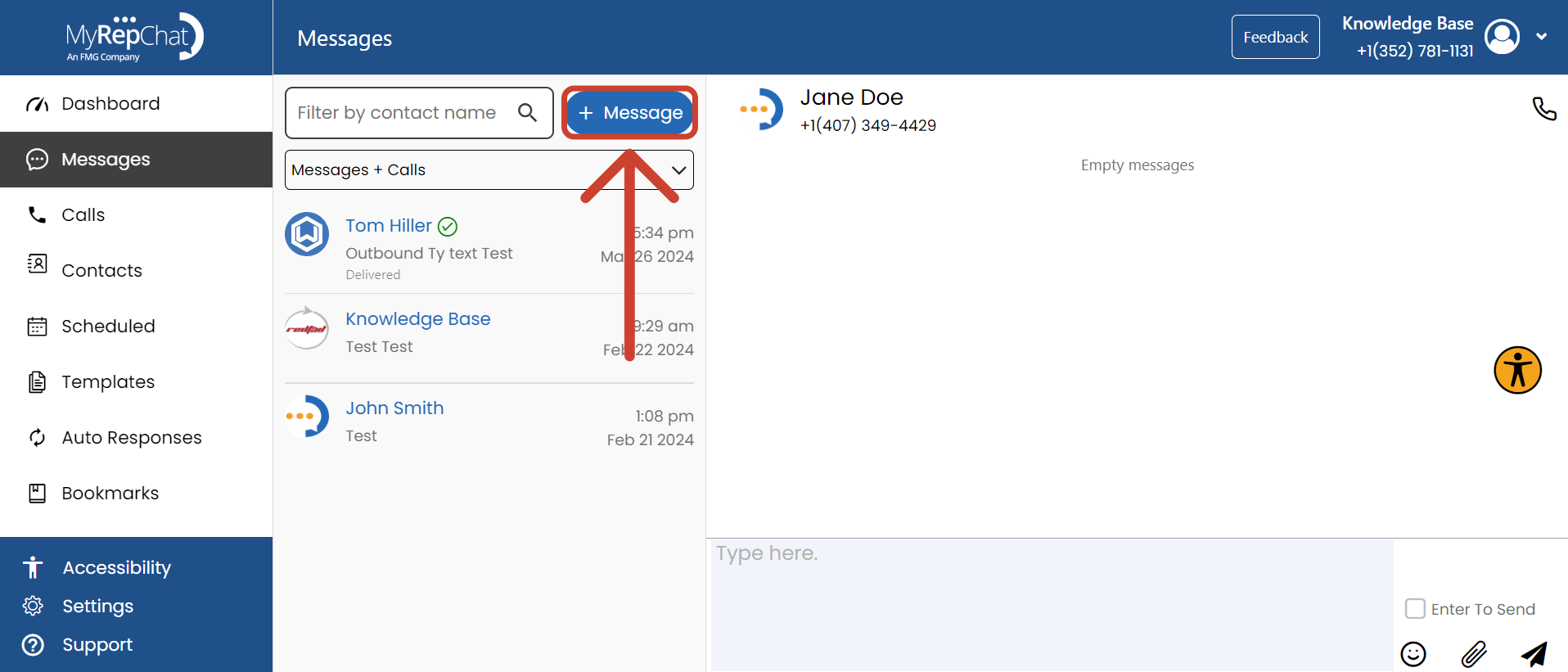
- Click + Message, found above your list of existing conversations next to the Filter by Contact Name field.
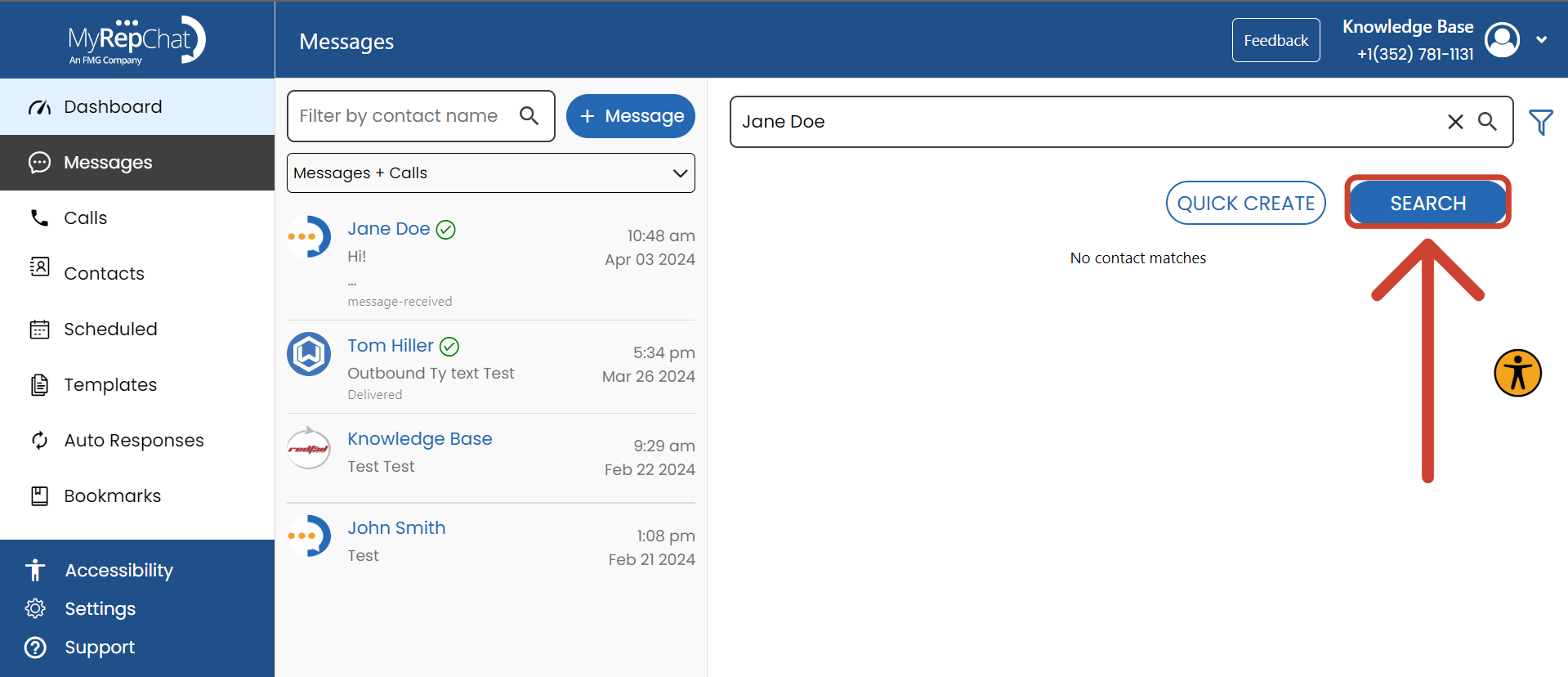
- Type the name of the contact you want to message into the Search Here field.
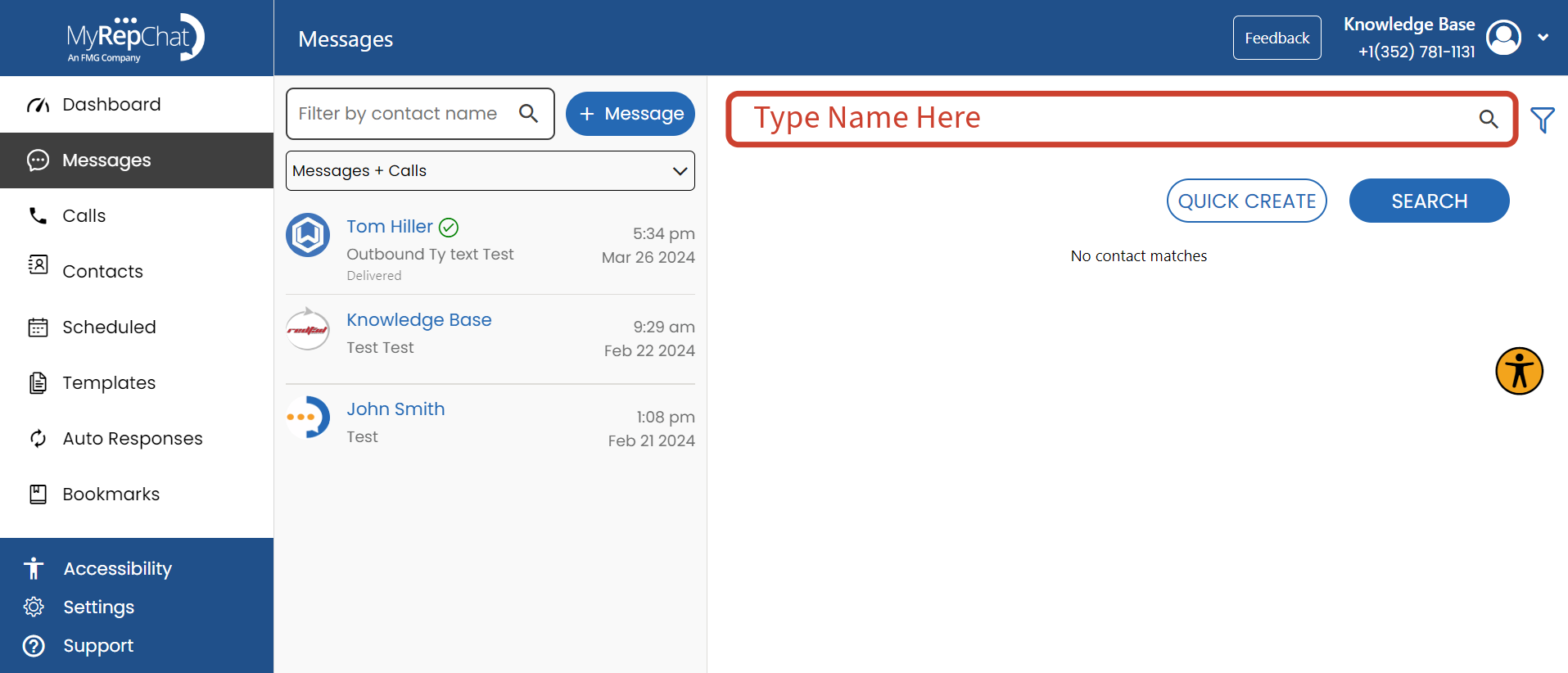
- Click Search to populate a list of relevant contacts.
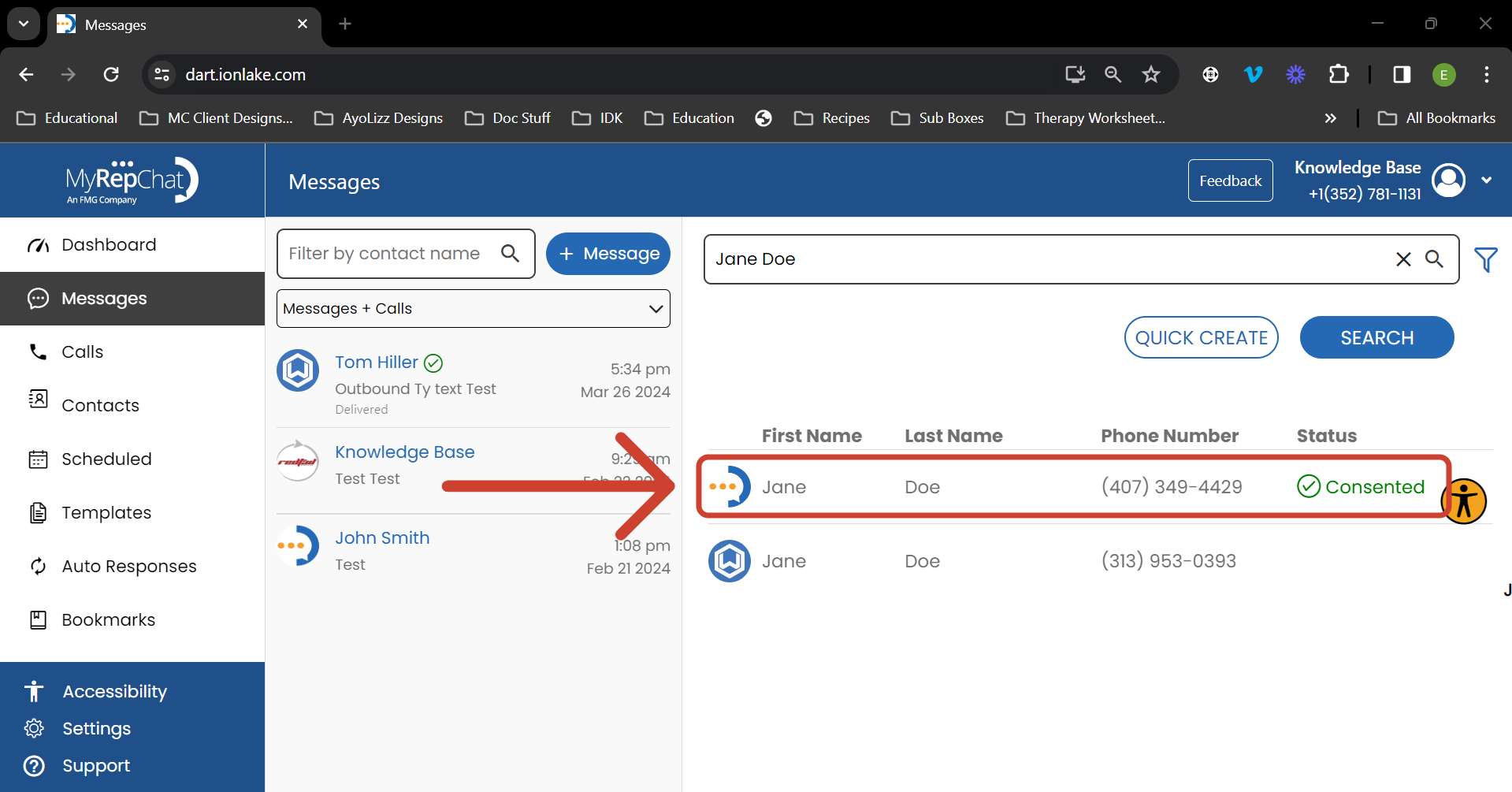
- In the search results, find and click the desired contact's name.
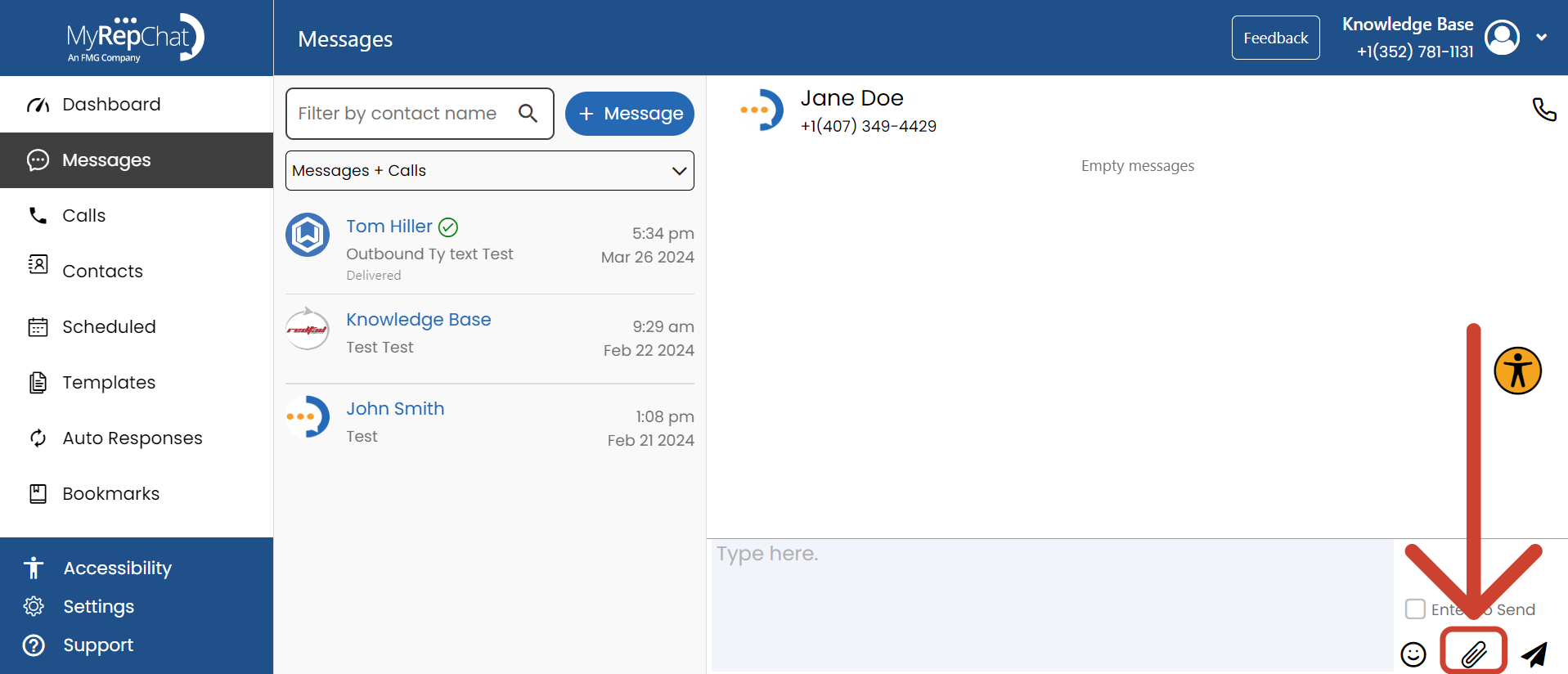
- Click the paperclip icon to see file types.
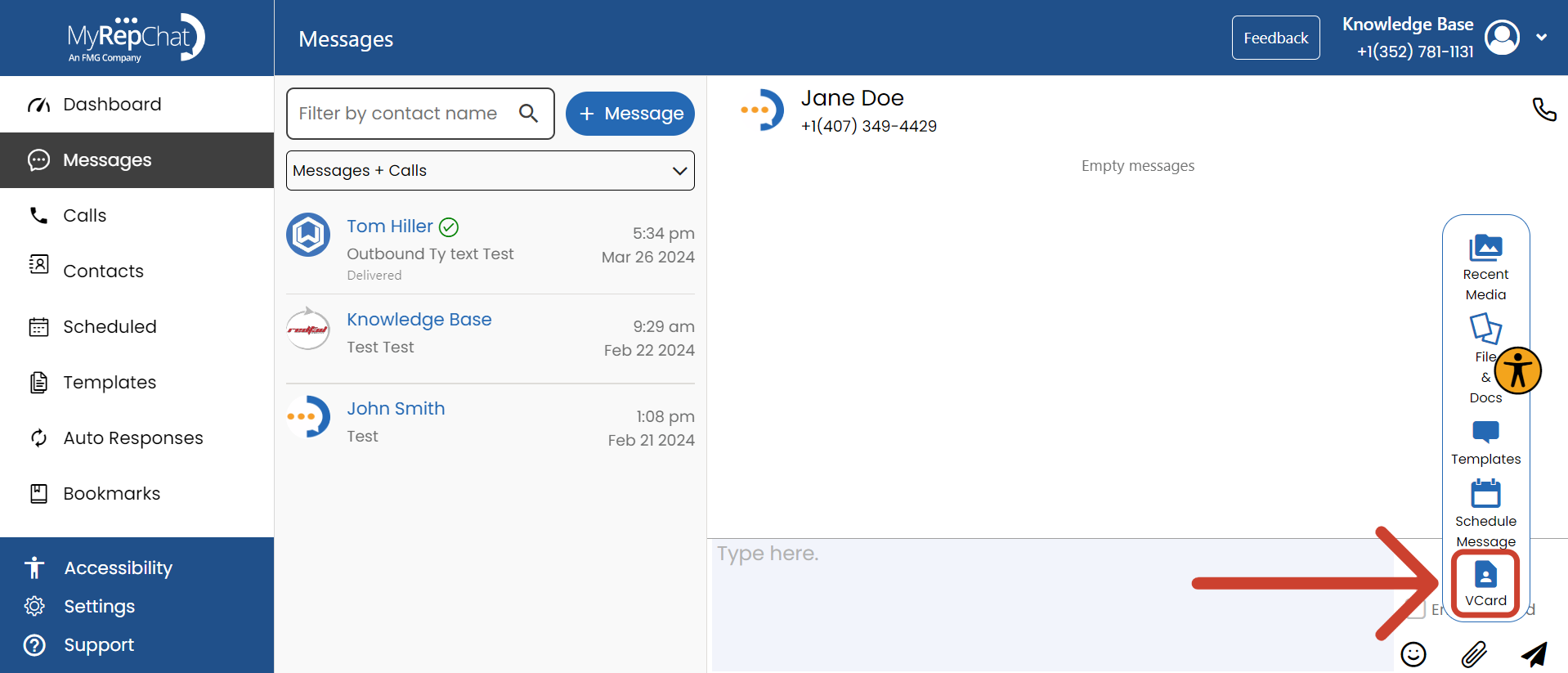
- In the file selector menu, click vCard.
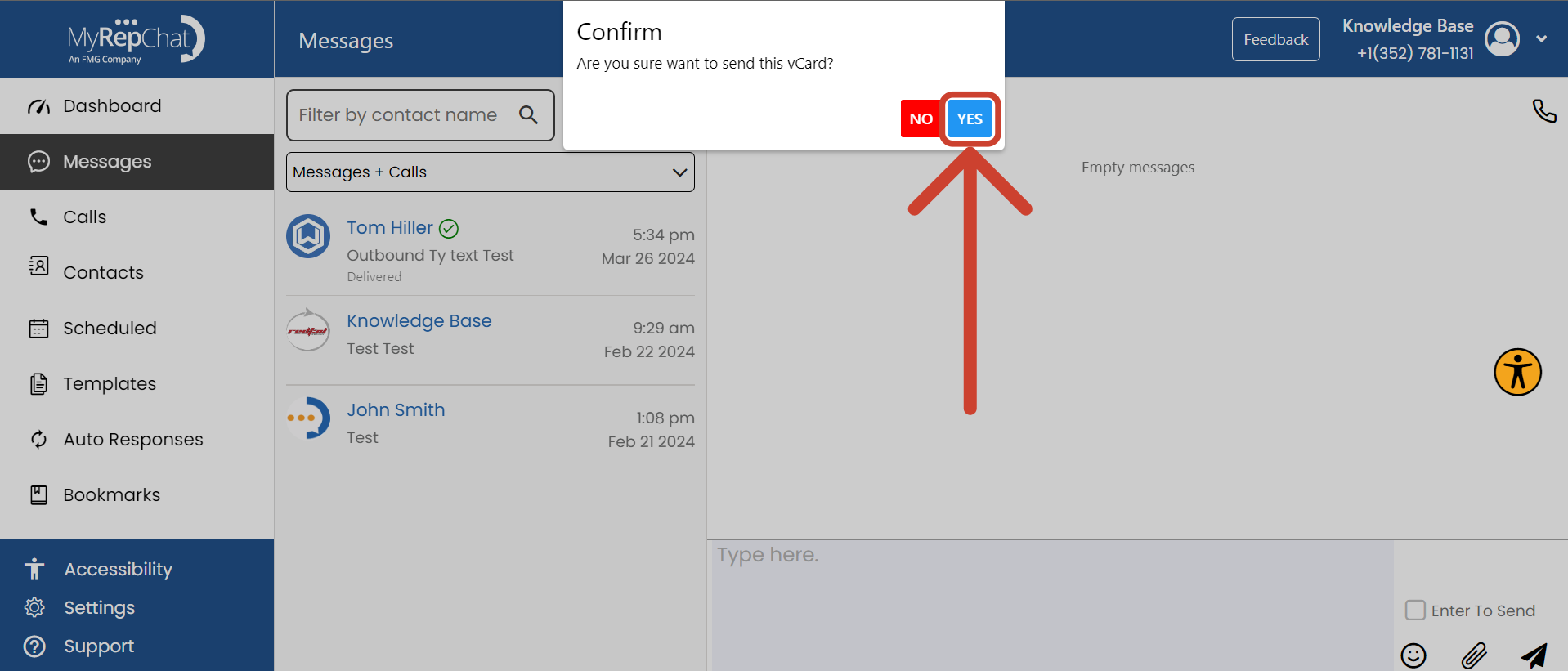
- In the pop-up window, click Yes to confirm you want to send your vCard.
- Your vCard has now been sent — you can view it in your message history with that contact.