
This article applies only to users with the Voice Add-On.
How Do I Start a Call?
- In the app, tap the Calls tab in the bottom navigation bar.
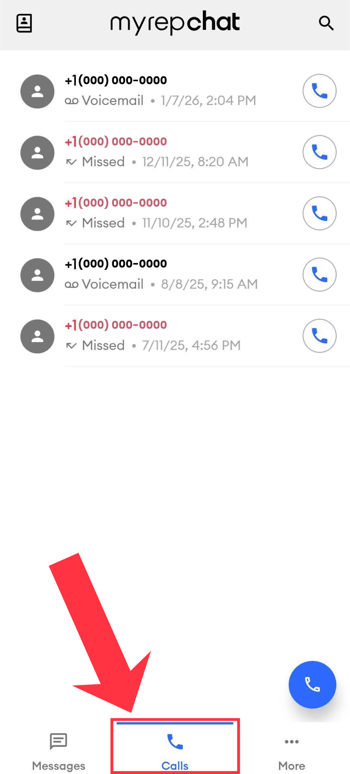
- Choose one of two ways to start a call:
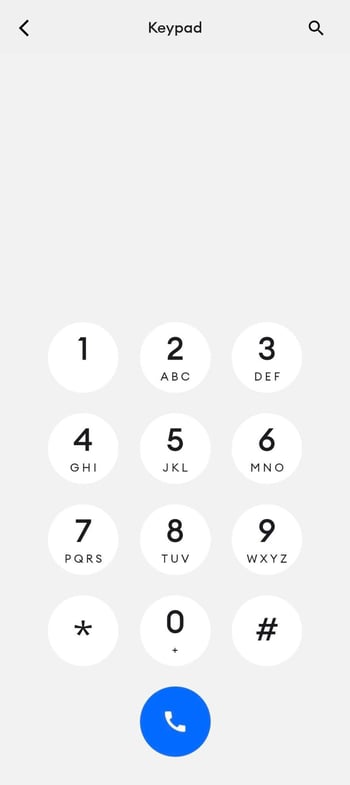
- Type a number: Tap the blue phone icon in the bottom right of the screen and enter a phone number. Select a number from the search results, or finish typing it, then tap the blue phone icon again to place the call.
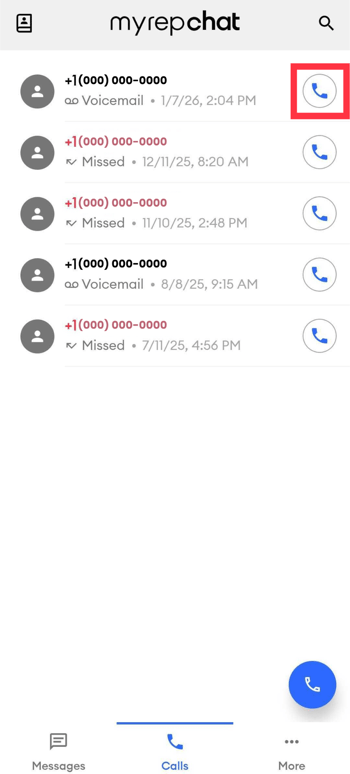
- Call from your logs: In the Calls tab, any previous calls appear with their name or number. Tap the phone icon next to a logged entry to call it again.
- Type a number: Tap the blue phone icon in the bottom right of the screen and enter a phone number. Select a number from the search results, or finish typing it, then tap the blue phone icon again to place the call.
You'll hear an automated voice say "Connecting, please wait" before the call connects to your contact.