
If your group is configured with SAML, you can log in via Single Sign-On (SSO) — using your company portal's username and password instead of keeping a separate one just for MyRepChat.
How Does SSO Login Work?
There are two ways to log in with SSO:
- MyRepChat-initiated SSO: Go to MyRepChat first. The login page redirects you to your company's portal to log in, then redirects you back to MyRepChat, already logged in.
- Company portal app: Click the MyRepChat app within your company's portal to log in automatically.
This process works similarly on both the browser-based web app and the MyRepChat mobile app.
The screenshots referenced below show MyRepChat-initiated SSO integrated with OneLogin, an identity provider example. Your own identity provider's screens will look different.
How Do I Log In With SSO on the Web App?
- On the MyRepChat login page, enter your company email address (no password needed here).
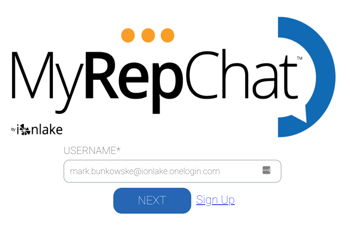
- Your browser redirects to your company's normal login page.
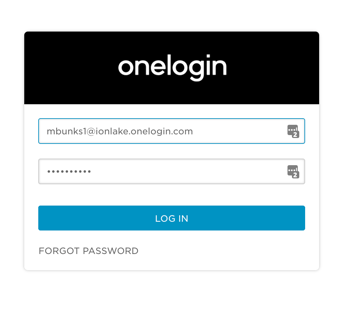
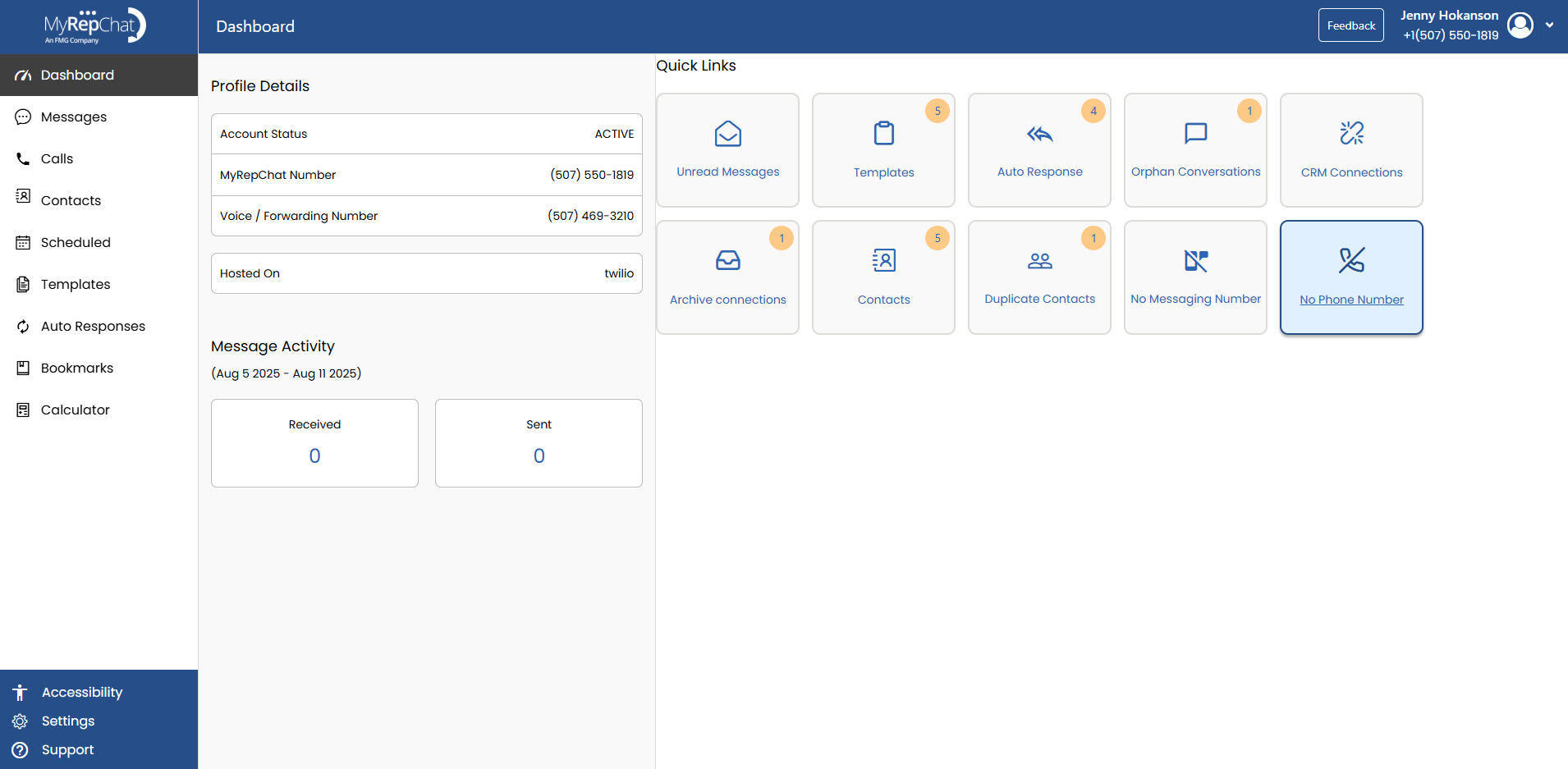
- Once you log in there, you're redirected back to MyRepChat, already logged in.
How Do I Log In With SSO on the Mobile App?
- On the MyRepChat mobile login page, enter your company email address (no password needed here).
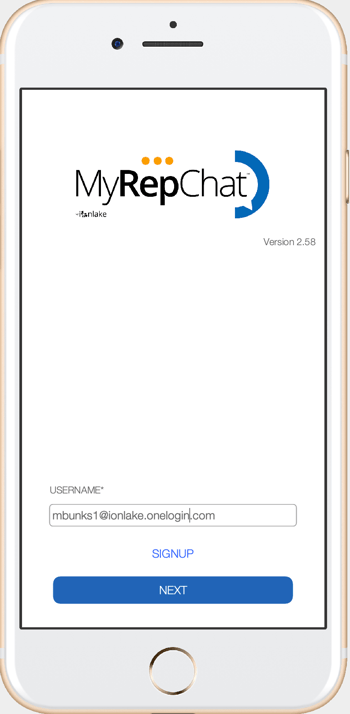
- An embedded browser opens and redirects you to your company's login portal.
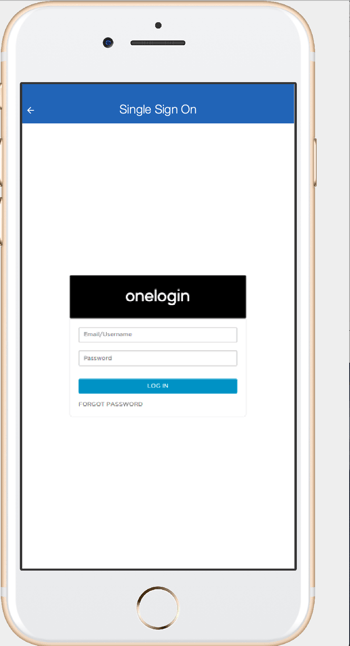
- Enter your portal username and password, then tap Login. You'll be redirected back to MyRepChat, already logged in.
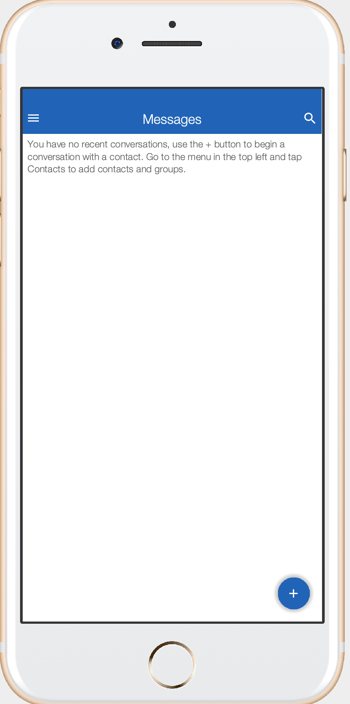
- After logging in, you'll be asked if you want to enable biometric login (e.g., fingerprint or face recognition). If you select Yes, you can use your device's normal biometric method going forward.
Biometric login lasts for 7 days by default, but this can be adjusted by your company's IT staff.