MyRepChat integrates with Riskalyze (now rebranded to Nitrogen) to generate and send risk questionnaires to your contacts. These questionnaires produce a Risk Number that quantifies a person's tolerance for gains and losses.
Existing Risk Numbers appear in Messages, and you can view a contact's questionnaire history by clicking their number.
How Do I Set Up the Integration?
To show Risk Numbers and send questionnaires, you'll first need to link your Riskalyze account to MyRepChat — just a matter of clicking a button and logging in.
- In MyRepChat, from the Dashboard, go to Settings > Integrations > Riskalyze and click Connect.
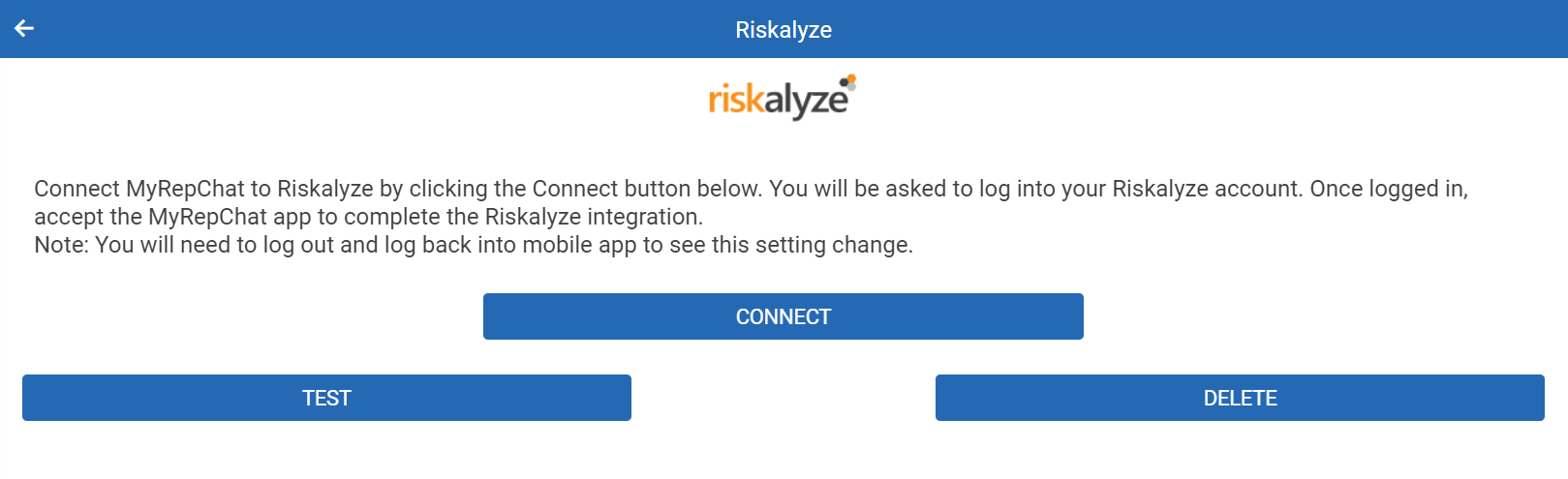
- You'll be redirected to the Riskalyze login page.
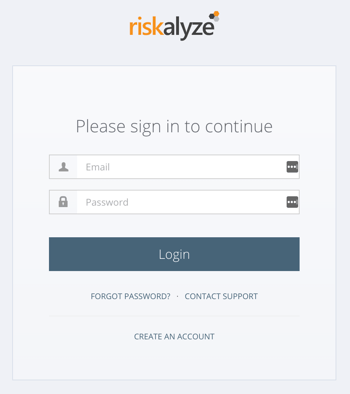
- Log in to your Riskalyze account. You'll be asked to authorize MyRepChat's access to your Riskalyze data.
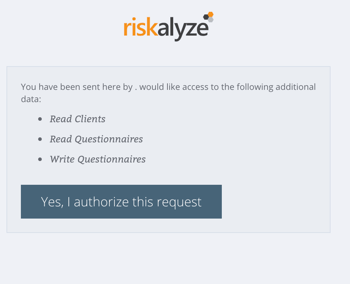
- Click Yes, I authorize this request — you'll be redirected back to MyRepChat.
Your accounts are now linked, and you should be able to view Risk Numbers and send Riskalyze questionnaires.
Note: After linking, you may need to log out and back into MyRepChat to see existing Riskalyze data. If Risk Numbers stop appearing at any point, repeat the setup steps to confirm your accounts are still linked.
How Do I Use Riskalyze Features?
MyRepChat matches Riskalyze clients to MyRepChat contacts by email address — both records must have an email address, and they must match exactly. If a contact doesn't have a matching Riskalyze client, their Contact Details page won't show any Riskalyze data.
For contacts with a matching email, you'll see any existing Risk Numbers along with a Send Selected Questionnaire button. Risk Numbers and questionnaire history appear on the Contact Details page, and are also available in Messages by clicking the Risk Number in the upper-left part of the message screen.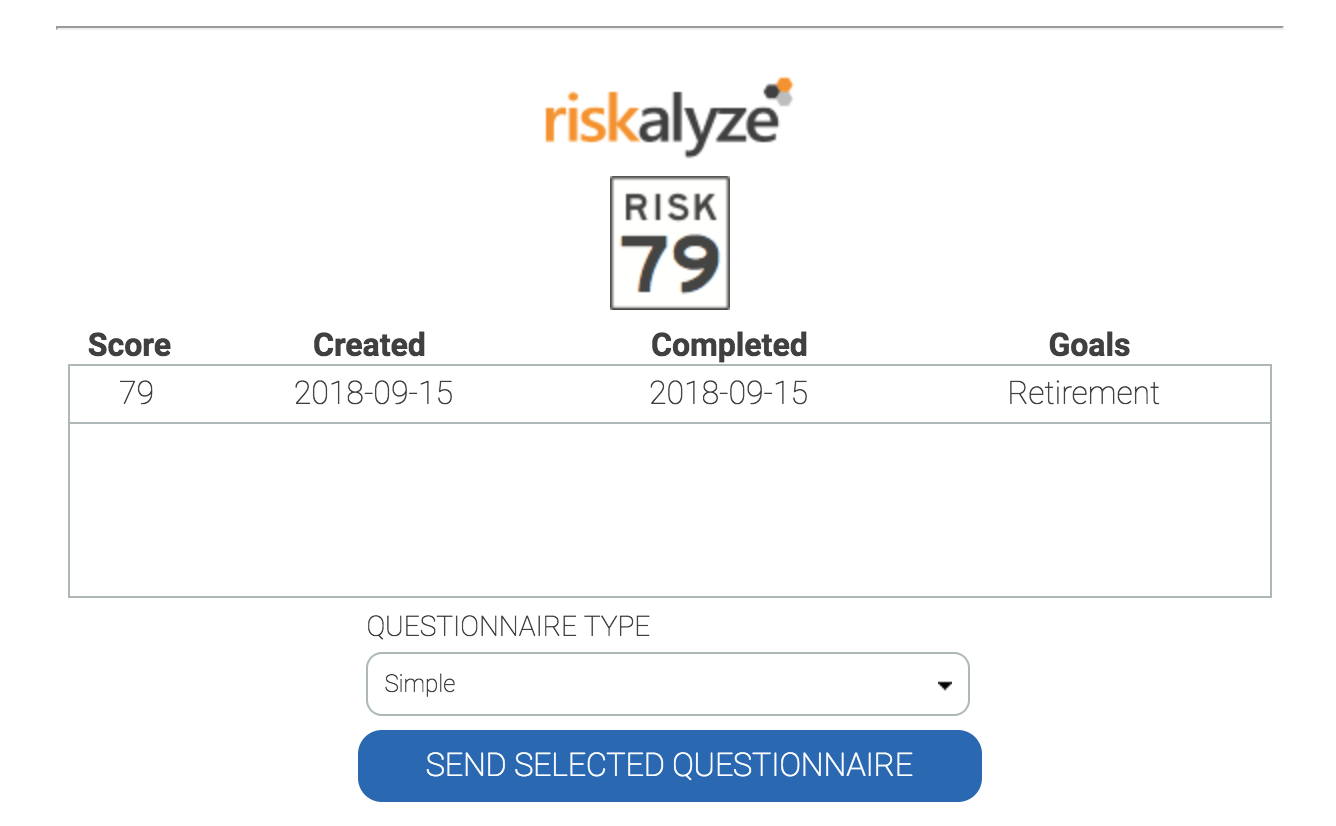
You can send either the Simple or Detailed Riskalyze questionnaire — the contact receives it as a text message.
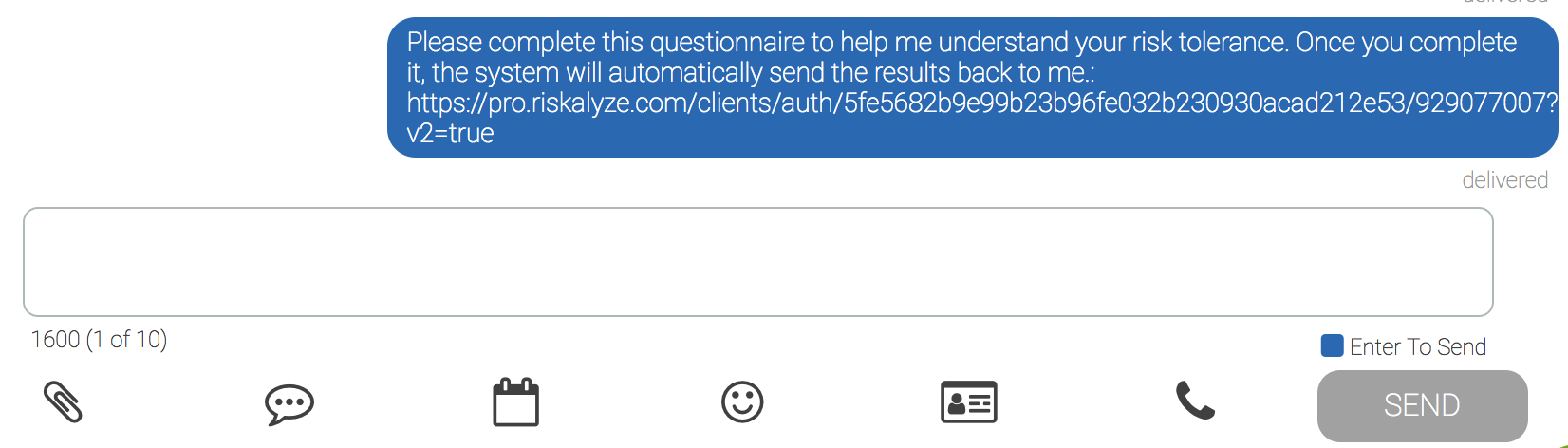
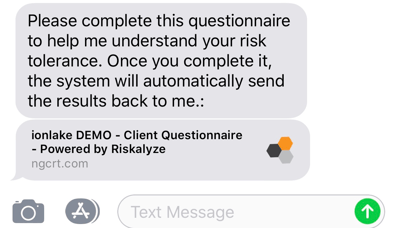
The contact will receive a text message that looks like: