
An account represents a MyRepChat number and contains one or more user logins. After creating an account, you'll create users for it — creating a user generates their login credentials.
How Do I Create an Account?
- Select Accounts from the top toolbar.
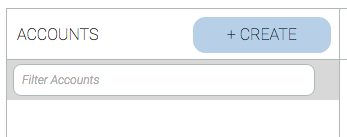
- In the left panel, click + Create.
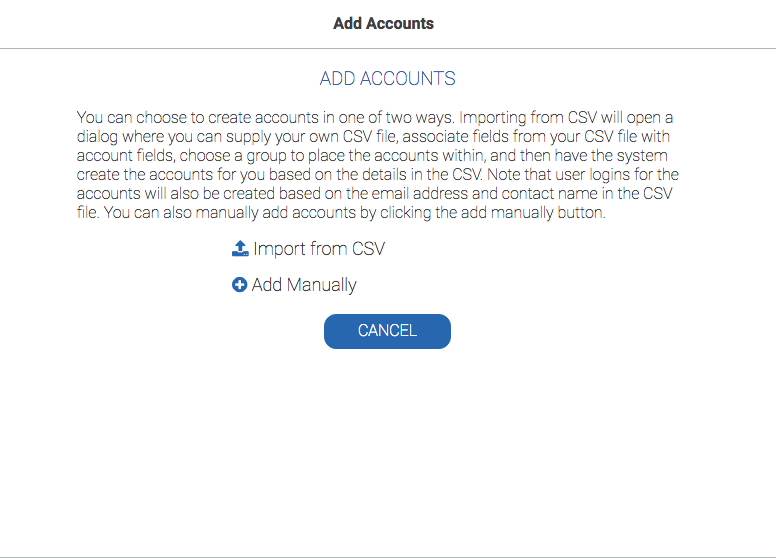
- Choose to import accounts from a CSV file, or create one manually.
- Enter the account's basic contact information. Note: If the group has chosen to have a positive consent message, you will need to put the name the account will belong to in the "Contact Person" field. This name will automatically generate into the positive consent message.
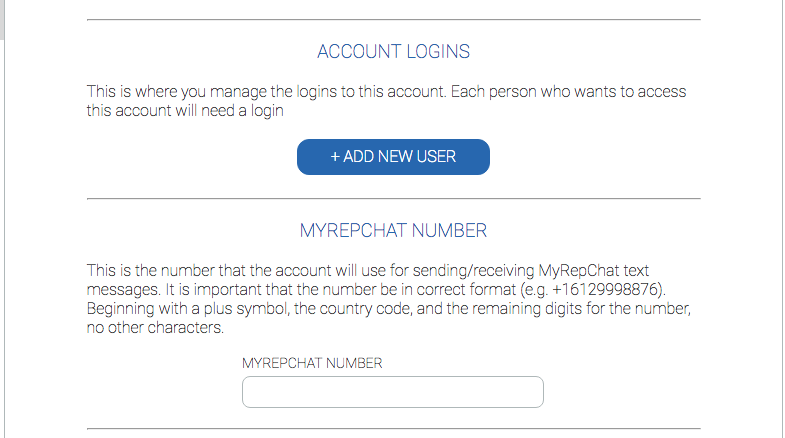
- Leave the MyRepChat number field empty for now — you can't create a login until the account itself is finished being created. The user will set up their own number; you can return here for reference once they've configured one.
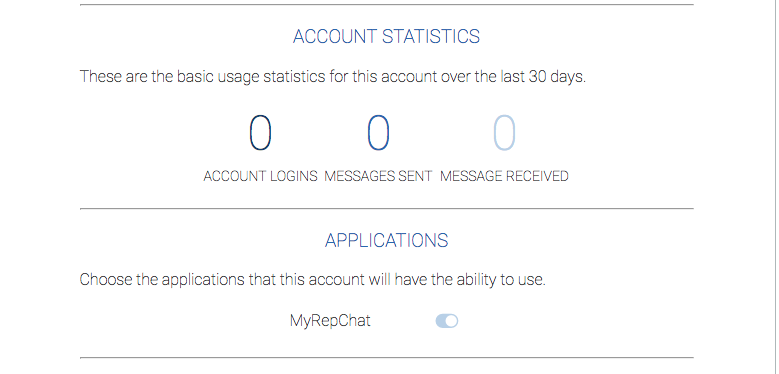
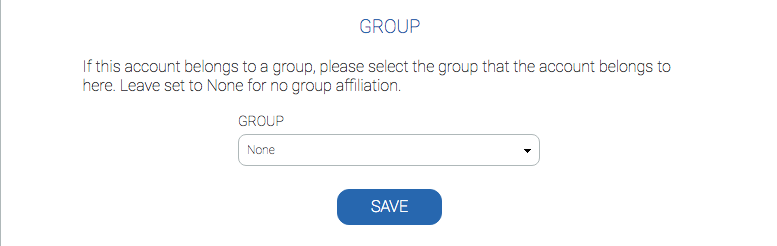
- You won't see any account statistics yet, but you can check back later to see usage. Make sure MyRepChat is enabled for the account and it's assigned to the correct group, then click Save.
You will still need to create an Account Login to generate a username and password for this account.