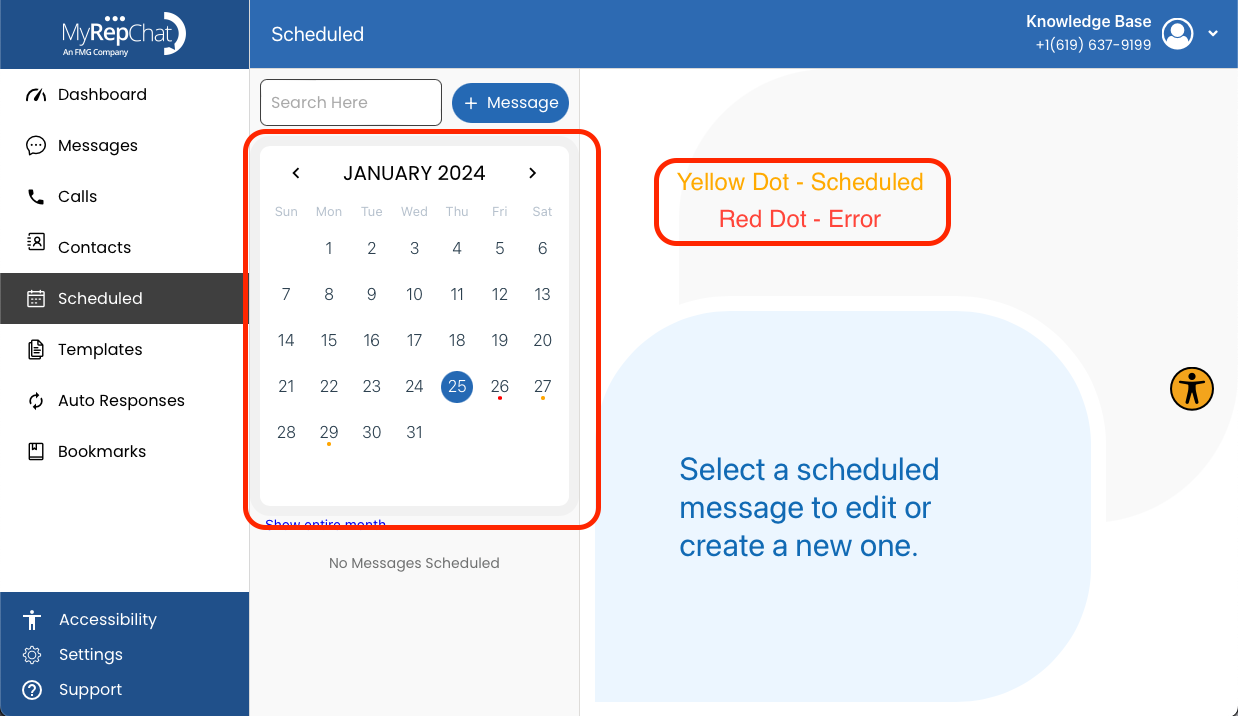
How Do I Check My Scheduled Messages?
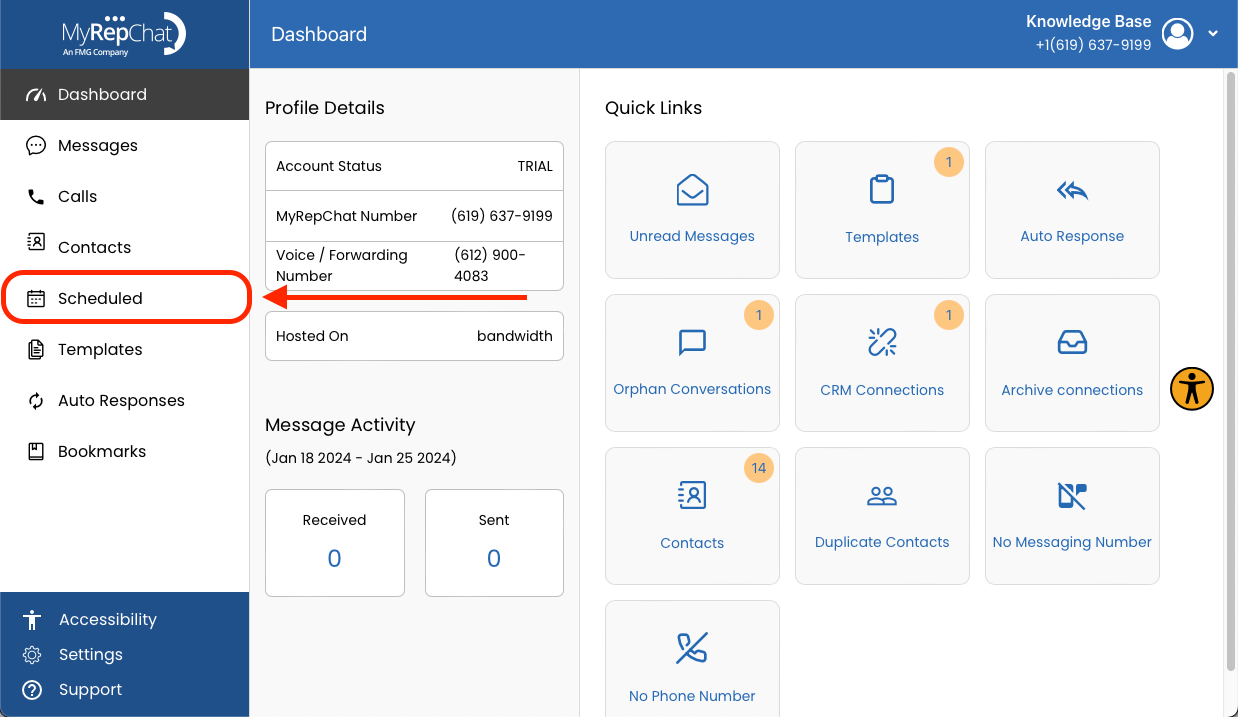
- In the menu on the left side of your Dashboard, click Scheduled.
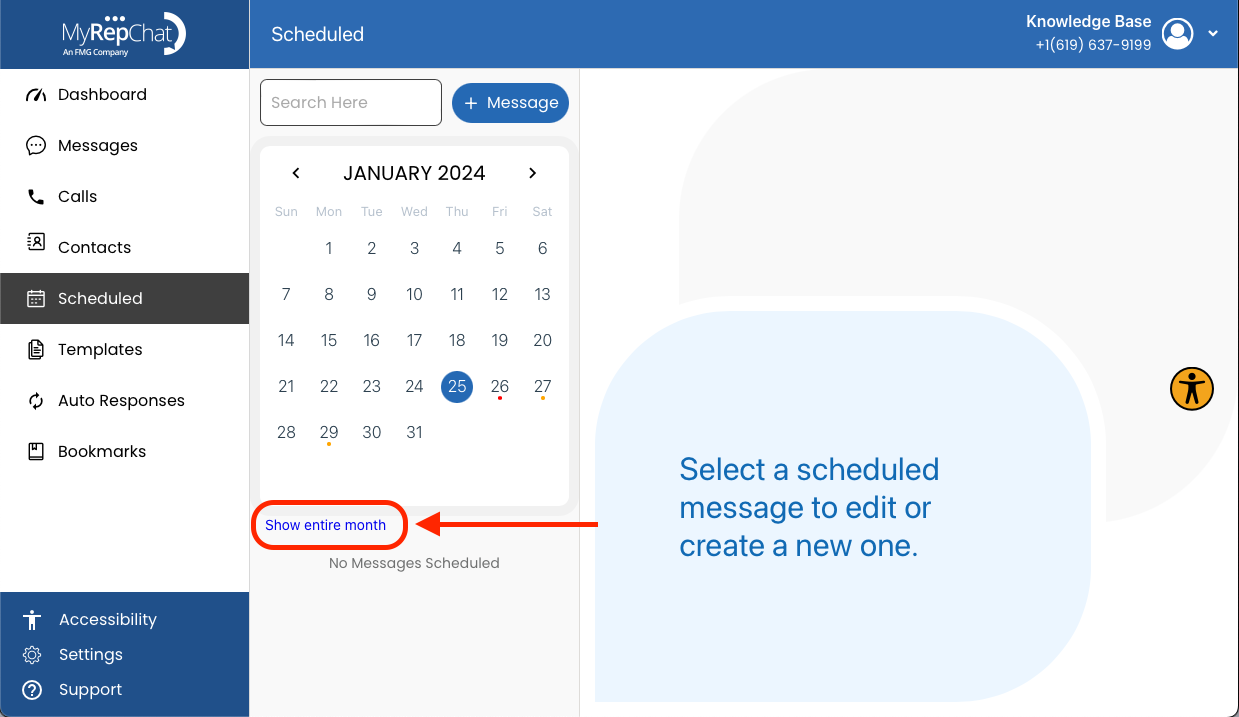
- Click Show Entire Month, found beneath the calendar on the left side of the page.
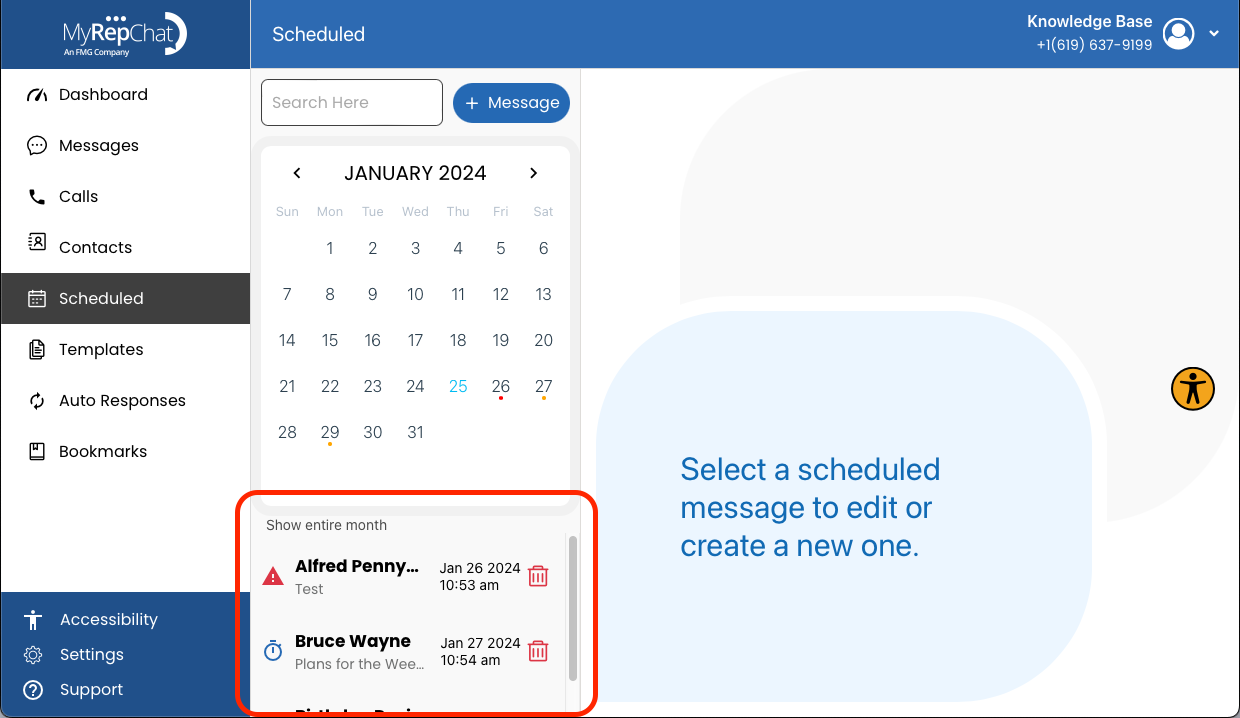
- All of your scheduled messages are now visible.
- In the calendar view, colored dots indicate a message's status: a yellow dot means the message is scheduled normally, and a red dot means there's an error with that scheduled message.