
If you get a message or call from an unwanted or unknown number, you can block it to prevent further contact.
How Do I Block a Number?
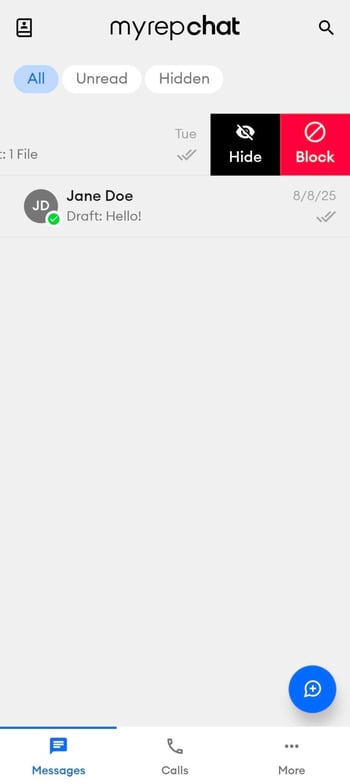
Option 1: From a Text Message
- Swipe left on the message and select Block.
Option 2: From the Contact Details Screen
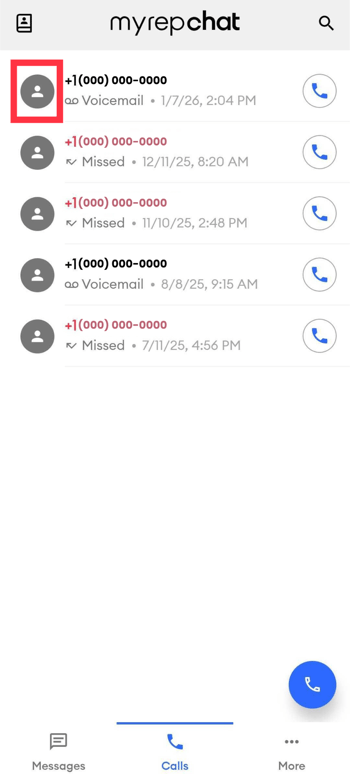
- Tap the image icon next to the number or contact in Contacts, Messages, or Calls to open their details screen — this works even if the number isn't saved as a contact.
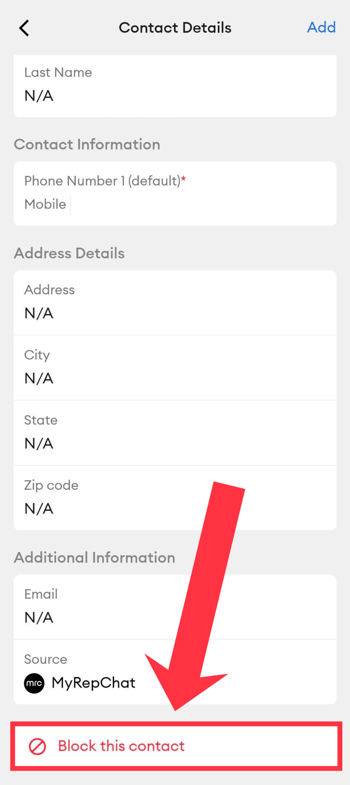
- Scroll to the bottom and tap Block This Contact.
- Tap Block on the confirmation pop-up to complete the action.
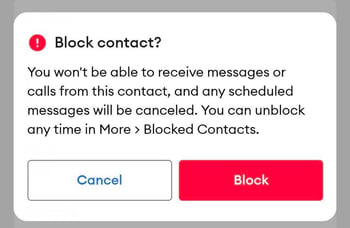
Once blocked, you'll no longer receive messages or calls from that contact
How Do I Unblock a Number Later?
- Tap More.
- Select Blocked Contacts.