
How Do I Set Up Patrina Archiving?
- Go to Dashboard > Settings > Archives and Reports > Connect to Archiver.
- Select Patrina from the dropdown. A secondary section will open below it.
- Enter the archiving email address provided to you by Patrina for MyRepChat. Note: Haven't received a MyRepChat-specific archiving email address from Patrina yet? Reach out to their team to have one set up for you before continuing.
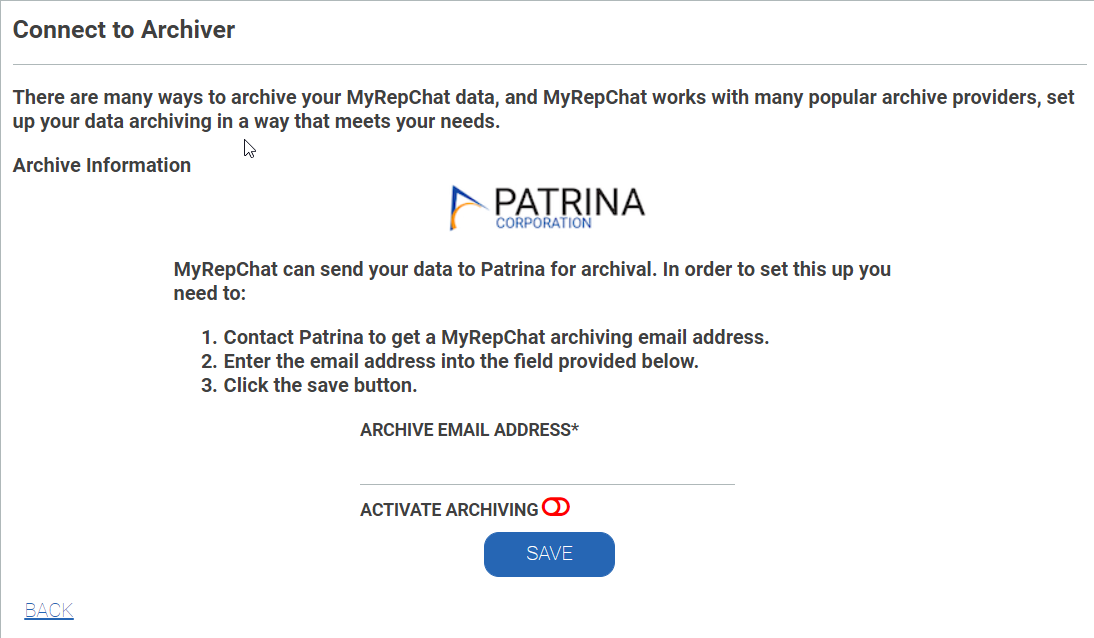
- Enable Activate Archiving (the toggle should move to the right and turn green).
- Click Save.