
How Do I Set Up Slack Archiving?
- Go to Dashboard > Settings > Archives and Reports > Connect to Archiver.
- Select Slack from the dropdown. A secondary section will open below it.
- Create a Slack channel for your MyRepChat data.
- Create a webhook for that channel.
Note: Not sure how to create a webhook in Slack? See Slack's own walkthrough: Incoming Webhooks for Slack. - Copy the webhook URL and paste it into the webhook field in MyRepChat.
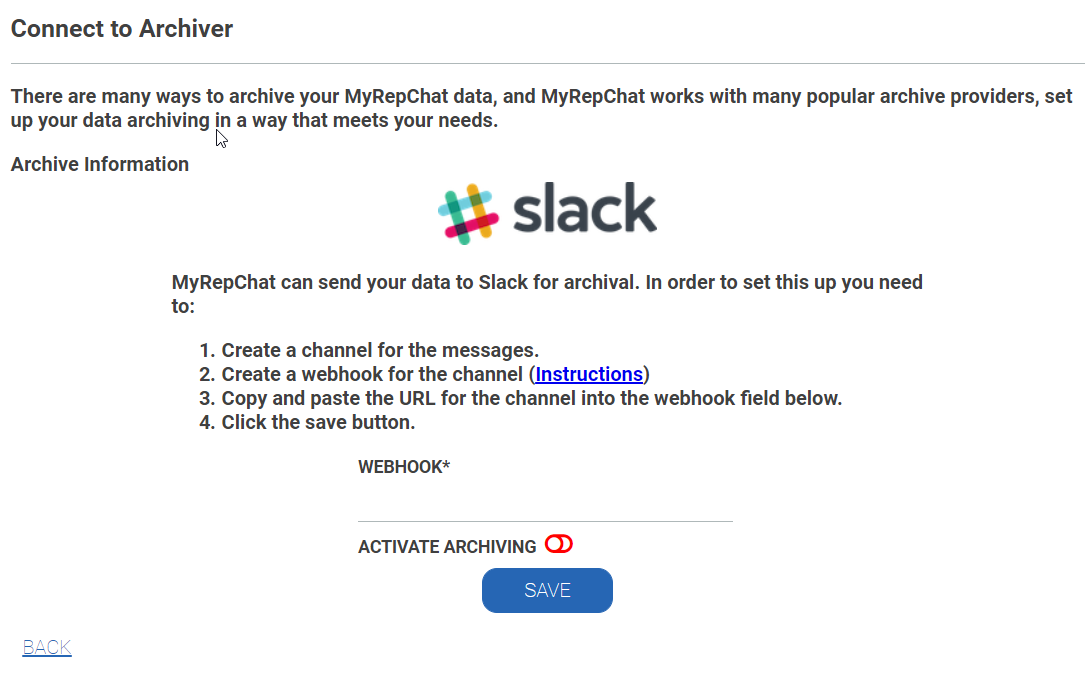
- Enable Activate Archiving (the toggle should move to the right and turn green).
- Click Save.