
How Do I Set Up Proofpoint Archiving?
- Go to Dashboard > Settings > Archives and Reports > Connect to Archiver.
- Click the Proofpoint box.
- Enter your Proofpoint archiving email address in the field provided.
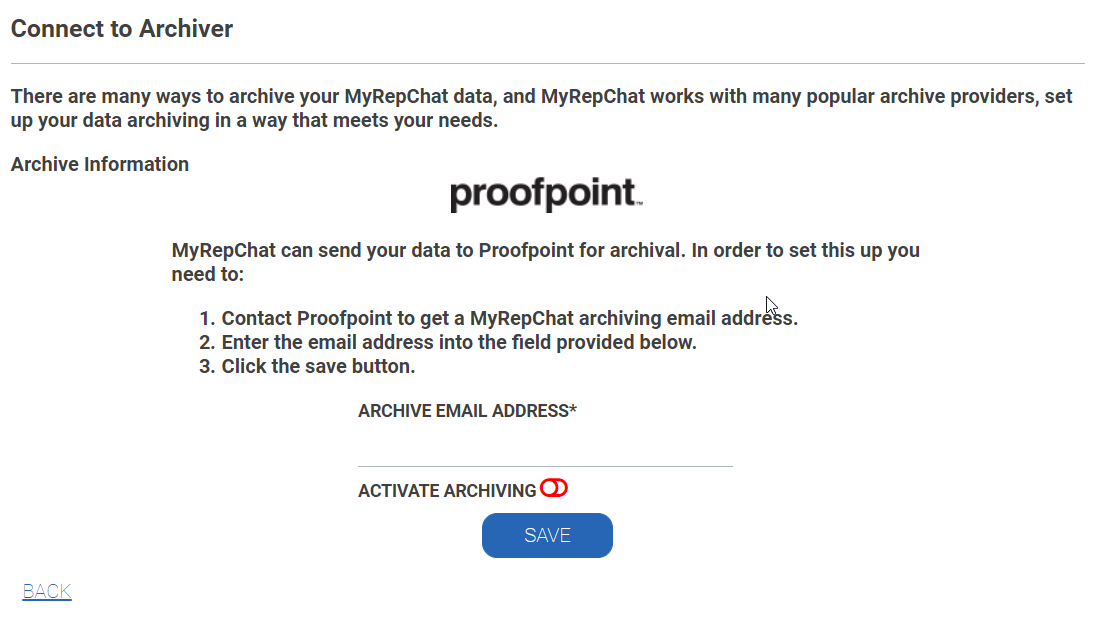
- Enable Activate Archiving (the toggle should move to the right and turn green).
- Click Save.