You can add or remove users on your account. Your subscription includes the first two logins for free — additional logins may cost extra, with pricing shown on the additional logins page.
How Do I Add a New Login?
- Go to Settings > Add-Ons and Billing > Additional Account Logins.
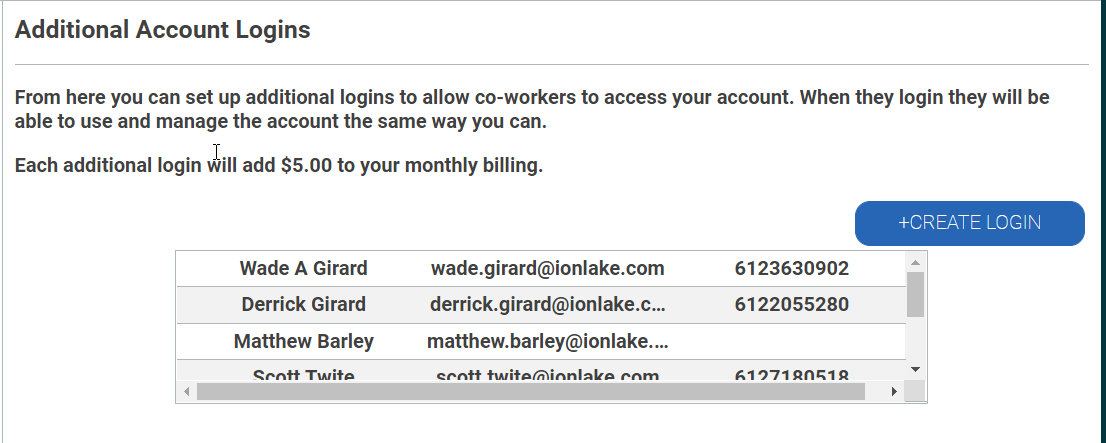
- Click + Create Login.
- Enter the name and email address of the person you want to grant access to.
- Click Save. An email with a generated password will be sent to that address.
Note:
- Every account login has the same abilities as any other, including managing other logins.
- A password is auto-generated and emailed automatically — you can't set or reset it yourself. If a user forgets their password, they should use Forgot Password on the login page.
- Users can change their own password after logging in for the first time.
- The phone number used for multi-factor authentication can't be changed.
Once a login is created, its email address can't be changed — only the name. To update an email address, remove the login and recreate it with the correct one.
How Do I Switch Between Multiple Accounts?
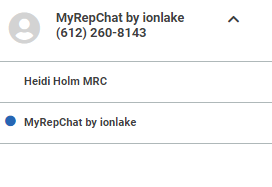
If you have login access to more than one MyRepChat account, click the arrow in the top right corner of the screen to see all accounts you can access. The account with a blue circle next to it is the one you're currently viewing, and the associated phone number updates accordingly.