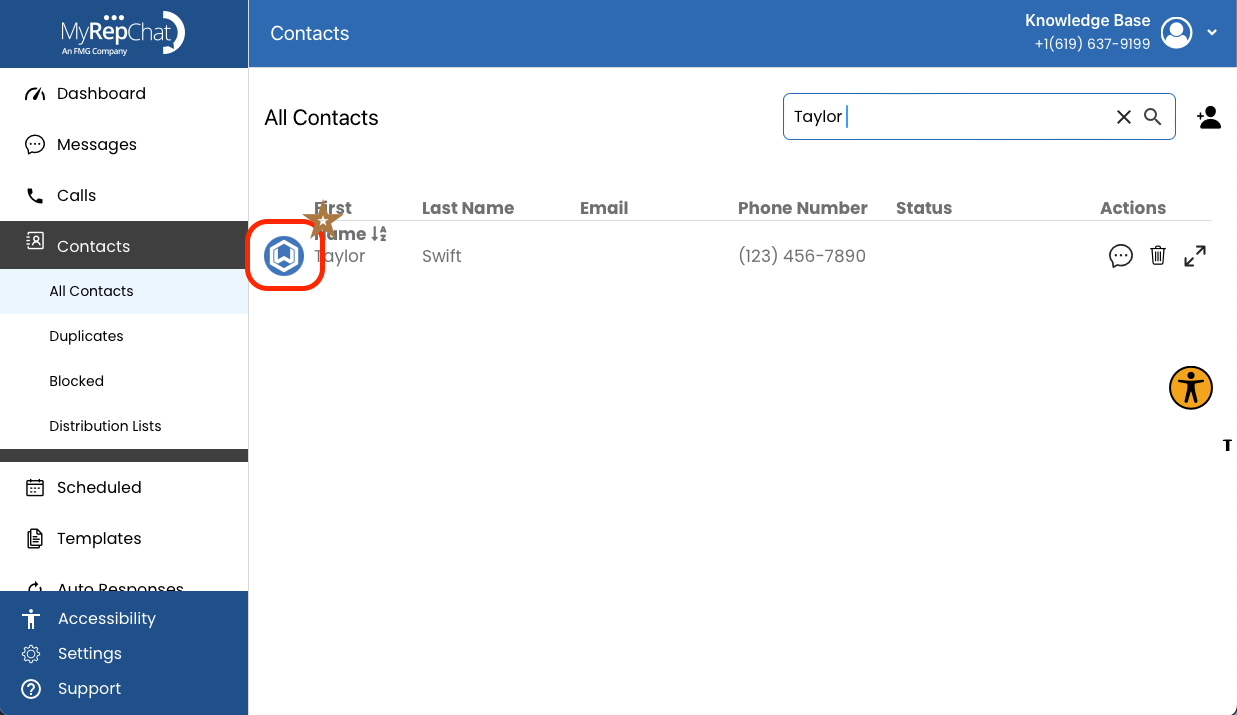
Reconciling your contacts is a good habit — it lets you update any outdated or incorrect information in MyRepChat so it matches your CRM.
How Do I Reconcile a Contact?
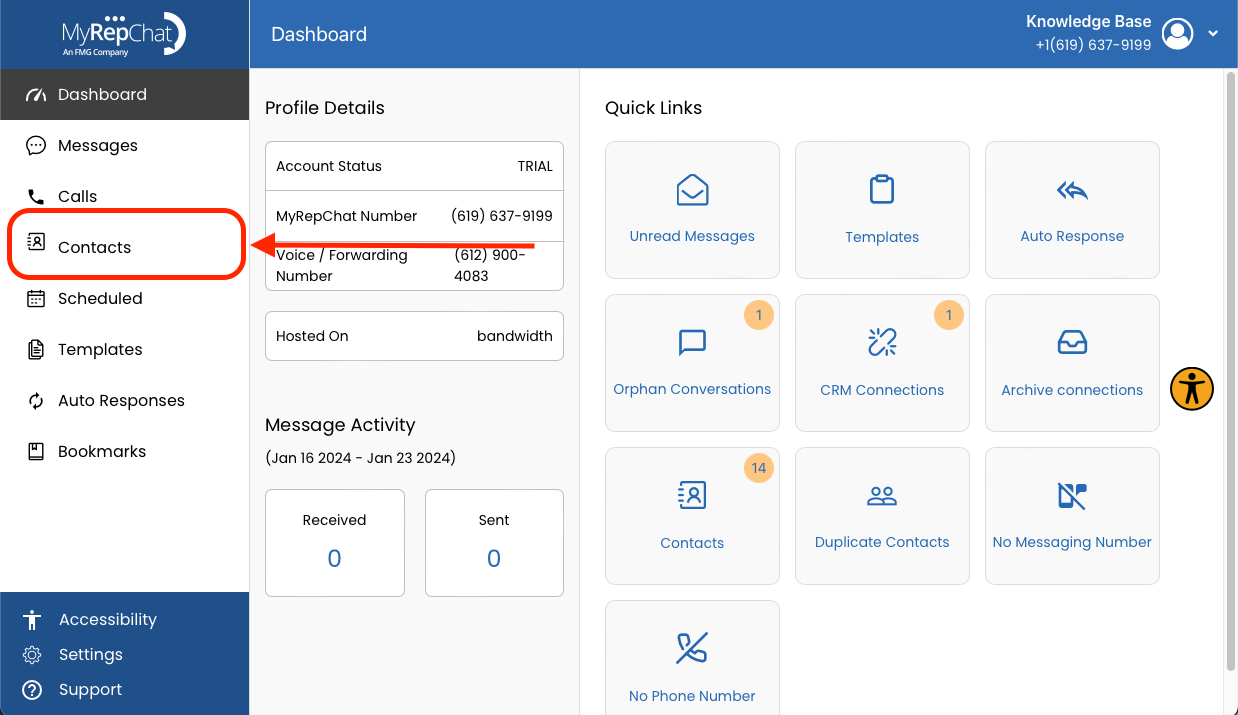
- Click Contacts in the menu on the left side of your Dashboard.
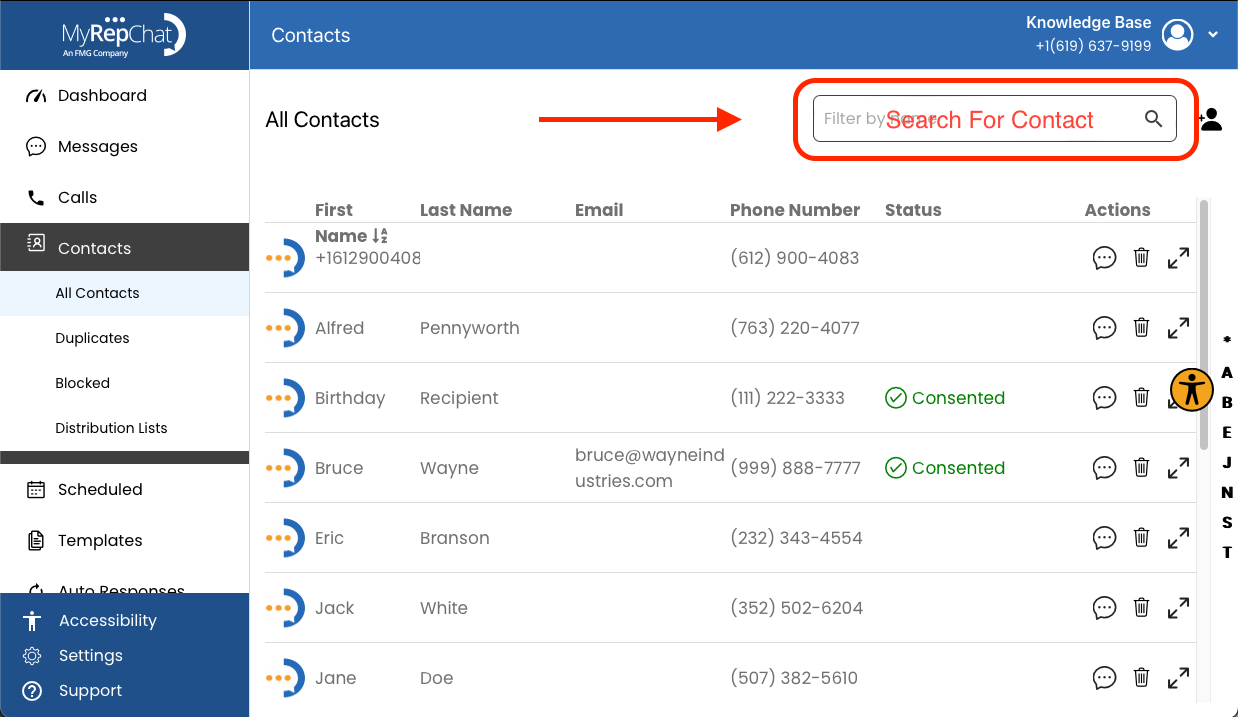
- Use the search bar in the top right of the Contacts page to find the contact.
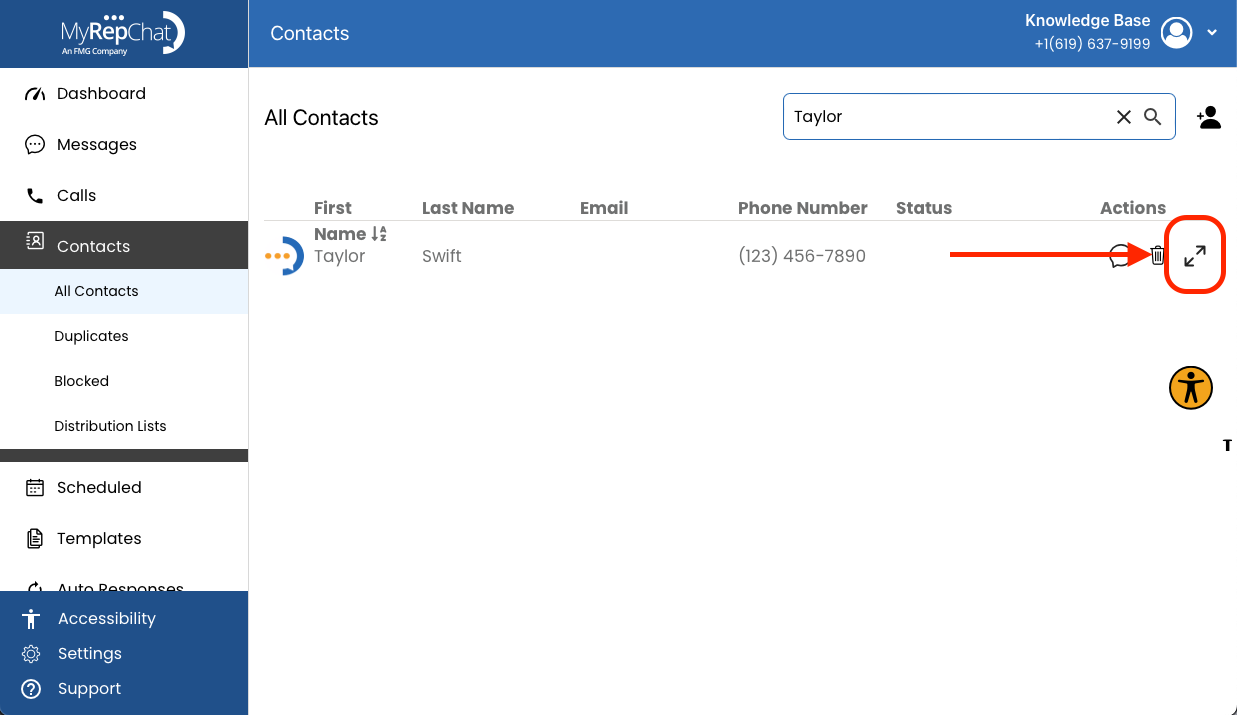
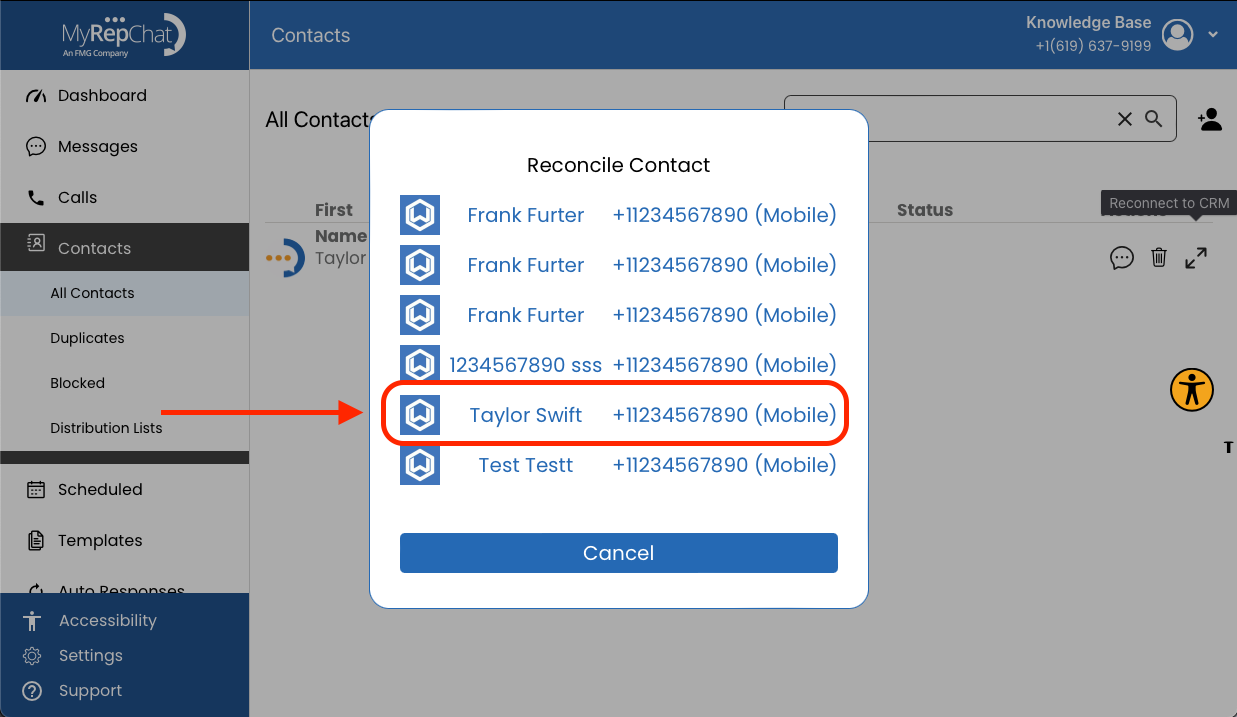
- Select the broken paperclip icon (desktop) or maximize icon (mobile) — it looks like two arrows pointing away from each other.
- In the Reconcile Contact list, find and click the correct contact to update the information to match your CRM.
- If successful, a green confirmation message briefly displays: "Successfully updated member."