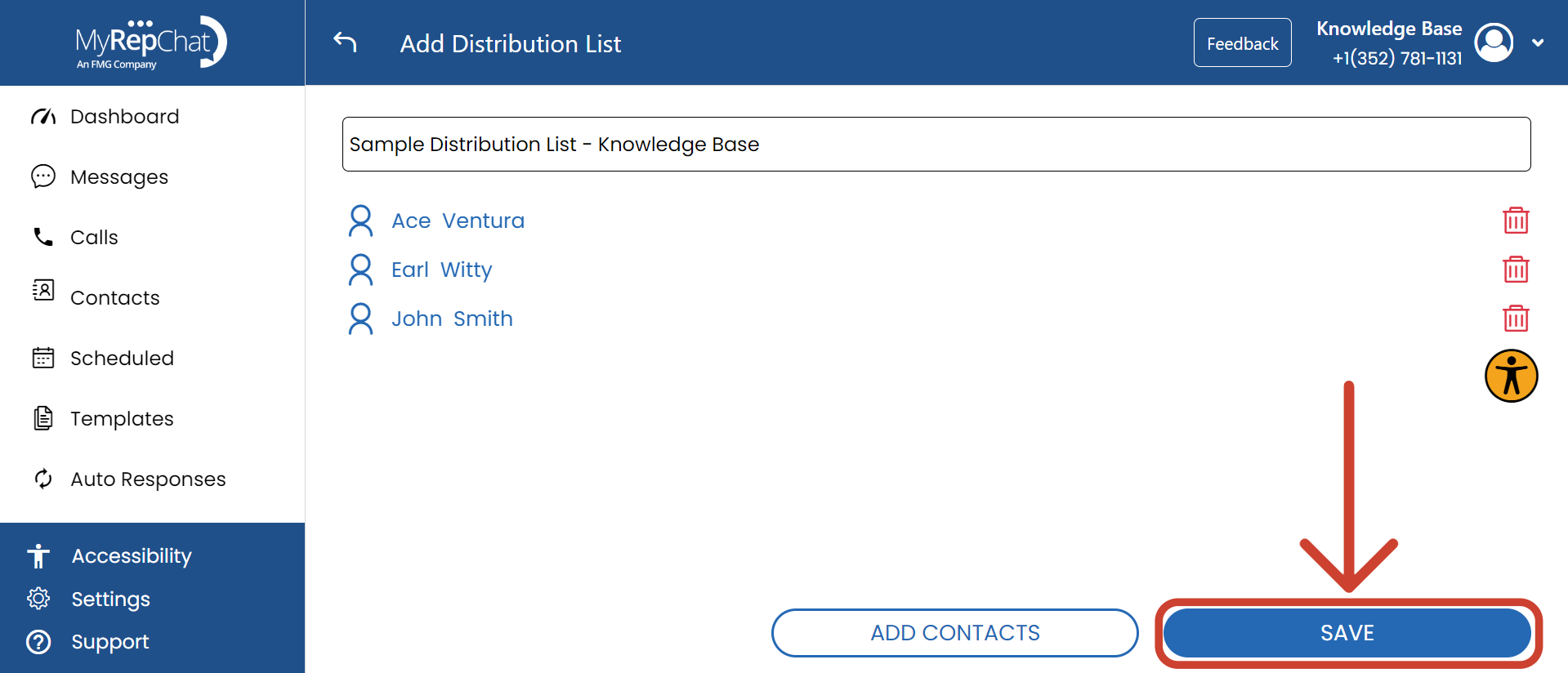
A distribution list lets you send a message to multiple recipients at once, while keeping each contact's conversation history separate. Recipients can't see messages or replies sent to anyone else on the list.
How Do I Create a Distribution List?
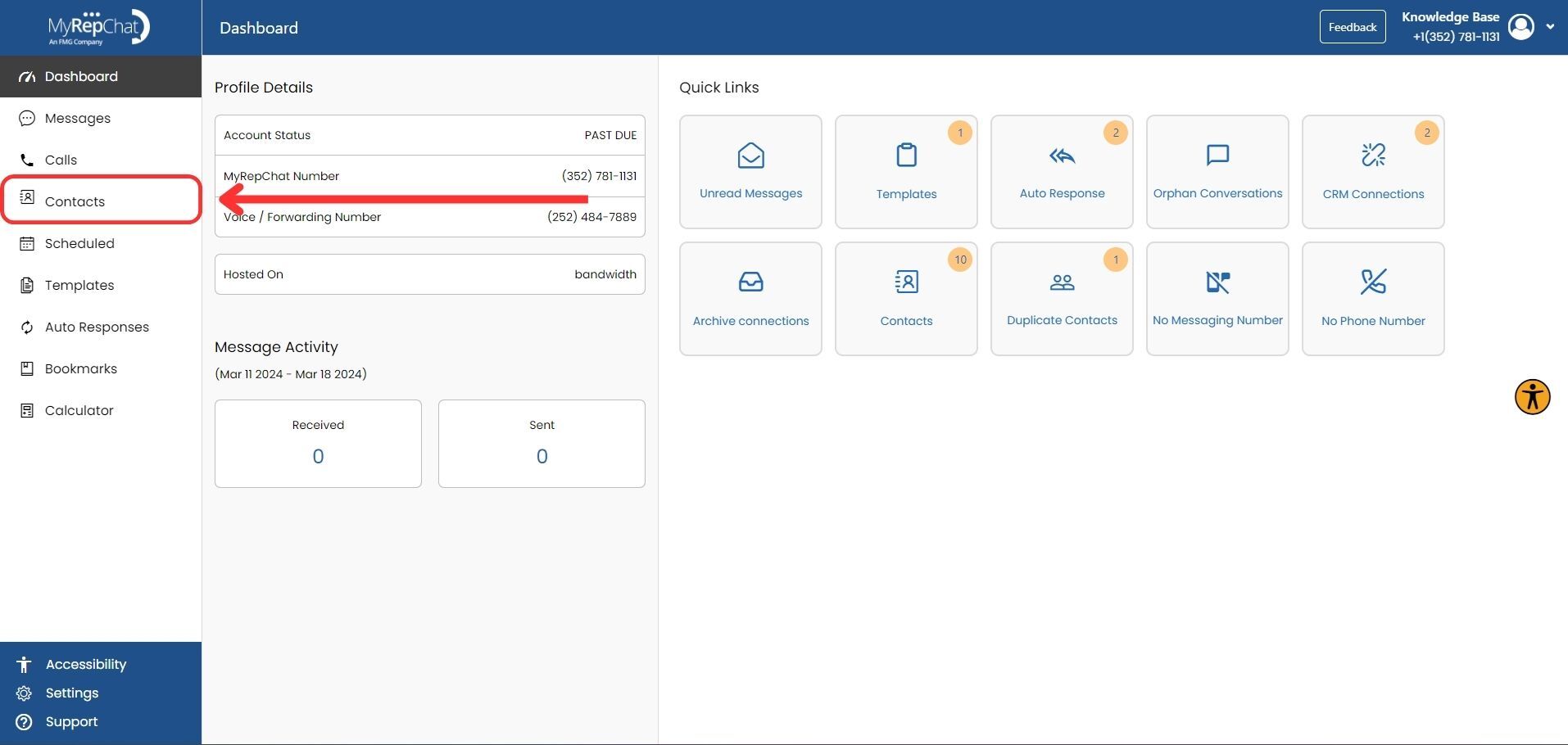
- In the menu on the left side of your Dashboard, click Contacts.
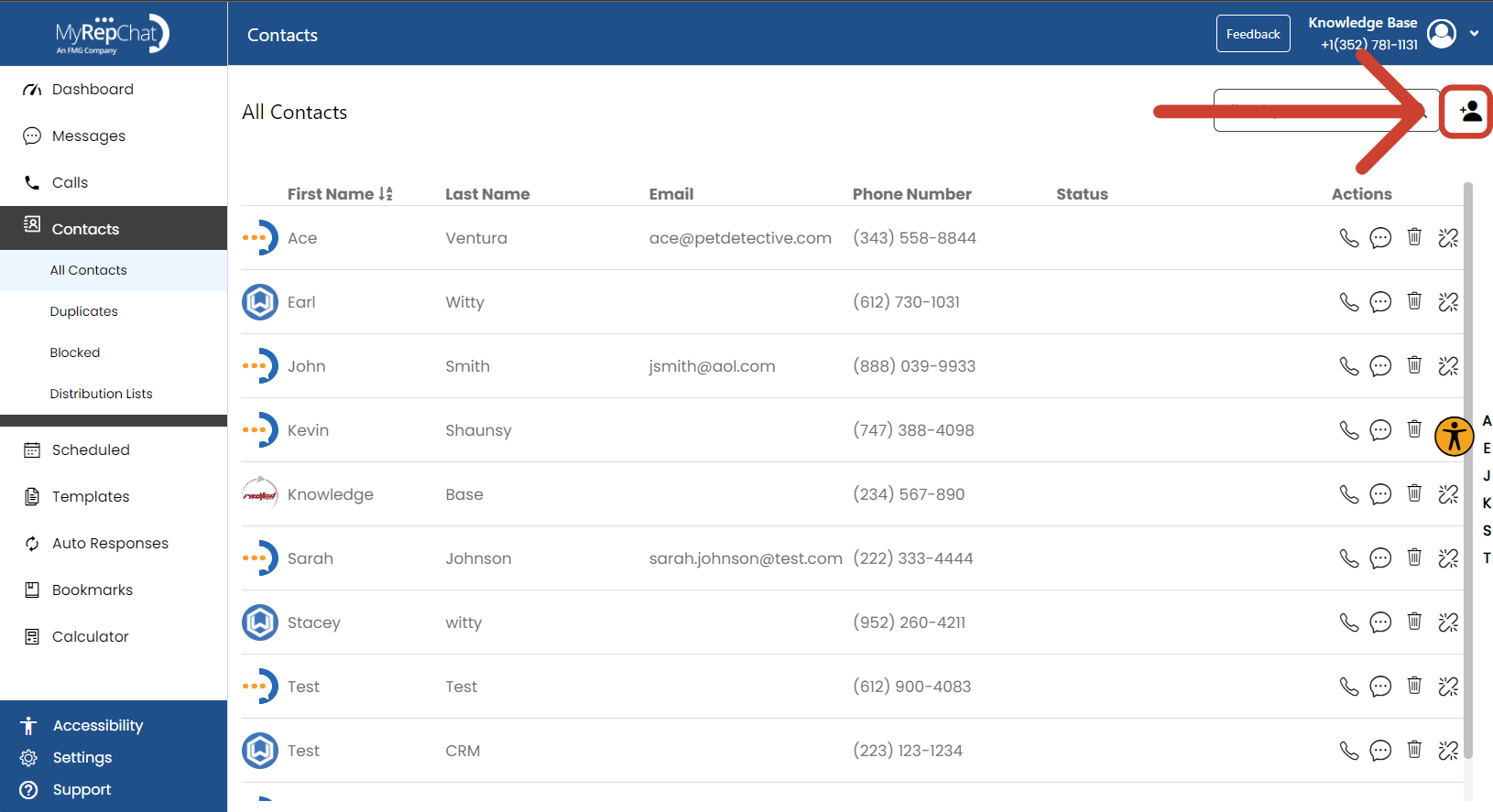
- Click the + Person icon in the upper right of the Contacts page.
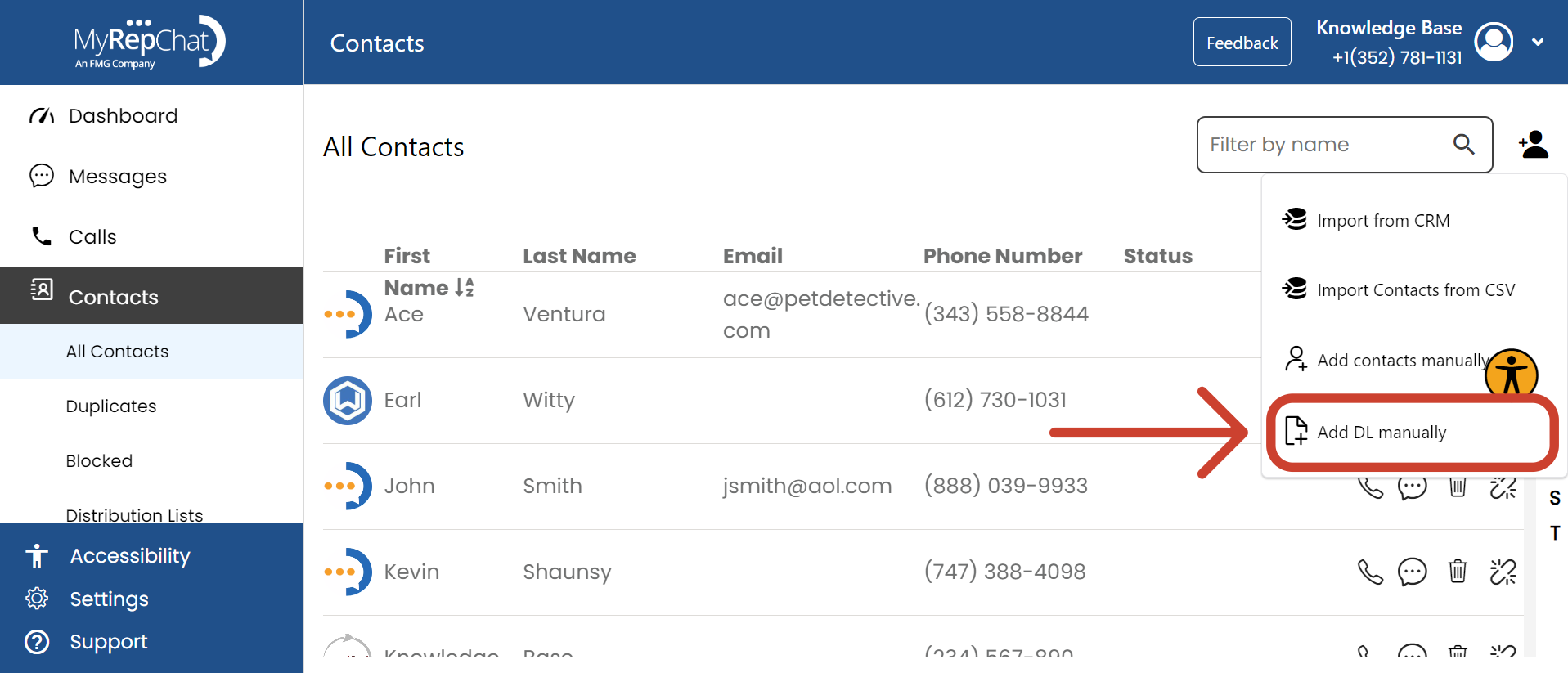
- In the dropdown menu, click Add DL Manually.
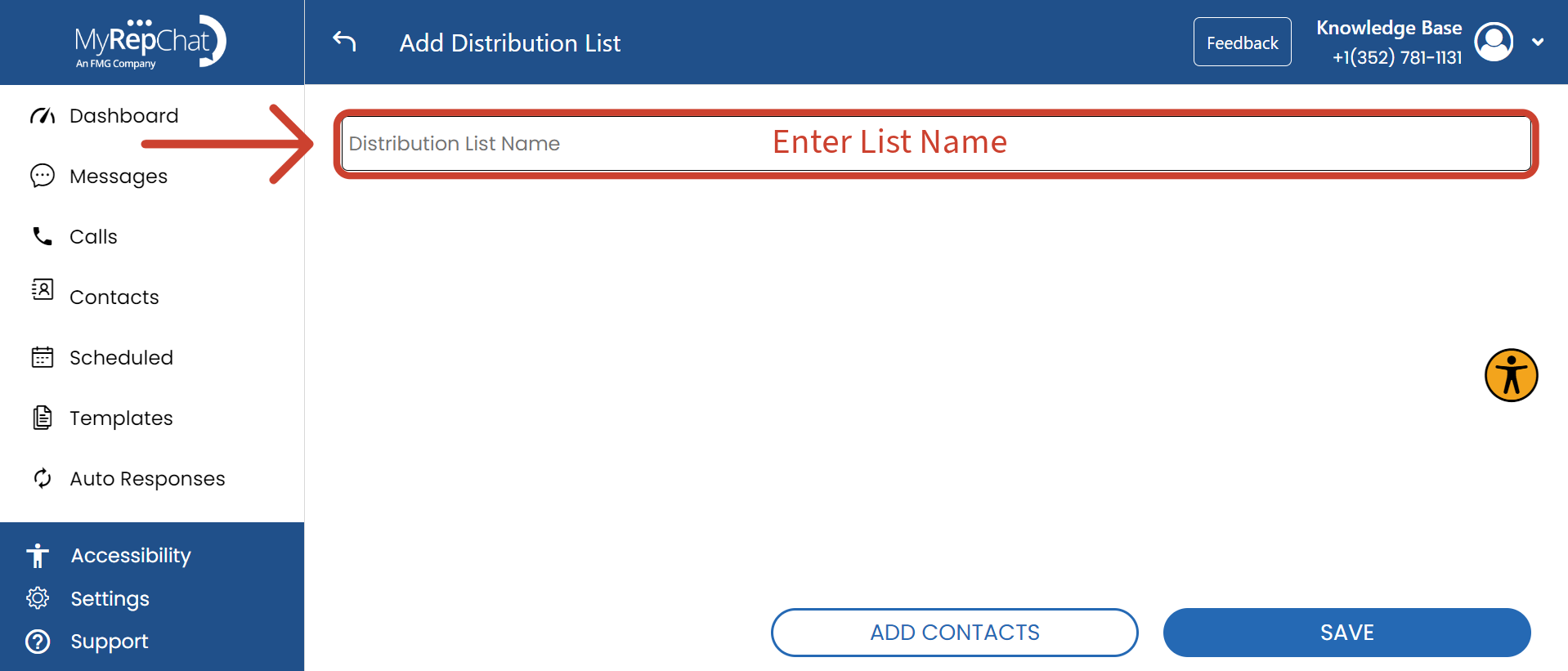
- Enter a name for your distribution list in the Distribution List Name field at the top of the page.
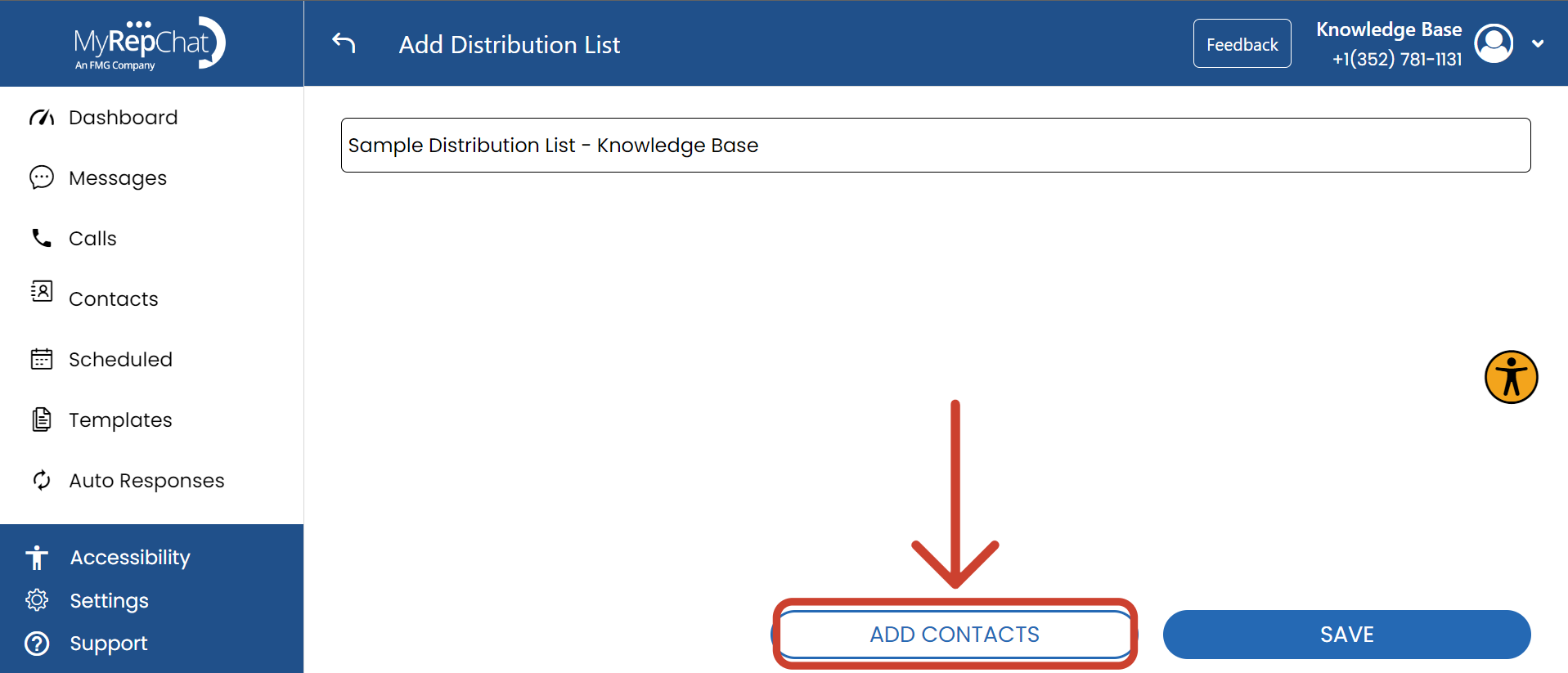
- Click Add Contacts at the bottom of the page.
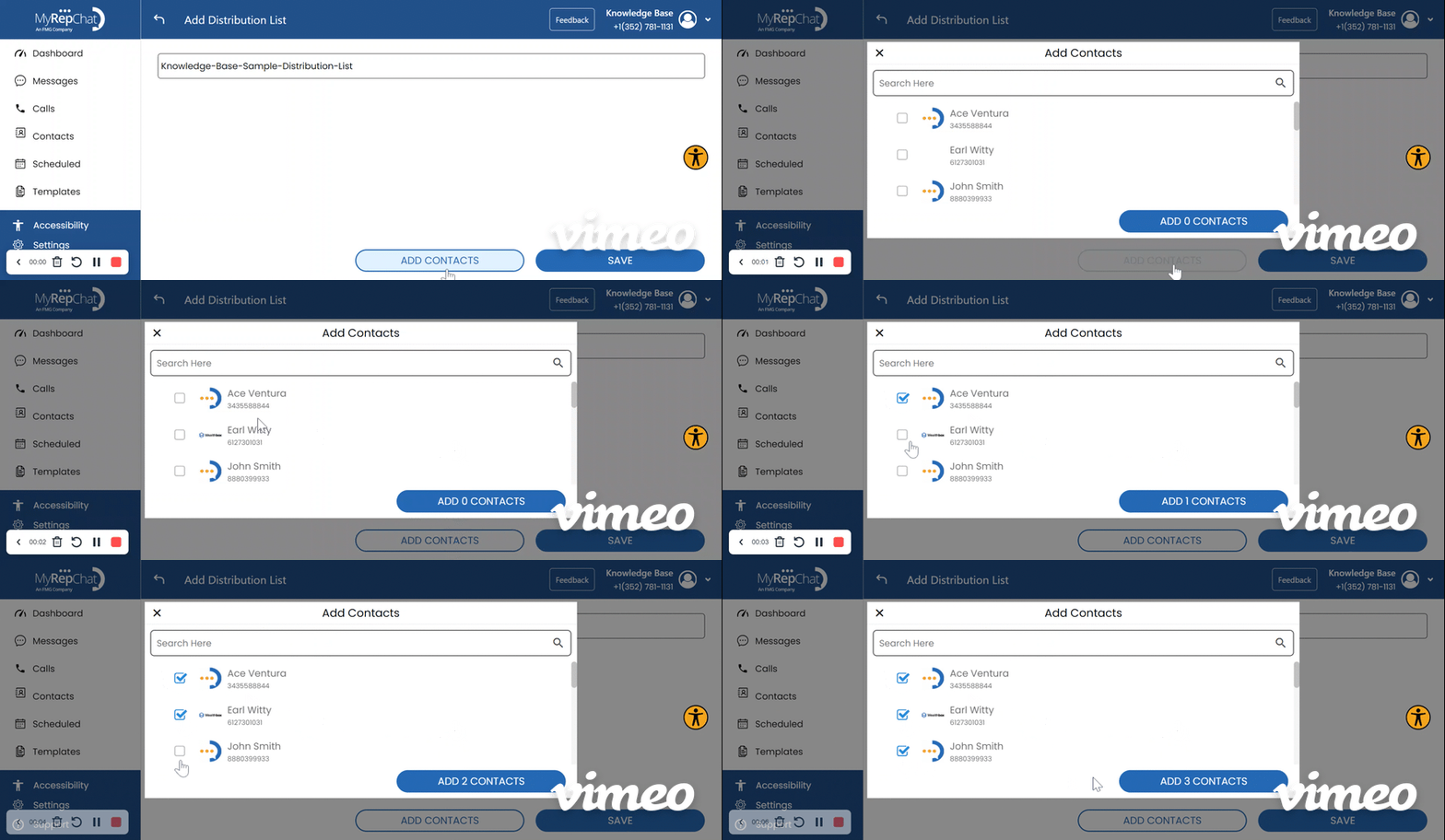
- Check the box next to each contact you want to include in the list.
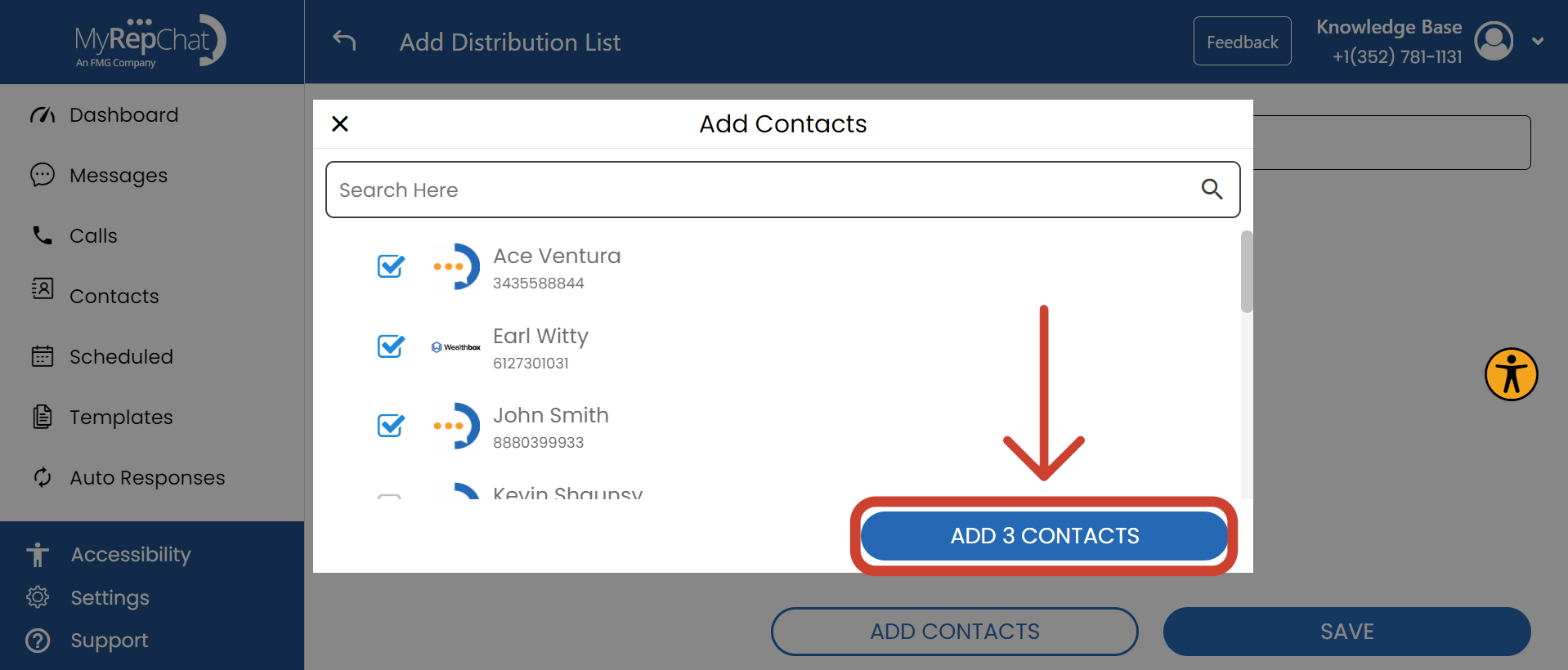
- Click Add [X] Contacts at the bottom right of the pop-up window.
- Click Save in the bottom right to save your distribution list.