
How Do I Set Up Smarsh Archiving for My Group?
- In your Group Administration account, go to the Archiving tab.
- Use the dropdown menu to select Smarsh.
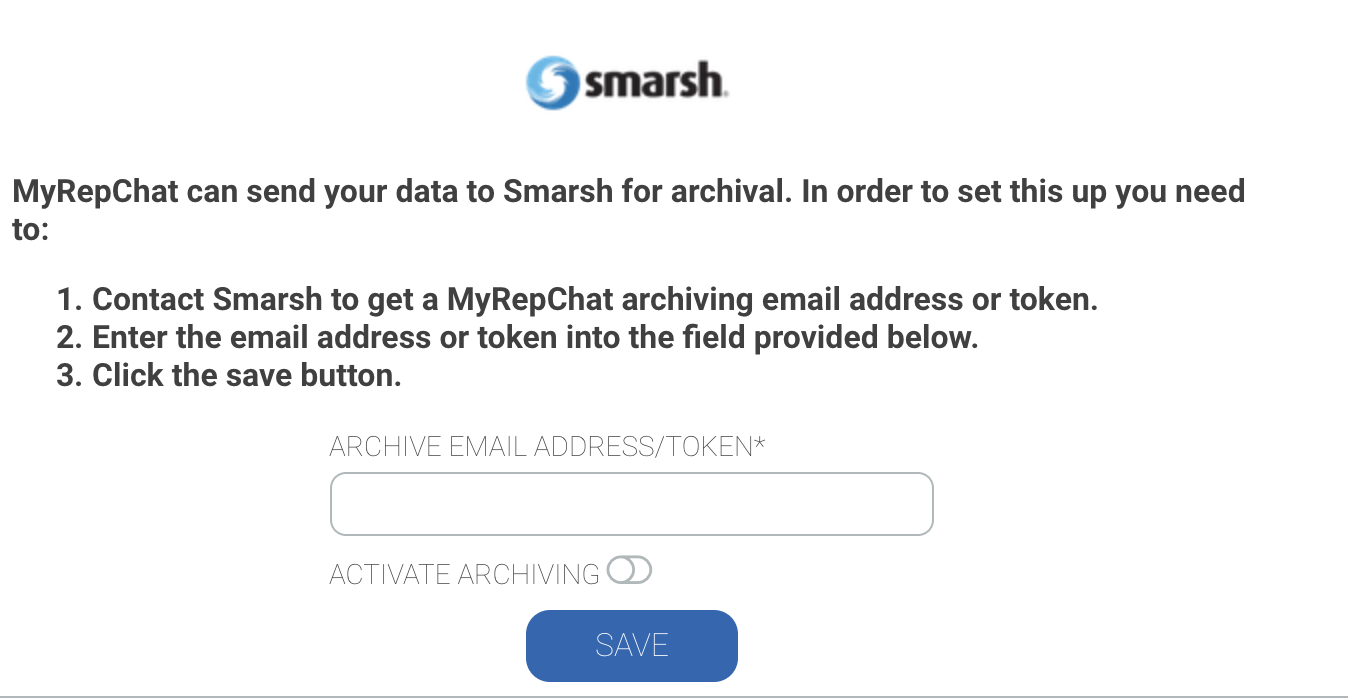
- Get your archiving email address or token from Smarsh, then enter it in the field provided.
- Activate archiving (toggle should move to the right and turn blue).
- Click Save.