
How Do I Set Up Global Relay Archiving?
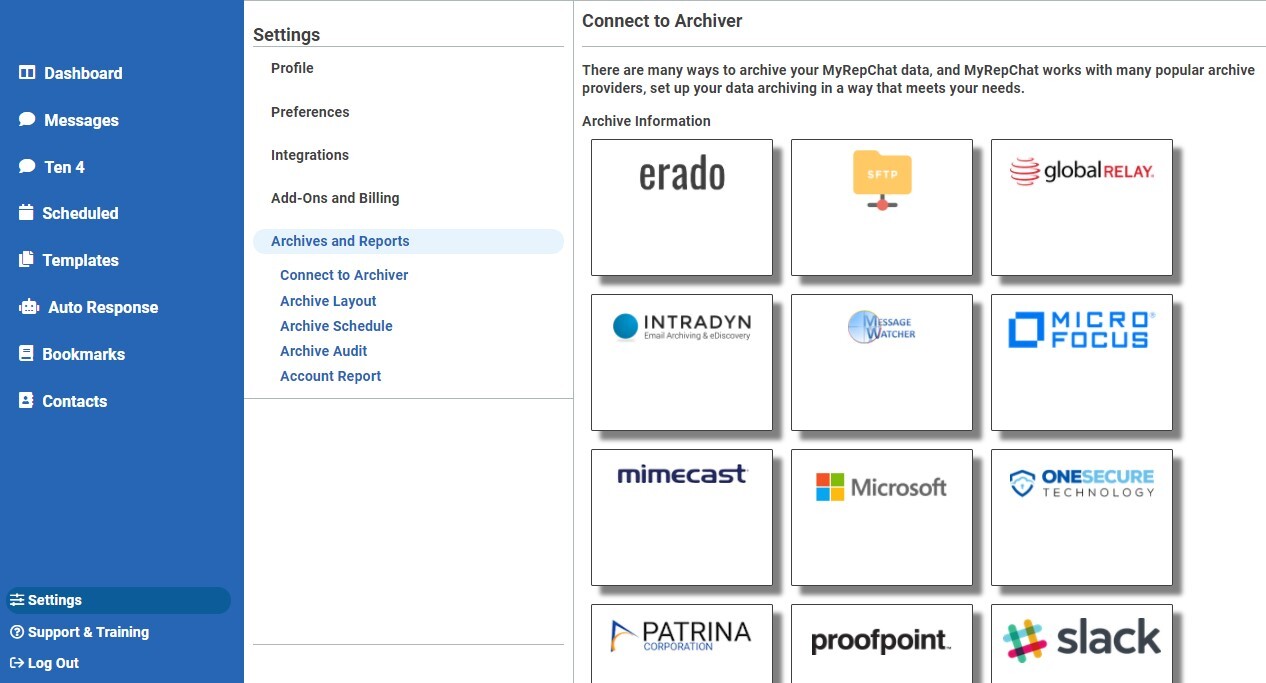
- From the Dashboard, go to Settings > Archives and Reports > Connect to Archiver.
- Select the Global Relay tile.
- Get your MyRepChat SMTP destination address, username, and password from Global Relay.
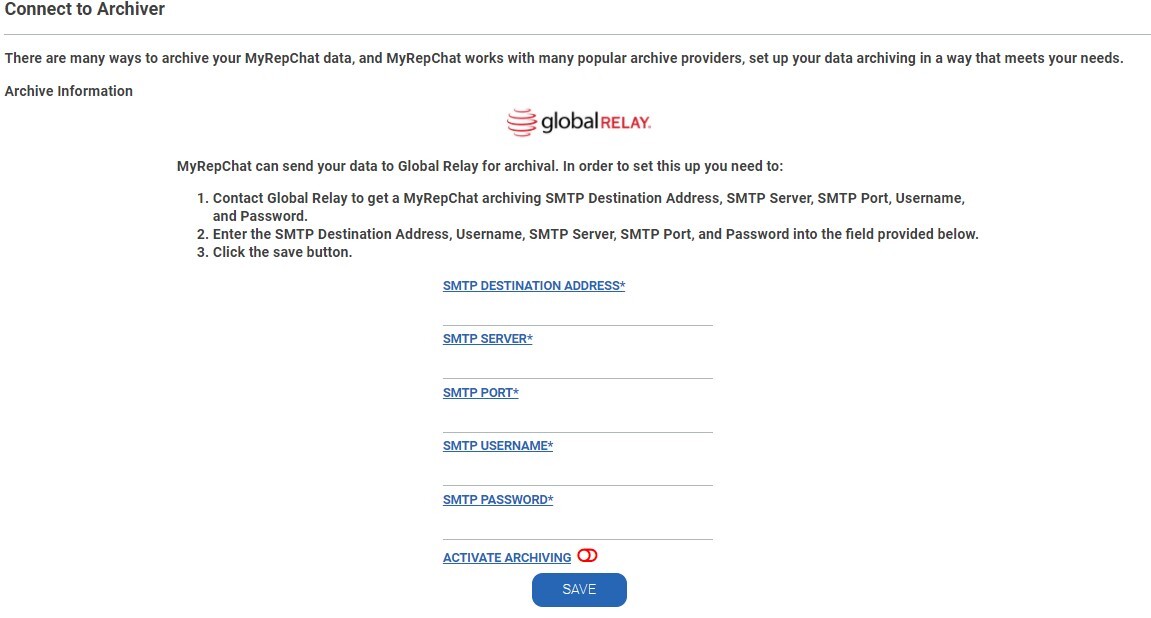
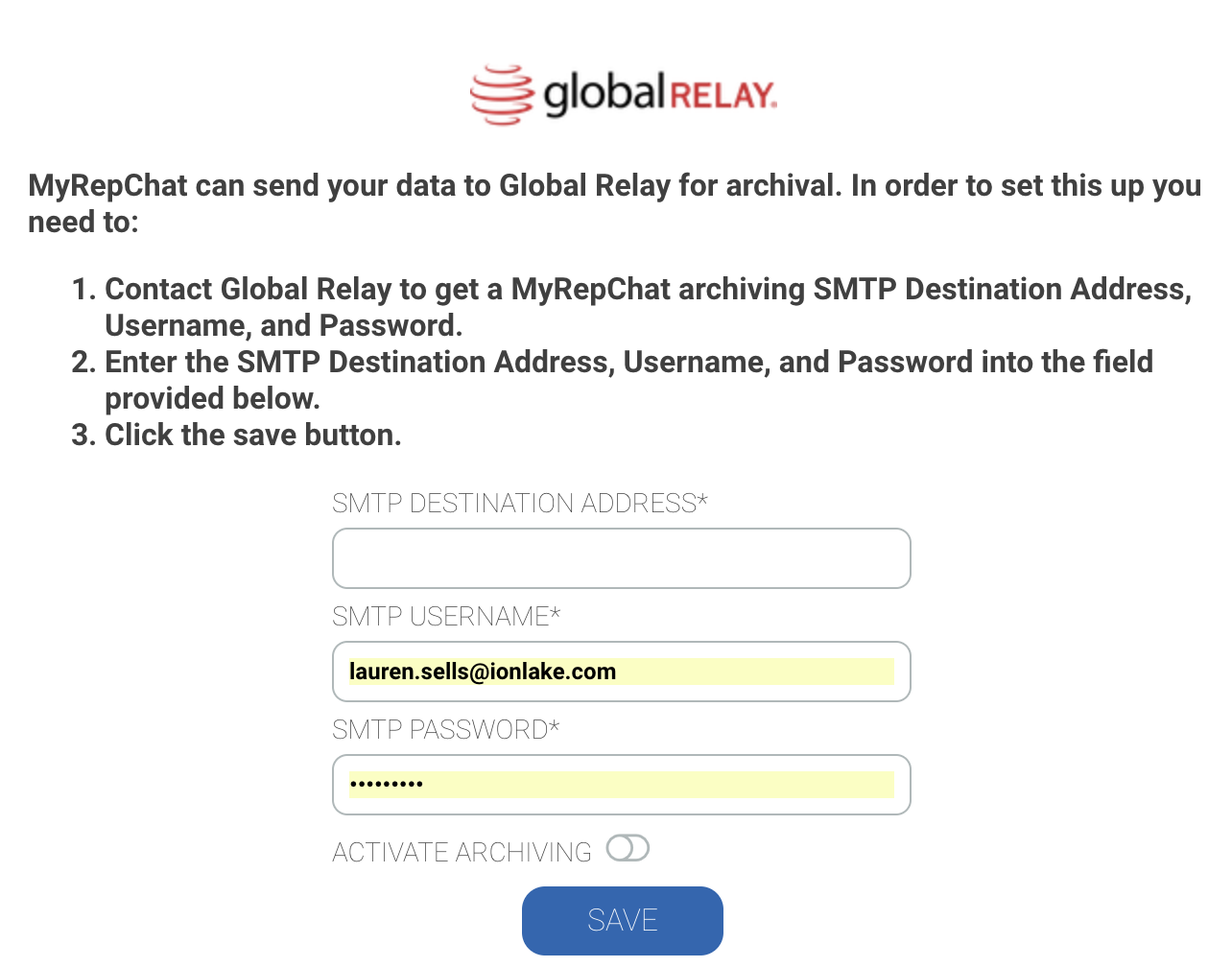
- Enter that information into the corresponding fields.
- Enable Activate Archiving (the toggle should move to the right and turn green).
- Click Save.