Your group may already have an archiving solution in place. If not, MyRepChat can handle archiving for your group instead.
How Do I Enable MyRepChat Archiving?
- Go to the Add-Ons section in your Group Setup tab.
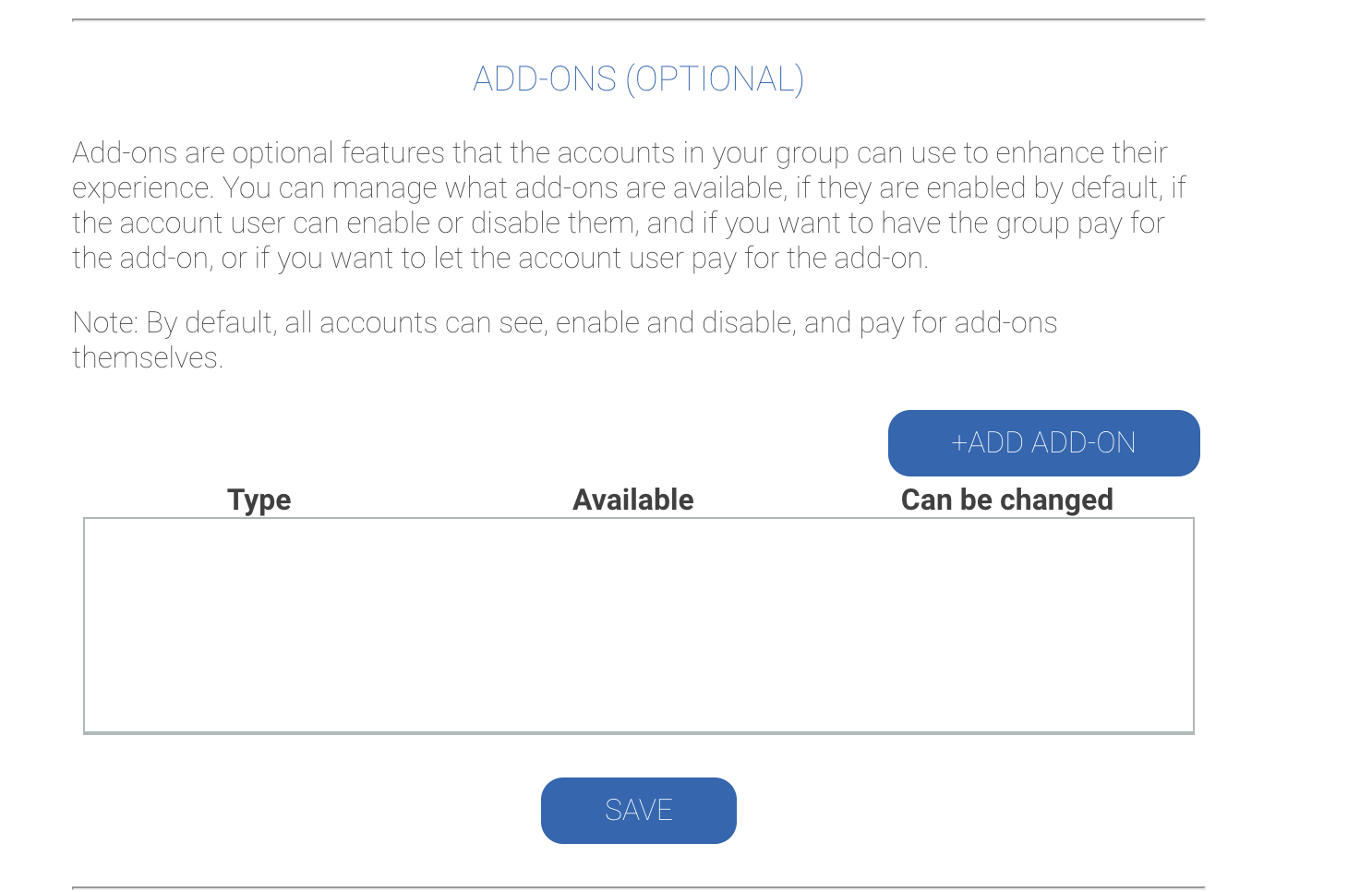
- Click + Add Add-On.
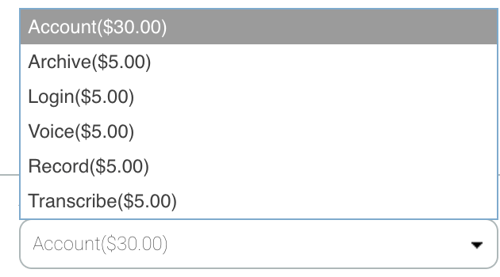
- Use the dropdown menu to select Archive.
- Configure the following toggles:
- Active: Enable
- On by Default: Enable
- Can Be Changed: Disable
- Group Will Pay For: Depends on your group's preference.