
How Do I View Account Add-Ons?
- Go to the Add-Ons section in your Group Setup tab.
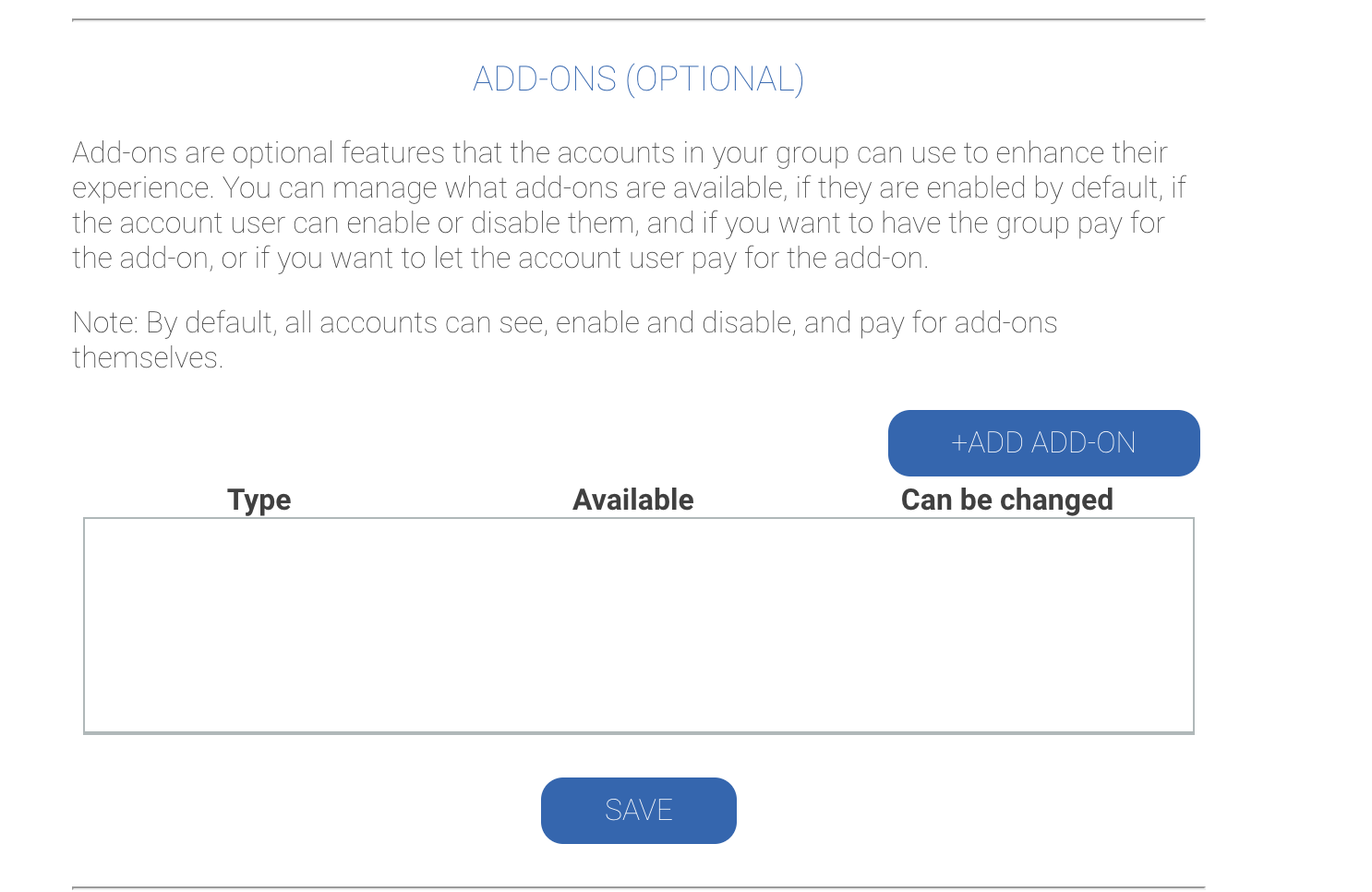
- Click the Account add-on already listed there.
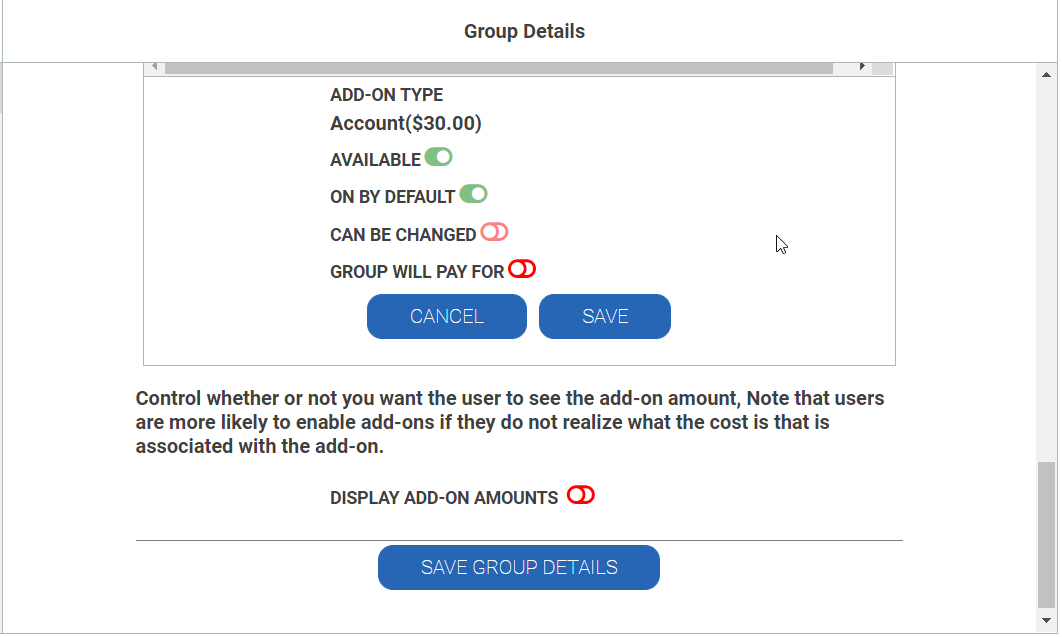
- You'll see the following toggle settings:
- Active: Enabled
- On by Default: Enabled
- Can Be Changed: Disabled
- Group Pays For: Depends on your agreement or group's preference.