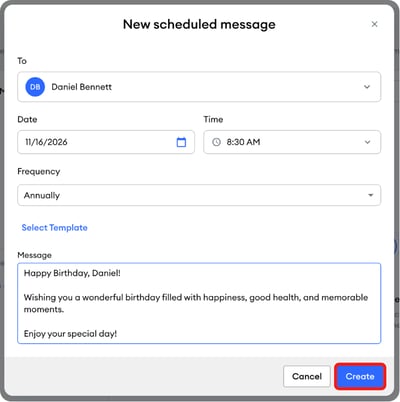
Set up a yearly message so a contact gets a birthday text from you automatically.
-
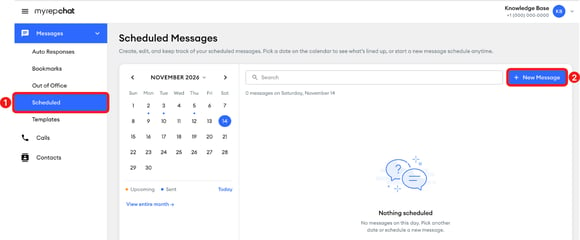
In the left menu, click Messages, then click Scheduled.
-
Click New Message.
-
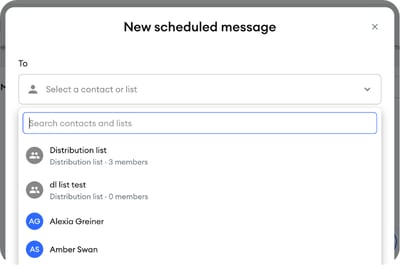
In the New scheduled message pop-up, under To, click the Select a contact or list dropdown and search for a contact by name or phone number, or scroll through the list to find and select the contact or distribution list you want to message.
-
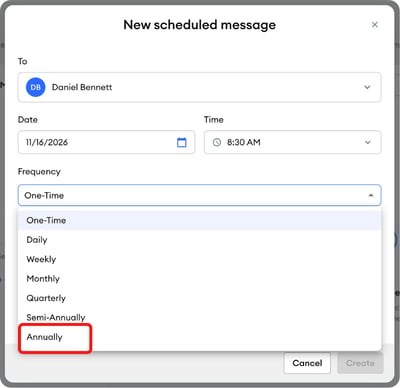
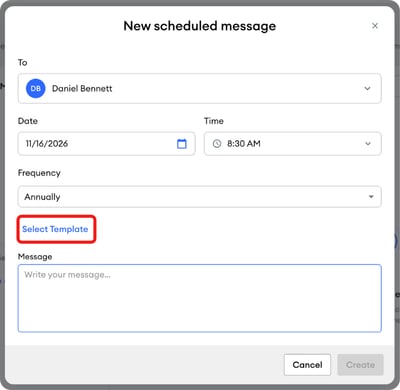
Select the date of the contact's next birthday and the time you want the message to be sent. Then, open the Frequency dropdown and select Annually.
-
Click the Select Template link to browse your templates.
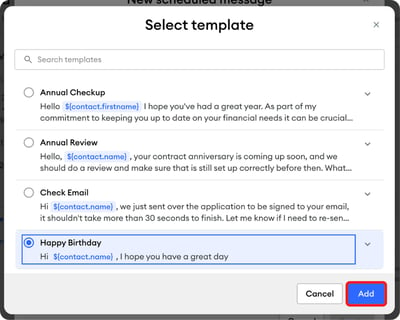
- Select the template you want to use and click Add.
-
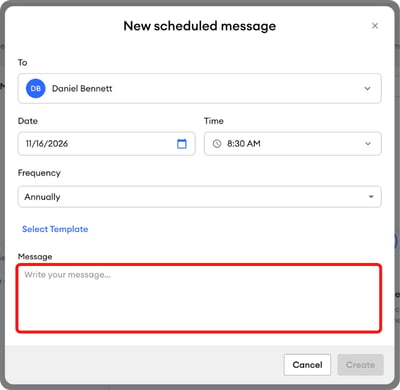
You can also enter your message directly in the Message field.
-
Click Create to save your scheduled message.