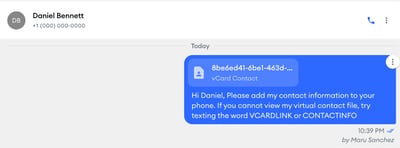
How Do I Send My vCard?
-
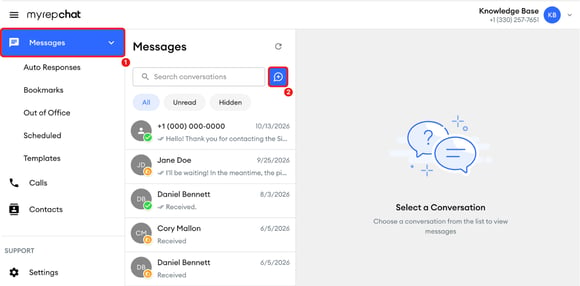
In the left menu, click Messages.
-
Click the blue new message button to the right of Search conversations to start a new message.
-
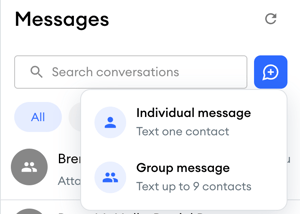
Select the type of message you want to send: Individual or Group message.
-
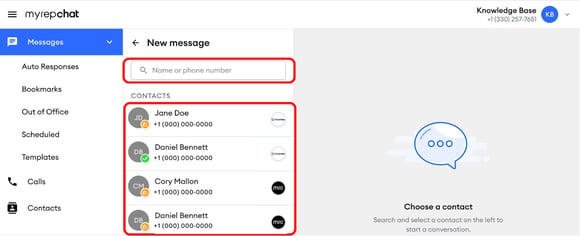
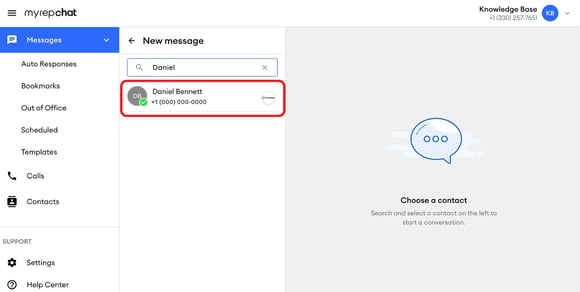
In the New message panel, find the contact(s). Type their name or phone number in the search field, or scroll through the Contacts list.
-
Click the contact to open the conversation.
-
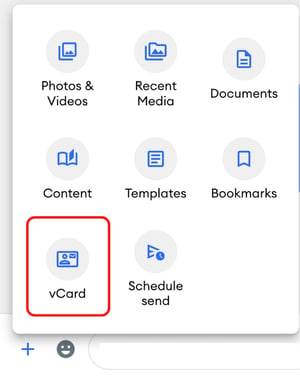
Click the blue + icon next to the message field to open the options menu.

-
Select vCard from the available options.
-
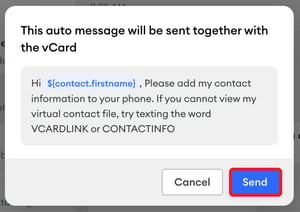
In the pop-up window, click Send.
-
You can view your sent message with your vCard in your message history with that contact.