Note: This article is only applicable to Publisher users.
The publisher email builder includes tokens that act as placeholders, allowing subscribers to easily insert relevant information before scheduling their emails. These tokens are especially beneficial for publishers looking to streamline the email customization process while maintaining compliance, as these emails do not require re-approval once the editable details are changed.
This guide is for Agency admins with access to email tokens in the Publisher email builder.
How to Add a Token to an Agency Email
- While creating or editing an email in the publisher admin, select “+ Token” in the text to insert a token:
.png?width=538&height=468&name=PublisherAdminEmailTokens%20(1).png)
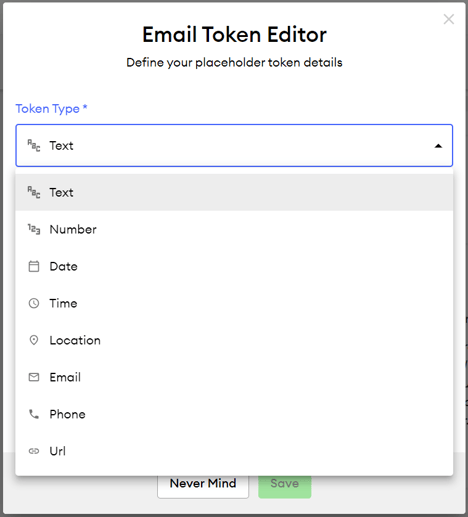
- Choose the “Token Type,” which includes Text, Date, Number, Time, Location, Email, Phone, and URL.
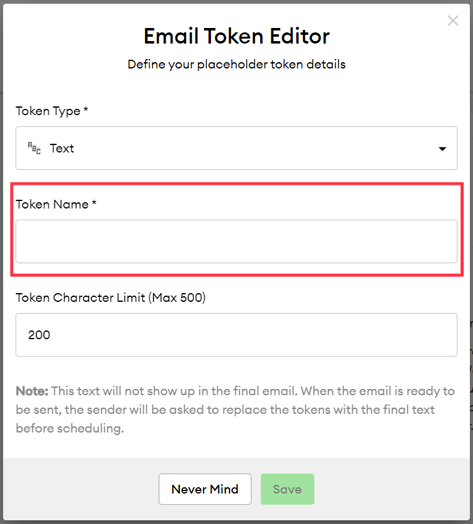
- In the “Token Name” field, assign a label to the token to indicate what information the user should provide.
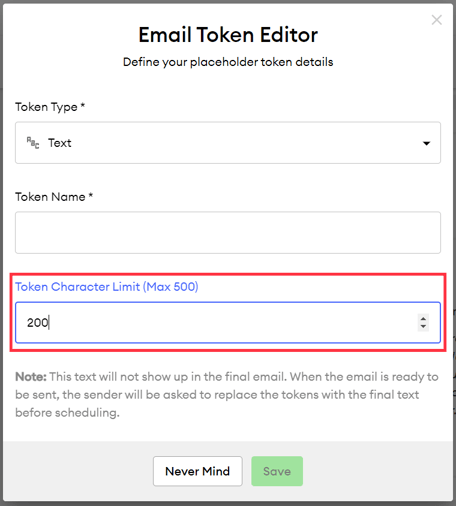
- The “Token Character Limit (Max 500)” can be edited depending on the token type.
- Click Save to insert the token into the email.
How Emails With Tokens Look for Subscribers
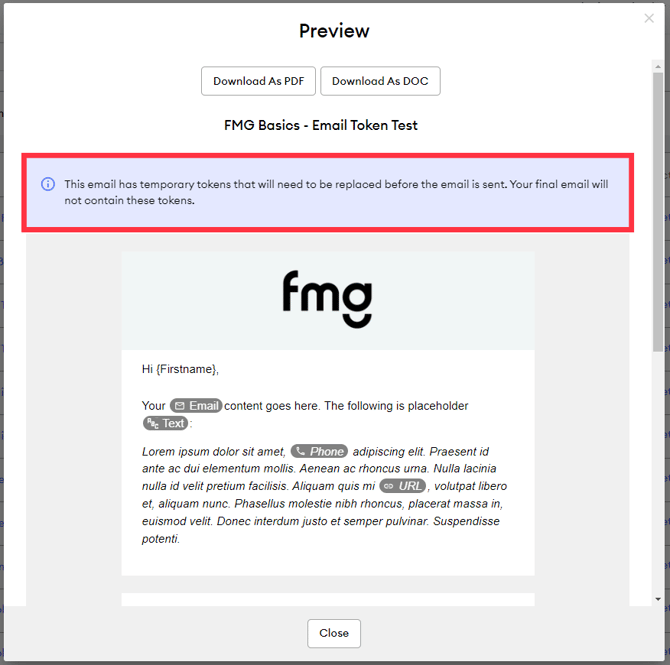
Emails with tokens will include a disclaimer in the preview informing subscribers that they must make edits before scheduling the email. Since the tokens are meant for subscribers to edit, these emails won't need re-approval from compliance unless other changes are made to the content.
Below is an example of an email with tokens: